
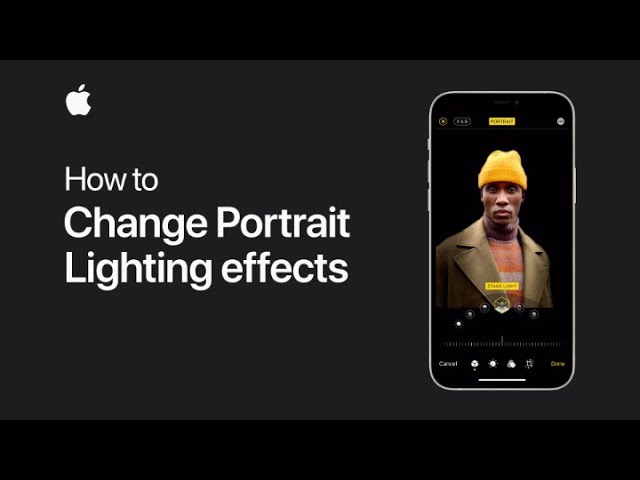
When using Portrait mode to take photos, you can change the Portrait Lighting effect at any time. Start by opening the photo you want to edit and tap Edit.
Next, touch and hold the Portrait Lighting button, then drag to select the desired lighting effect. After choosing your preferred effect, tap Done to save the changes.
This allows you to easily adjust the lighting to enhance your photo even after it’s been taken.
Summary:
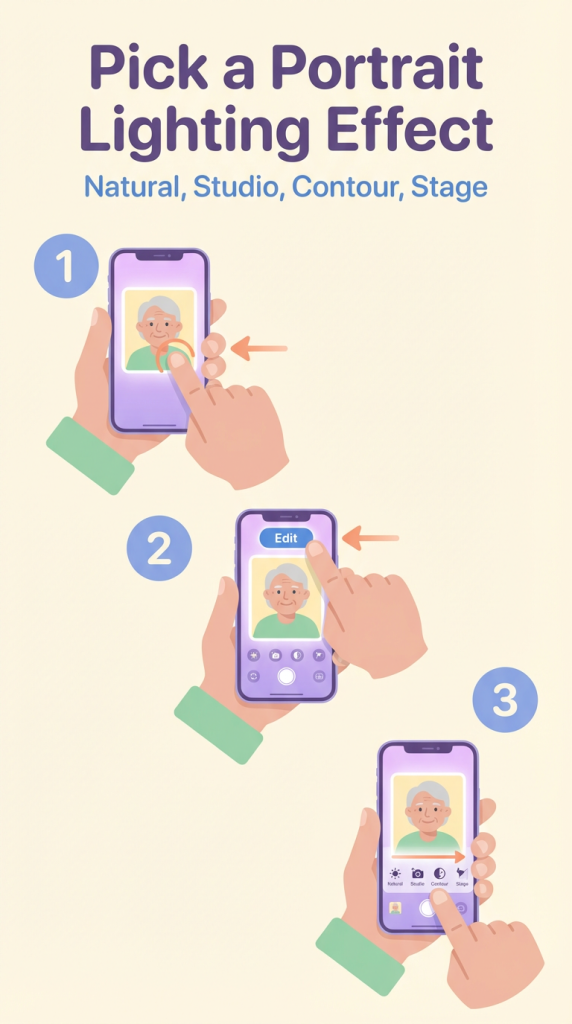
– Open the photo taken in Portrait mode and tap Edit.
– Touch and hold the Portrait Lighting button.
– Drag to choose a different lighting effect.
– Tap Done to save the changes.
– Adjust the lighting effect anytime after taking the photo.