Can AI Be Trusted to Make Big Decisions?

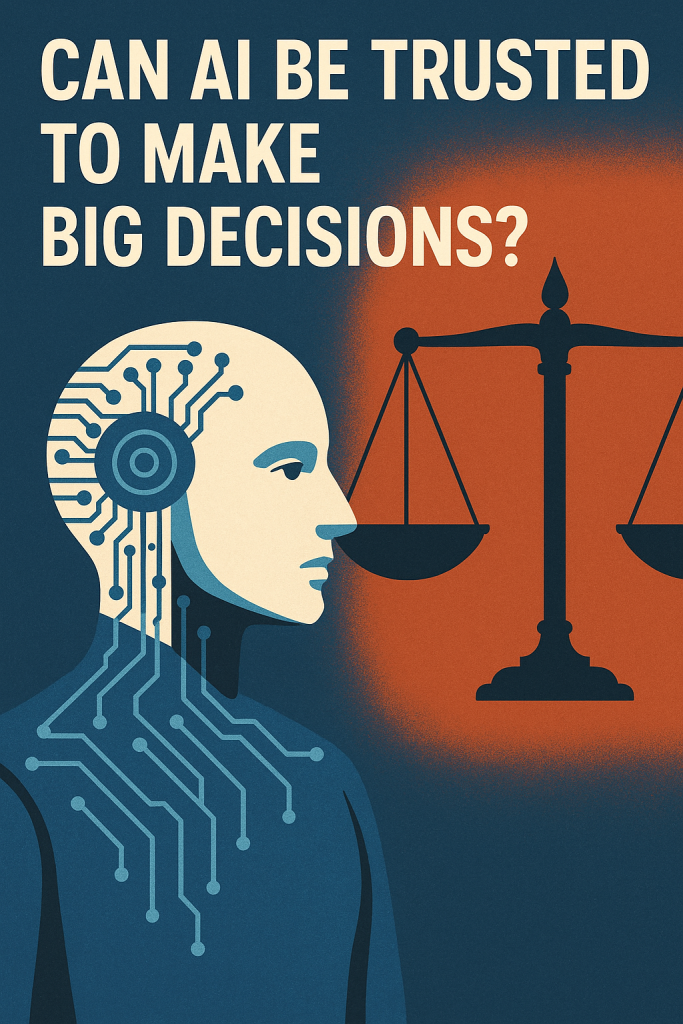
Artificial intelligence (AI) is showing up in more places than ever—from helping doctors diagnose illness to sorting job applications. But can we really trust it with important, life-changing decisions?

This article explains how AI is being used in serious settings like courtrooms and hiring—and what that means for everyday people. Don’t worry—it’s written in plain language, with examples to help you understand how it all works and why it matters.

Table of Contents

Key Takeaways

  • AI is already helping with big decisions like hiring and legal recommendations.
  • These tools look for patterns in large amounts of data.
  • But AI can make mistakes, especially if the data it learns from is unfair or incomplete.
  • People are still needed to double-check and use good judgment.
  • It’s important to stay informed so we know when and how AI is being used.

How Does AI Make Decisions?

AI doesn’t “think” like humans. Instead, it analyzes data—lots of it—to spot patterns and make predictions. Think of it like a super-powered calculator that’s trained to answer complex questions based on past examples.

But here’s the catch: if the examples it learns from are flawed, the answers can be flawed too. That’s especially important when AI is used in areas where fairness and accuracy really matter.
Real-Life Example: AI in Hiring

Many companies now use AI to help sort through job applications. It can:

  • Scan resumes for keywords
  • Rank candidates based on past hiring patterns
  • Even conduct video interviews using facial analysis

Sounds efficient, right? But here’s the concern:

  • If the past data shows a preference for certain groups, the AI might repeat that bias.
  • If a qualified applicant uses different words, they could be unfairly ranked lower.
  • If video software misreads facial expressions, someone might be judged incorrectly.

So while AI saves time, it might miss great candidates or treat people unfairly—especially those from different backgrounds.

Real-Life Example: AI in the Courtroom

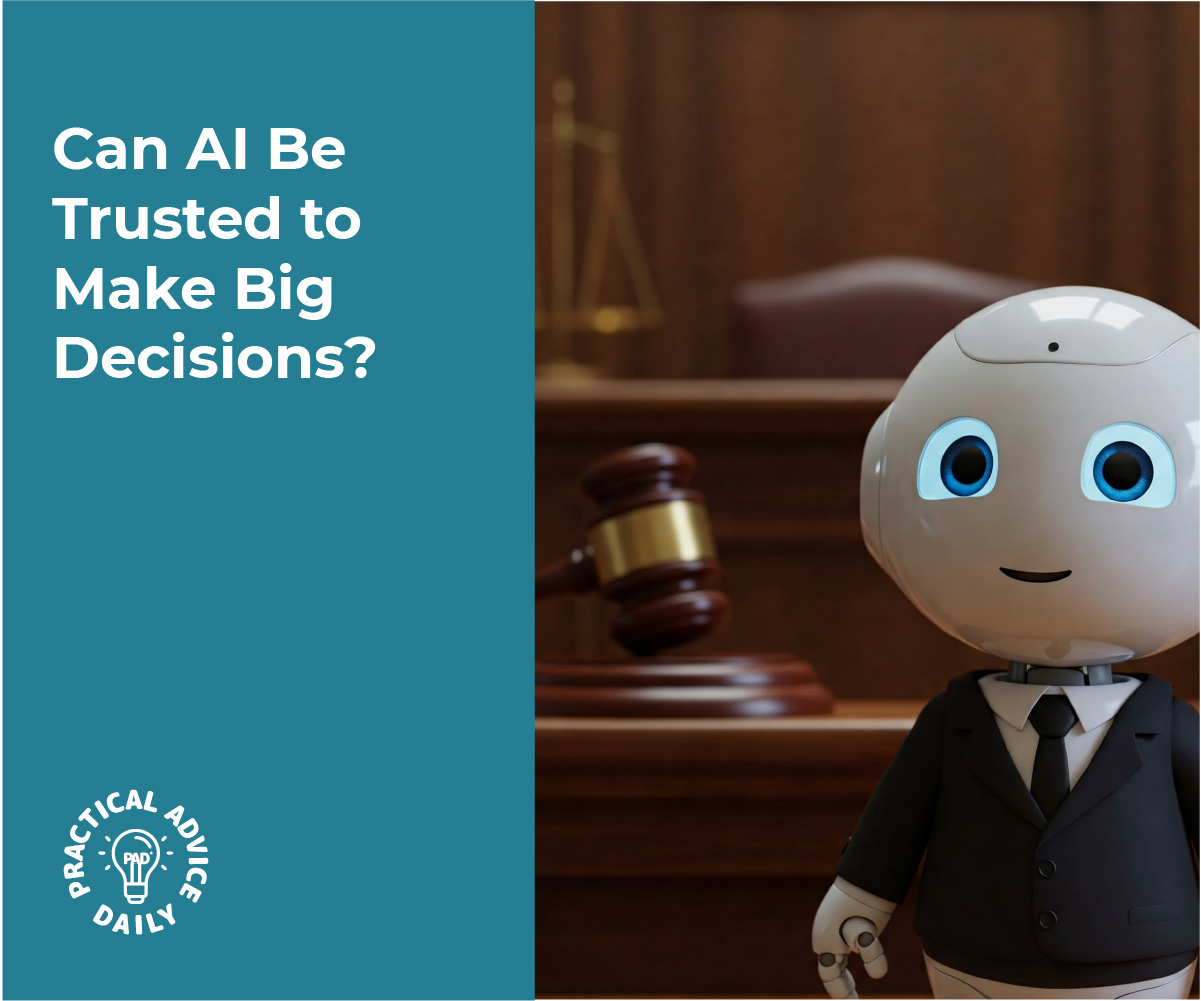
Some courts have tested AI tools to help judges decide things like:

  • Who can safely be released on bail
  • Who might be at risk of committing another crime

These tools look at data like age, past arrests, and criminal records. But again:

  • If the data reflects past inequalities, the AI might make unfair predictions.
  • If it can’t understand a person’s unique story, it may offer advice that lacks human compassion.

In fact, some studies have shown that these tools may treat people of color more harshly—not because the AI is “racist,” but because it’s copying biased patterns from past cases.

Can AI Be Fair?

AI can be a helpful tool—but fairness depends on the data it learns from, and how it’s used. That’s why humans still need to stay involved.

To make AI fairer, experts are:

  • Testing AI for hidden bias
  • Using more diverse data to train it
  • Making sure people understand how AI decisions are made
  • Requiring human oversight for big decisions

Final Thoughts

AI is powerful—but it’s not perfect. It can be helpful for spotting patterns or saving time, but it still needs human judgment to be fair and accurate.

Whether it’s helping choose job candidates or guiding courtroom decisions, AI should support—not replace—human choices. Being informed helps us ask the right questions and make sure these tools are used wisely.Curious to learn more? Explore our beginner’s guides on how AI affects daily life or how to spot bias in tech tools. Knowledge is power—and you don’t need to be a tech expert to use it.
Categories AI

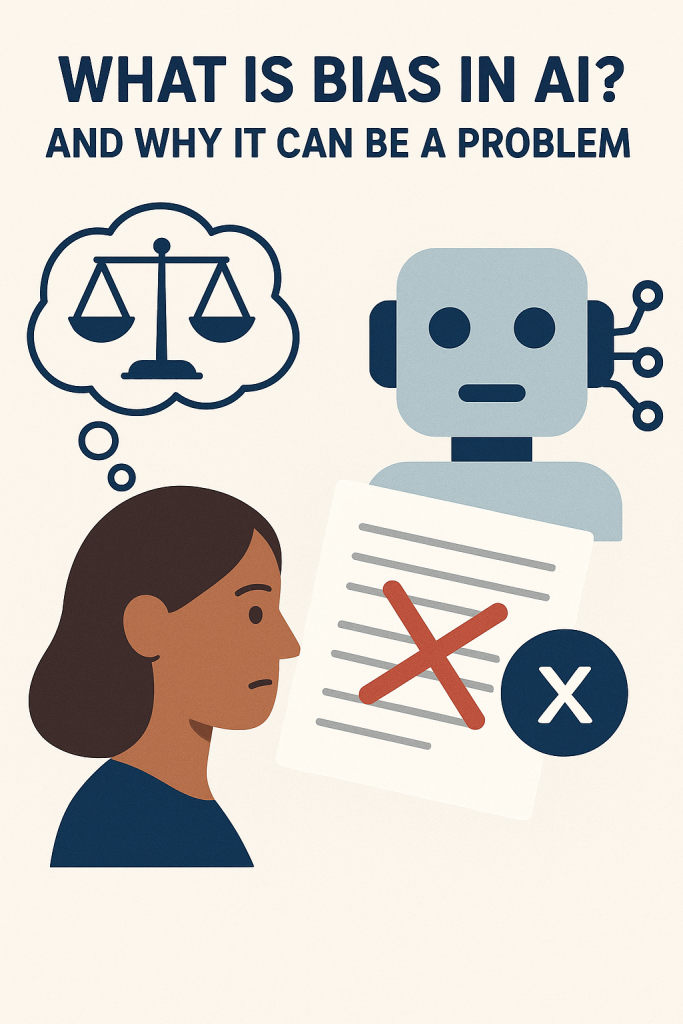
What Is Bias in AI? And Why It Can Be a Problem

You’ve probably heard that artificial intelligence (AI) is being used to help with everything from job applications to health care. But did you know it can sometimes make unfair decisions? That’s because AI can accidentally “learn” human bias.

In this beginner-friendly article, we’ll explain what bias in AI means, how it can happen, and why it’s important to pay attention. No tech knowledge needed—just a little curiosity.

Table of Contents

Key Takeaways

  • AI learns from data, and if that data has bias, the AI may copy it.
  • Bias in AI can lead to unfair treatment or decisions—especially in areas like hiring or healthcare.
  • People are working to fix these issues, but awareness is the first step.
  • Asking questions and staying informed helps you understand AI more confidently.

What Is Bias in AI?

Let’s start simple: bias means unfair favoritism or prejudice. We all have personal preferences—sometimes without realizing it.

AI systems don’t think or feel like people do. But they learn from patterns in data, and if those patterns are biased, the AI can start copying those unfair behaviors.

How Does AI Learn Bias?

Imagine teaching a child using only certain books. If those books leave out certain groups of people or show them unfairly, the child may grow up with a skewed view of the world.

The same thing happens with AI. It learns by reading data—emails, photos, resumes, even voice recordings. If the data:

  • Mostly comes from one group of people
  • Reflects unfair treatment in the past
  • Leaves out important perspectives

…the AI can repeat and even reinforce those same problems.

Real-Life Examples of AI Bias

Here are a few situations where AI bias has already caused issues:

  1. Job Applications:
    Some resume-screening AIs favored male candidates over equally qualified women—just because past data showed men getting more tech jobs.
  2. Facial Recognition:
    Some tools had trouble recognizing darker skin tones because they were mostly trained on photos of lighter-skinned people.
  3. Loan Approvals:
    AI used for deciding who qualifies for a loan sometimes reflected past financial biases against certain communities.

In all these examples, the problem wasn’t the AI being “mean”—it was learning from biased data.

Why It’s a Problem

AI is being used more and more to make big decisions about people’s lives—who gets hired, who gets medical help, or who gets approved for housing.

If these systems are unfair or inaccurate, real people can be affected in serious ways.

And since AI decisions can be hidden or hard to understand, some folks may not even know why they were treated unfairly.

What’s Being Done to Fix It?

Thankfully, researchers, governments, and companies are working on it. They’re:

  • Testing AI tools more carefully before using them
  • Including more diverse data in AI training
  • Requiring companies to explain how decisions are made
  • Encouraging “human checks” to review AI results

But like any tool, AI needs responsible use—and part of that means understanding how it works and asking questions.

Final Thoughts

AI can be a powerful helper—but it’s not perfect. Like people, it can pick up bad habits if it’s trained the wrong way. The good news? We can fix it when we know what to look for.

By learning how bias happens, we can help make sure these tools are fair for everyone. You don’t need to be an expert—just staying curious and asking questions is a great start.

Want to explore more? Check out our easy guides on how AI is used in daily life, or how voice assistants like Siri and Alexa work.

Categories AI

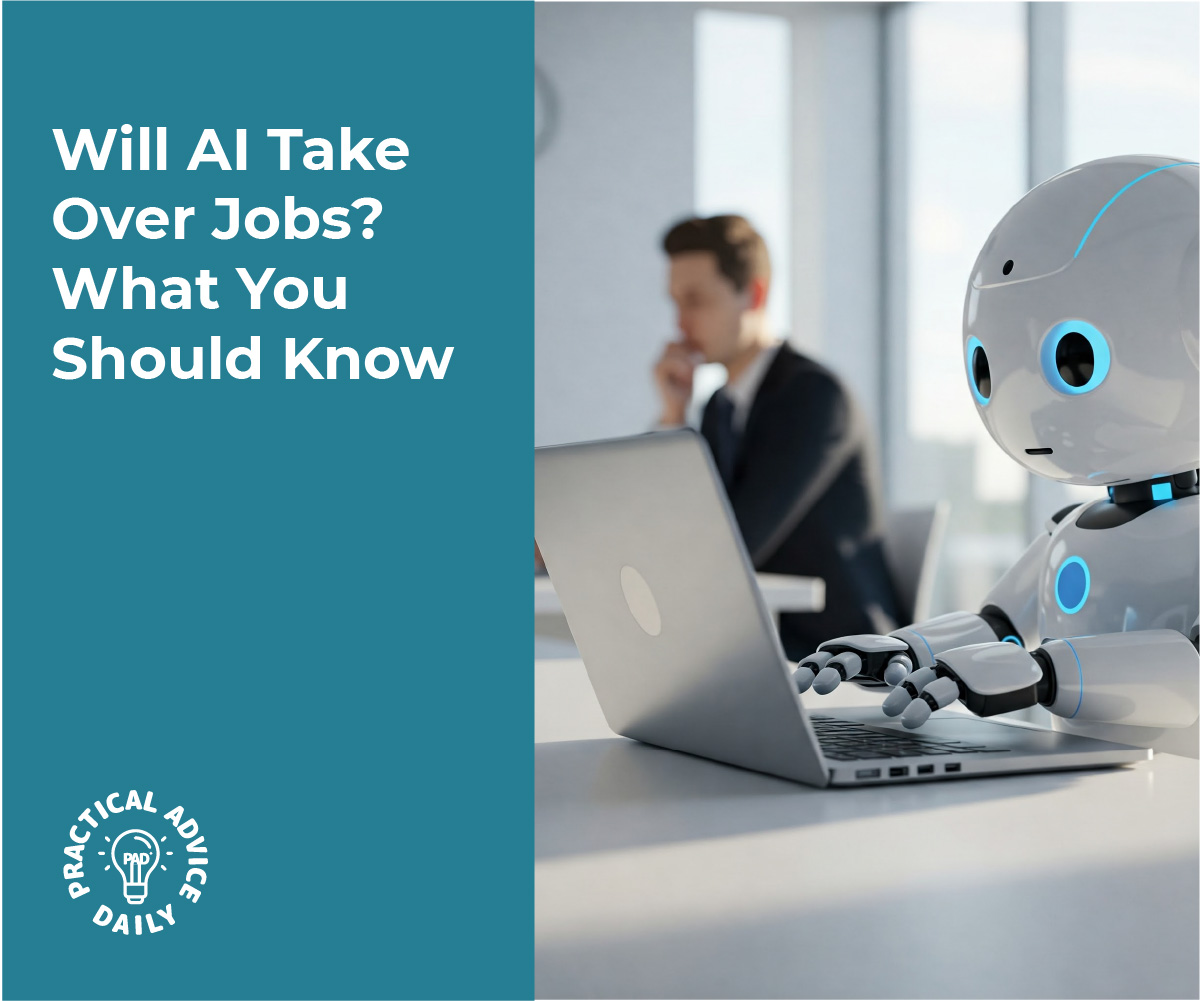
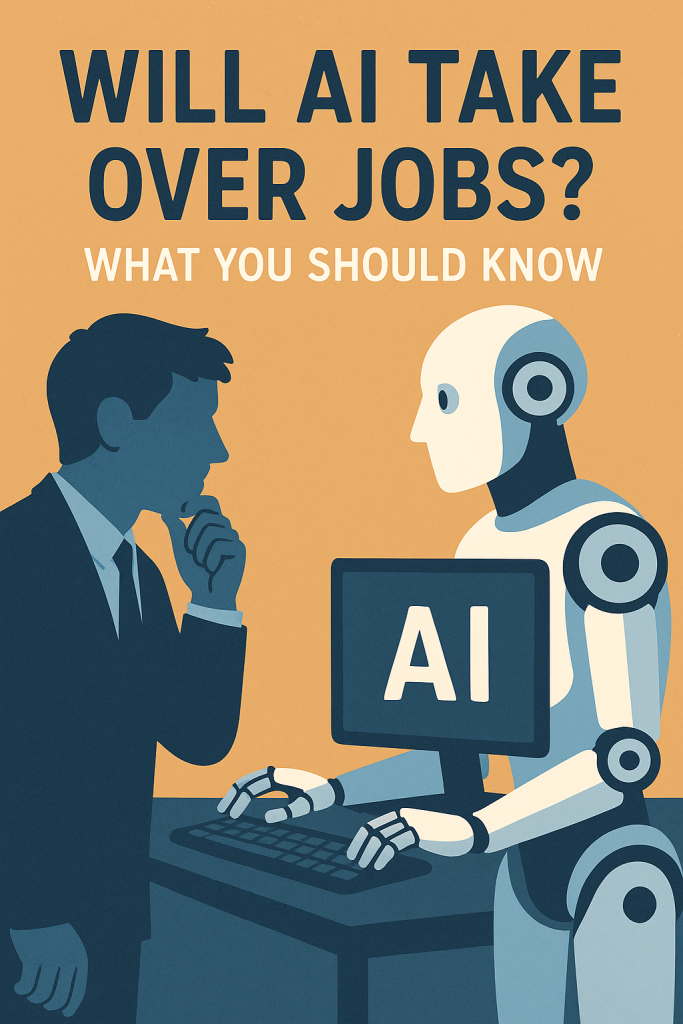
Will AI Take Over Jobs? What You Should Know

You’ve probably heard people say, “AI is coming for our jobs.” That can sound scary—but what does it really mean? This article breaks it down in a simple, friendly way. Whether you’re working, retired, or just curious about the future, we’ll walk through what AI might change (and what it won’t), and how it could even lead to new kinds of work.

You don’t need to be a tech expert to follow along—this guide is for everyone.

Table of Contents

Key Takeaways

  • AI and robots are good at doing repetitive tasks, but not everything.
  • Some jobs may disappear, but new types of work are also being created.
  • Many roles still need human creativity, care, and problem-solving.
  • Learning basic tech skills can help you or your loved ones adapt over time.

What Does “AI Taking Jobs” Really Mean?

When people say AI is taking jobs, they usually mean automation—when a computer or machine does a task instead of a person.

Examples:

  • A supermarket uses a self-checkout machine instead of a cashier.
  • A factory uses robots to assemble parts.
  • An office uses software to sort emails or schedule meetings.

AI is especially good at things that are routine and repetitive.

Jobs Most Likely to Be Automated

Some jobs are easier to automate than others. These are jobs where the tasks follow a predictable pattern.

Examples:

  • Data entry
  • Simple customer service chat
  • Manufacturing or warehouse jobs
  • Basic bookkeeping

If a task can be written like a recipe, AI can probably do it.

Jobs Less Likely to Be Replaced

AI struggles with tasks that require empathy, creativity, or judgment—things humans are naturally good at.

Examples:

  • Teachers and caregivers
  • Nurses and doctors
  • Artists and designers
  • Social workers
  • Skilled trades like electricians or plumbers

Even when AI helps with parts of these jobs, humans are still needed to make real decisions and connect with others.

Will There Be New Jobs?

Yes! Just like past inventions created new jobs, AI is opening doors to new opportunities.

Some examples of new roles:

  • AI tool testers or trainers (people who teach AI what’s right or wrong)
  • Tech support for smart machines
  • Jobs in digital marketing, app development, and online education
  • Jobs combining tech with human service—like a remote health assistant

Some of these jobs need technical skills, but others simply require being open to learning something new.

What Can You Do to Stay Ahead?

Even if you’re not looking for a new job yourself, these tips can help you or someone you know:

  1. Stay Curious: Read or watch short videos about tech changes.
  2. Try New Tools: Voice assistants like Alexa or Siri are a fun start.
  3. Take a Class: Many community centers offer basic tech skills or job training.
  4. Support Young Learners: Encourage grandchildren or younger relatives to explore safe tech tools.

You don’t have to learn everything at once. A little knowledge can go a long way.

Final Thoughts

AI is changing how the world works, but it’s not here to “take over” everything. While some jobs will change or disappear, others will grow—and people are still the heart of every workplace.

By staying informed, trying new things, and being open to change, you can face the future with more confidence. And remember, it’s okay to ask questions—understanding AI is a journey we’re all taking together.

Want to learn more? Explore our beginner-friendly articles on how AI helps at home or how to safely try new tech tools.

Categories AI

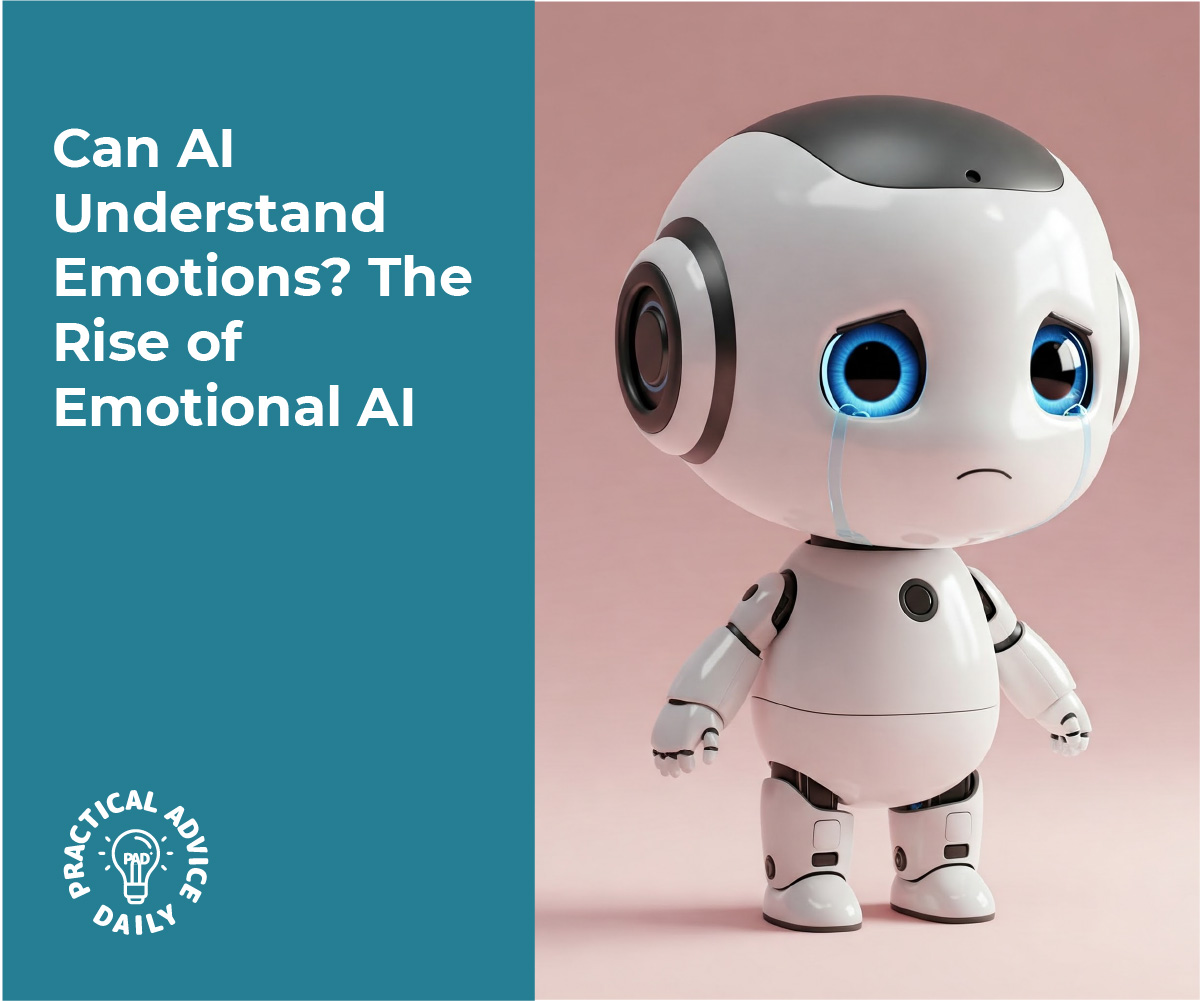
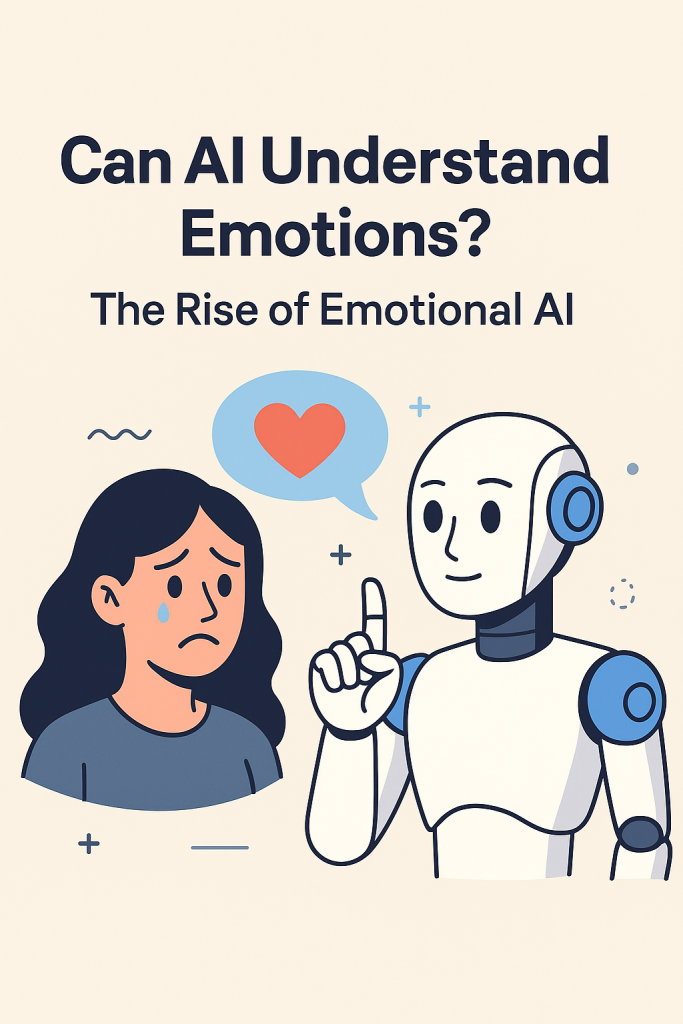
Can AI Understand Emotions? The Rise of Emotional AI

Can a computer tell when you’re sad, happy, or frustrated? It might sound like science fiction, but Emotional AI is making this a reality. In this easy-to-follow guide, you’ll learn how some AI systems are starting to understand human emotions by analyzing tone of voice, facial expressions, and the words we use. Don’t worry—no tech skills needed. We’ll explain it all step by step, in everyday language.

Table of Contents

Key Takeaways

  • Emotional AI tries to “read” how you feel by analyzing tone, expressions, and language.
  • It’s used in areas like customer service, healthcare, and education.
  • The goal is to help computers respond more naturally and supportively.
  • Emotional AI doesn’t “feel” emotions—it only recognizes patterns.
  • Privacy is important: always know how and when this tech is used.

What Is Emotional AI?

Emotional AI, sometimes called affective computing, is a type of technology that tries to understand how a person is feeling. While AI doesn’t have feelings itself, it can be trained to pick up on clues—like a furrowed brow or a nervous tone of voice—and make guesses about our emotions.

How Does AI Try to Understand Emotions?

AI uses sensors, cameras, and microphones to gather information. Then it looks for familiar signs, much like how people read body language or tone. Here are the most common methods:

1. Tone of Voice

AI listens to how you say something—not just the words.

  • A cheerful tone might suggest happiness.
  • A flat or slow voice could signal sadness or tiredness.
  • Raised voices may be flagged as frustration or anger.

Example: Some phone support systems now use this to alert a human agent if a caller sounds upset.

2. Facial Expressions

With the help of a camera, AI can spot simple facial cues:

  • Smiles = happiness
  • Frowns = confusion or sadness
  • Raised eyebrows = surprise

Example: In online learning, AI can monitor students’ faces to see who might be confused and alert the teacher.

3. Words and Sentiment

AI can also read written or spoken words and guess the emotion behind them.

  • “I’m so excited!” = positive
  • “This is frustrating” = negative
  • “I feel okay, I guess” = neutral or uncertain

Example: Some email programs can suggest rewriting a message if it seems too harsh.

Where Is Emotional AI Being Used?

You may already be interacting with Emotional AI without knowing it:

  • Customer Service: AI chats that respond gently if you seem frustrated.
  • Healthcare: Helping doctors understand patient mood or mental health.
  • Education: Teachers using tools that track student engagement.
  • Cars: Some smart cars monitor if you look sleepy or distracted.

Important Note: AI Can’t Truly Feel

It’s important to understand that AI doesn’t have emotions. It’s simply guessing based on patterns it’s seen before. Sometimes it gets it wrong—just like people do.

Should I Be Concerned About Privacy?

Yes, it’s always good to ask:

Most tools will let you opt out or limit what’s shared. If in doubt, ask a trusted family member to help check the settings.

Final Thoughts

Emotional AI is still learning, but it’s already helping people in small ways—like getting better customer support or helping teachers understand students. While the idea of a computer reading your feelings might seem strange, it’s really about making tech more helpful and human-like. Start by just being aware of where this tech shows up in your life. The more you understand, the more confidently you can use it.

Categories AI

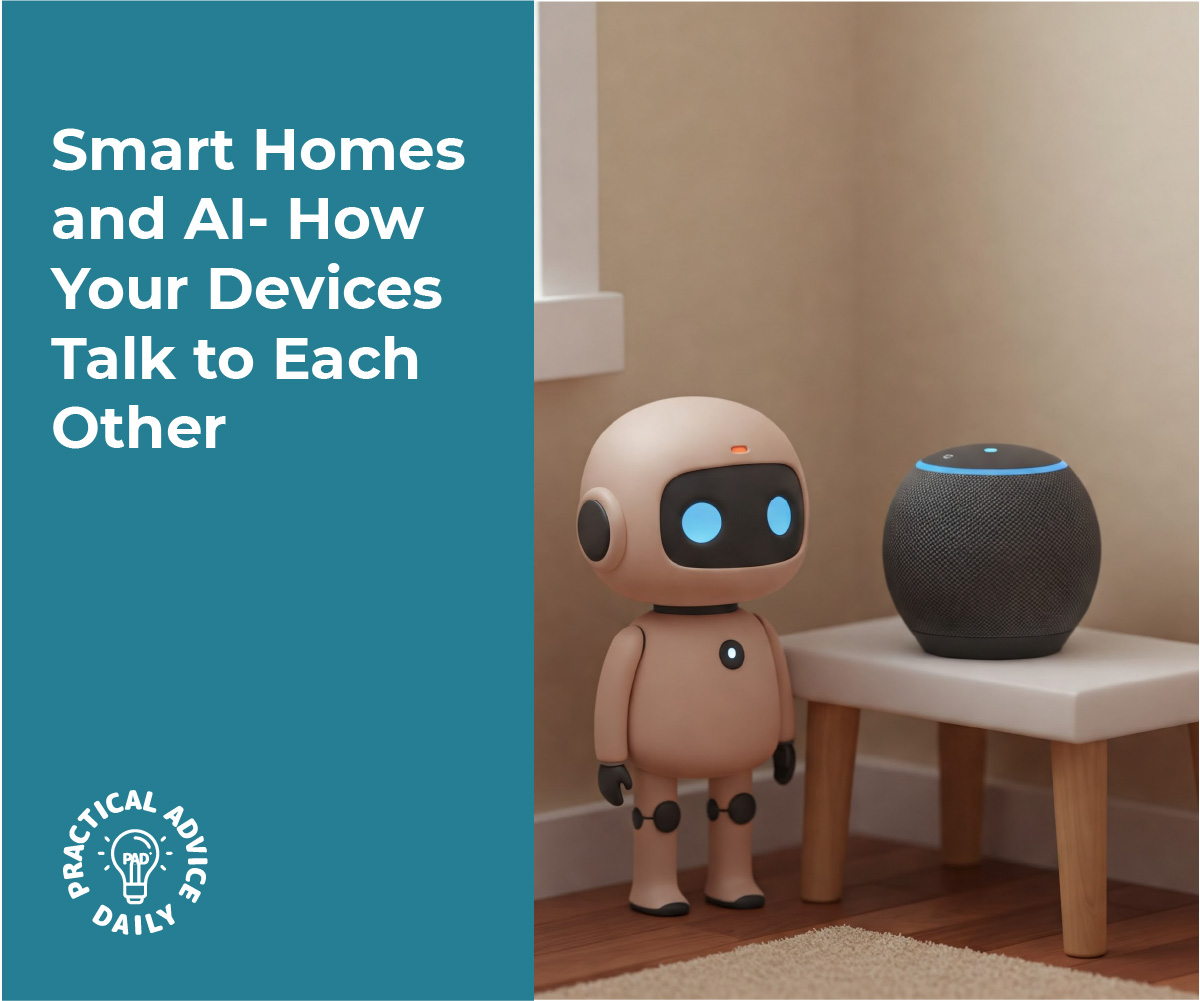
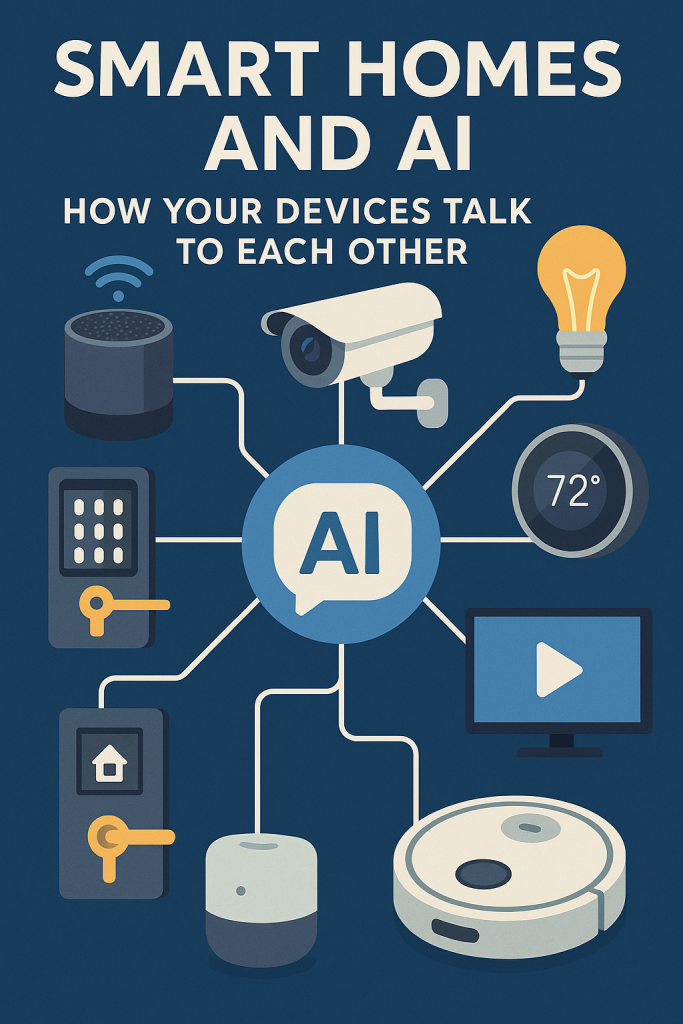
Smart Homes and AI: How Your Devices Talk to Each Other

Smart homes may sound like something from a sci-fi movie, but they’re actually becoming part of everyday life. You don’t need to be tech-savvy to understand how they work—or how they can make your life easier. In this article, we’ll explain how common smart devices like thermostats, lights, and security systems connect and “talk” to each other using simple AI (artificial intelligence) tools. It’s easier than you think, and we’re here to walk you through it, step by step.

Table of Contents

 Key Takeaways

  • Smart devices like thermostats, lights, and cameras can work together using AI.
  • These systems learn your routines to help save energy and improve safety.
  • You can control many smart home features using your voice or a phone app.
  • No complex setup is required—many devices are “plug and play.”

How It All Works: A Simple Explanation

 What is AI in a Smart Home?

Think of AI (short for artificial intelligence) as a little helper inside your devices. It learns what you like and helps things run smoothly. For example, it might notice you turn off the lights at 10 PM every night—and then start doing it for you.

Thermostats That Think for You

A smart thermostat like the Nest or Ecobee doesn’t just control temperature—it learns your schedule.

Example:

  • Leave the house at 8 AM? It’ll lower the heat to save energy.
  • Come home at 6 PM? It’ll start warming things up before you walk in.

Over time, it learns when you’re usually home or away, and adjusts automatically.

Smarter Lights That Fit Your Routine

Smart lights, such as Philips Hue or LIFX, can do more than just turn on or off. You can:

  • Set them to dim in the evening for a relaxing mood.
  • Have them turn on when you enter a room (with motion sensors).
  • Use voice commands: Just say “Turn off the bedroom light” using a smart speaker like Alexa or Siri.

Bonus: You can schedule lights when you’re away, making it look like someone’s home.

Smarter Security for Peace of Mind

Smart security systems include cameras, motion sensors, and doorbells (like Ring or Arlo). But it’s how they talk to each other that makes them powerful.

Example:

  • If your security camera sees movement at night, it can tell your porch light to turn on.
  • If your smart doorbell is pressed, your phone gets an alert—with a live video feed.
  • You can even unlock your front door remotely if someone you trust needs to come in.

How These Devices “Talk” to Each Other

This happens through a home hub or app. Think of it as a translator that helps devices work together.

Popular options include:

You don’t have to control everything manually. The AI learns from your habits and connects the dots to help your home run itself.

Everyday Benefits You’ll Notice

  • Convenience: No need to adjust things constantly.
  • Safety: Get alerts and control your home even while traveling.
  • Savings: Lower energy bills by not heating or lighting empty rooms.
  • Comfort: Lights and temperature just how you like them—automatically.

Final Thoughts

You don’t need to be a tech expert to enjoy a smart home. With just a few devices and a simple app, you can make daily life easier, safer, and more comfortable. Start small—maybe a smart light or thermostat—and see how helpful it can be. Want to learn more? Check out our beginner’s guides to smart speakers, voice assistants, or choosing the best devices for your home.

Categories AI

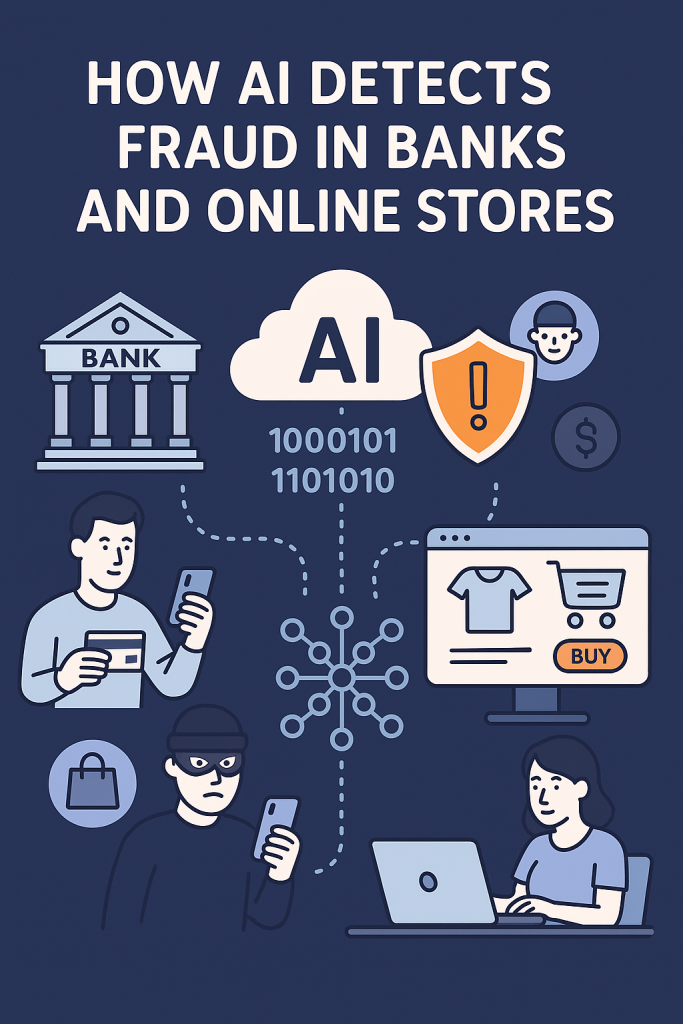
How AI Detects Fraud in Banks and Online Stores

You’ve probably heard about fraud—when someone tries to steal money or personal information. It can feel scary, but don’t worry. Banks and online stores use clever technology to catch fraud before it harms you. In this article, I’ll explain how this technology works in simple terms, so you feel confident and informed. No complicated words, just friendly help.

Table of Contents

Key Takeaways

  • Banks and stores watch for unusual activities to spot possible fraud.
  • AI (smart computer programs) helps find problems quickly and accurately.
  • AI learns what is normal for your account and notices when something feels off.
  • Using AI helps protect your money and personal information.
  • You don’t have to understand the technology—just know it’s working hard for you!

How Does AI Help Detect Fraud?

Think of AI as a very smart assistant that watches your bank or store account all day and night. Here’s how it works step-by-step:

1. Learning What’s Normal for You

Before AI can spot trouble, it needs to understand your usual habits. For example:

  • What times you usually shop or make payments
  • The locations where you normally use your card
  • The typical amounts you spend

By learning these patterns, AI creates a profile of your regular activity.

2. Spotting Unusual Behavior

When something unusual happens—like a sudden large purchase or a payment from a faraway city—AI notices this quickly. It’s like having a watchful guard that asks, “Is this normal for you?”

3. Sending Alerts

If the AI thinks something might be suspicious, it alerts the bank or store. Sometimes, they might ask you to confirm if you made the purchase. This helps stop fraud before any damage happens.

4. Blocking Fraud Automatically

In some cases, the system can temporarily block a transaction to protect you. Then, the bank contacts you to check what happened.

Real-Life Examples

  • Example 1: You usually buy groceries at your local store, but suddenly there’s a charge for an expensive laptop in another state. AI spots this unusual activity and alerts your bank. The bank calls you to confirm if it’s really you. If not, they stop the payment and protect your account.
  • Example 2: You shop online once a week, spending about $50 each time. One day, there’s a charge for $500. The AI flags this and the store asks you to verify before sending the item.

Why This Matters for You

AI helps keep your money and personal details safe without you having to do much. It works quietly in the background, making sure your accounts are protected while you go about your day.

Final Thoughts

Fraud can feel overwhelming, but thanks to smart technology like AI, banks and online stores are better at stopping fraud early. You don’t need to be a tech expert to benefit from these protections—just know they are there, working hard to keep your money safe. If you want to learn more about keeping your online life secure, there are plenty of simple guides available to help. You’re doing great by staying informed!

Categories AI

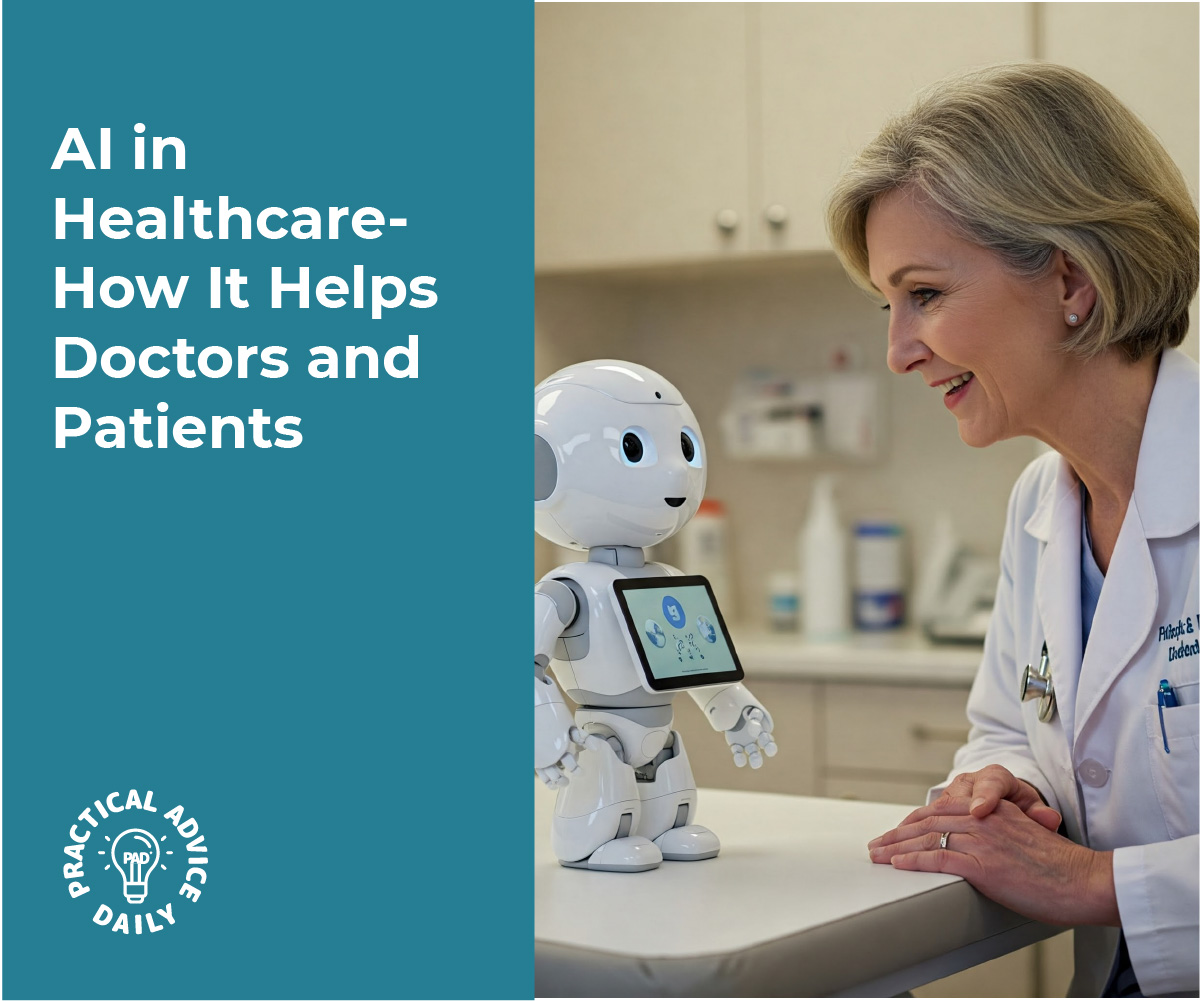
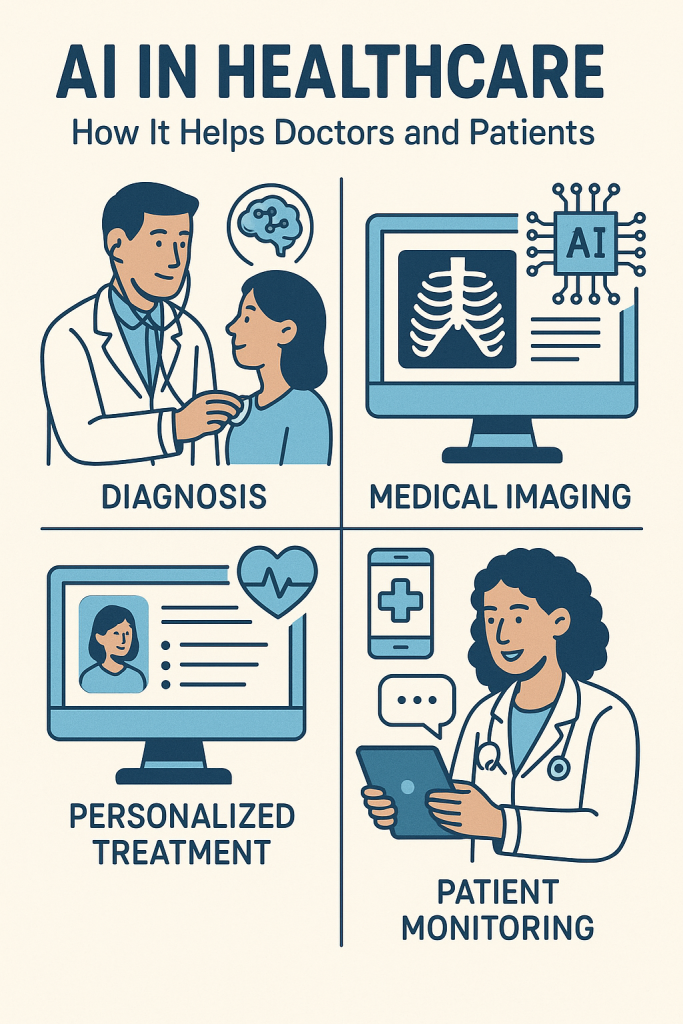
AI in Healthcare: How It Helps Doctors and Patients

You might have heard about artificial intelligence, or AI, but what does it really mean for your health? In this article, we’ll explain how AI is making healthcare better and easier for both doctors and patients like you. Don’t worry if you’re not tech-savvy — this is a simple, friendly guide designed just for beginners.

Table of Contents

Key Takeaways

  • AI helps doctors make better and faster diagnoses.
  • Chatbots provide quick answers to common health questions anytime.
  • AI can spot early signs of diseases before you feel sick.
  • Medication tracking tools remind you to take your pills on time.

How AI Supports Diagnosis

Doctors use AI to help figure out what might be wrong with you. Instead of guessing, AI looks at your symptoms and test results to suggest possible health issues. Think of it like a helpful assistant that double-checks the doctor’s work. For example:

  • If you have a cough and fever, AI can help doctors decide if it’s a cold, the flu, or something else.
  • AI tools can also study X-rays or scans to find signs of illness that might be hard to see with the naked eye.

This helps doctors give you the right treatment faster and more accurately.

Chatbots: Your Health Helpers Anytime

Chatbots are like friendly robots you can talk to on your phone or computer. They answer simple health questions whenever you need — day or night. For example:

  • Wondering if your headache needs a doctor visit? A chatbot can help you decide.
  • Need advice on how to handle a minor cut? Just ask a chatbot.

While chatbots aren’t a replacement for real doctors, they’re great for quick tips and peace of mind.

Early Disease Detection: Catching Problems Sooner

AI tools can spot small changes in your health that might be the first signs of diseases like diabetes or heart problems. This means you can get help before things get worse. For example:

  • AI can analyze your blood tests or heart rate data and alert your doctor if something looks unusual.
  • Some AI systems even learn from many patients’ records to predict health risks you might face.

This early warning can save lives by starting treatment earlier.

Medication Tracking: Never Miss a Dose

Taking medicine on time is important for staying healthy, but it can be hard to remember. AI-powered apps and devices help by:

  • Sending you reminders when it’s time to take your pills.
  • Keeping track of which medicines you’ve taken and which ones are left.
  • Alerting you to possible side effects or interactions with other drugs.

This support makes managing your medications easier and safer.

Final Thoughts

AI might sound complicated, but it’s really just a tool designed to help you and your doctor. From smarter diagnosis to friendly chatbots, early warnings, and medication reminders, AI is making healthcare more personal and easier to manage. If you want, you can explore more about simple health technologies and feel confident using them to take care of yourself.

Categories AI

How AI Powers Self-Driving Cars (Explained Simply)

Self-driving cars might sound like something from the future, but they are already here, quietly driving on roads today. If the idea of these cars feels a bit confusing or too technical, don’t worry—this guide is made just for you. We’ll walk through how these cars use smart technology, called AI, to make safe driving decisions, step by step. By the end, you’ll understand the basics clearly and feel more confident about this exciting technology.

Key Takeaways

  • Self-driving cars use sensors to “see” the world around them.
  • AI helps the car understand what those sensors detect.
  • The car makes decisions by following clear steps, like a human driver would.
  • These cars constantly learn and improve to keep you safe.

How Self-Driving Cars Use AI: Step-by-Step

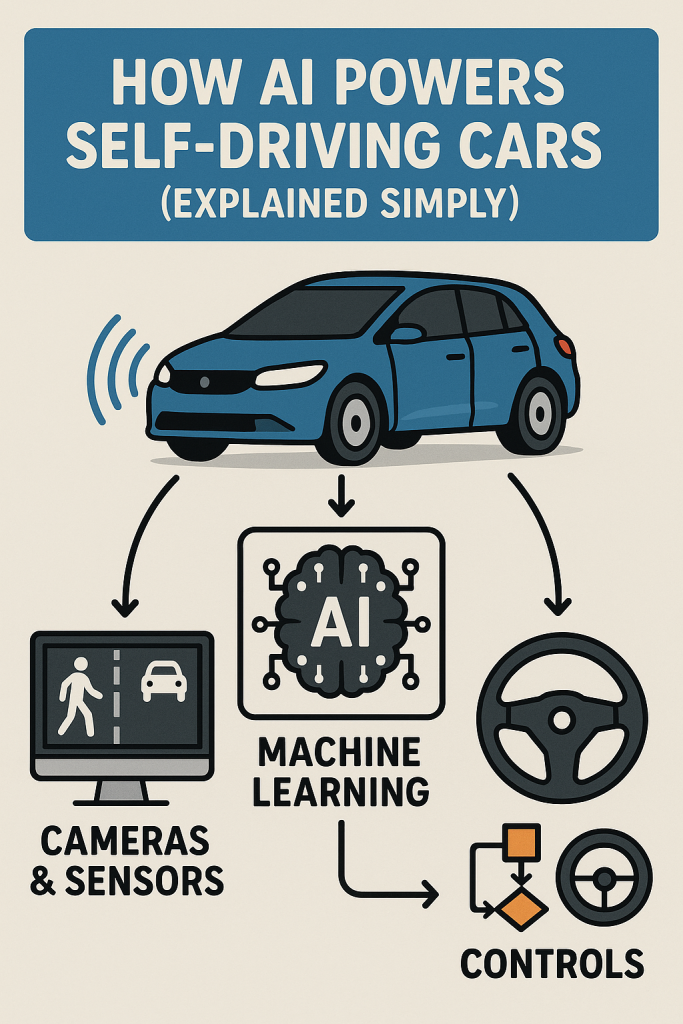
1. Seeing the World: Sensors Are the Car’s Eyes
Imagine driving with your eyes closed—that wouldn’t work! Self-driving cars use special devices called sensors to “look” around. These include:

  • Cameras: Like the ones on your phone, they capture pictures of the road.
  • Radar: Sends out radio waves to detect objects nearby, like other cars or pedestrians.
  • Lidar: Uses laser light to create a detailed 3D map of the car’s surroundings.

2. Understanding What’s Around: AI Interprets Sensor Data
The car’s AI (artificial intelligence) is like a very smart brain. It takes the information from the sensors and figures out:

  • Where the road and lanes are.
  • What other vehicles or people are doing.
  • Whether there are traffic signs or signals to follow.

For example, if a ball rolls into the street, the AI recognizes the ball and thinks, “Maybe a child could run after it,” so it slows down.

3. Making Safe Decisions: Planning the Next Move
After understanding the environment, the AI decides what to do next. This is like how you decide to stop at a red light or slow down for a pedestrian. The AI follows clear steps, such as:

  • Should I speed up, slow down, or stop?
  • Is it safe to change lanes?
  • When should I turn or go straight?

It plans these moves carefully to keep passengers and others safe.

4. Acting on Decisions: Controlling the Car
Once the AI has a plan, it sends commands to the car’s controls—steering, brakes, and accelerator—to carry out the plan smoothly.

5. Learning and Improving: Getting Smarter Every Mile
Self-driving cars are always learning from experience. They collect data from every trip to handle new situations better in the future. It’s like practicing driving to get better over time.

Real-Life Example: A Simple Drive to the Grocery Store

Picture a self-driving car taking you to the grocery store. Here’s what happens:

  • The car’s cameras see a stop sign ahead.
  • Its AI recognizes the sign and tells the car to stop.
  • When the light turns green and the way is clear, the AI decides it’s safe to move.
  • The car carefully steers into the parking spot.

All this happens smoothly, without you having to lift a finger!

Final Thoughts

Self-driving cars use AI to act like a careful and smart driver. They “see,” “think,” and “act” by following clear steps designed to keep everyone safe. While the technology may seem complex at first, breaking it down shows it’s really about simple, everyday decisions—just done by a computer. Now that you know the basics, you can feel more comfortable with the idea of these cars sharing the road. If you’re curious, you might enjoy learning more about how technology is making life easier every day!

Categories AI

The Difference Between AI, Machine Learning, and Deep Learning

Heard the terms AI, machine learning, or deep learning and felt a bit lost? You’re not alone. These words are often used like they mean the same thing—but they don’t.

In this easy-to-understand guide, we’ll clear up the confusion and show you how these technologies connect (and how they’re different). Don’t worry—no tech background is needed. By the end, you’ll feel more confident understanding these popular terms and how they show up in your daily life.

🔍 Key Takeaways

  • Artificial Intelligence (AI) is the big idea—machines doing tasks in smart ways.
  • Machine Learning (ML) is a type of AI where computers learn from data.
  • Deep Learning (DL) is a type of machine learning that mimics how the human brain works.
  • You’ve probably used all three without even realizing it—think voice assistants, email filters, or Netflix recommendations.
  • These terms build on each other, like Russian nesting dolls: deep learning fits inside machine learning, which fits inside AI.

What Is Artificial Intelligence (AI)?

Think of AI as the big umbrella.
Artificial Intelligence is the overall idea of computers or machines doing things that would normally need human smarts—like problem-solving, understanding language, or recognizing faces.

Everyday Examples:

AI doesn’t have to be fancy robots. Even a simple program that can make decisions based on input is a form of AI.

What Is Machine Learning (ML)?

Machine Learning is a smaller part of AI.
Instead of being directly programmed, a machine “learns” by looking at lots of examples. It spots patterns and uses those to make better decisions in the future.

Imagine This:

You show a computer 1000 pictures of cats and dogs. You tell it which are which. Over time, it starts to figure out how to tell a cat from a dog on its own—even with new photos.

Real-Life Examples:

  • Netflix recommending shows based on what you watch
  • Banks spotting suspicious activity on your credit card
  • Your phone unlocking with facial recognition

What Is Deep Learning (DL)?

Deep Learning is a more advanced kind of machine learning.
It’s inspired by how the human brain works—using “neural networks” to think in layers. This helps computers handle more complex tasks, like understanding speech or identifying objects in photos.

Picture This:

You give a deep learning system tons of photos—not just cats and dogs, but animals in different lighting, backgrounds, and angles. It can learn tiny details and become very accurate at spotting what’s what.

Real-Life Examples:

  • Voice assistants understanding what you say, even with background noise
  • Self-driving cars recognizing traffic signs and people
  • Facebook tagging your friends in photos automatically

A Simple Comparison

TermWhat It MeansEasy Example
AIThe general idea of machines acting smartSiri answering a question
Machine LearningLearning from data to improve over timeNetflix recommending what to watch
Deep LearningAdvanced learning using layered networksSelf-driving cars “seeing” the road

Final Thoughts

Understanding the difference between AI, machine learning, and deep learning doesn’t have to be hard. At the core, it’s about how computers are getting better at doing things we used to do ourselves—sometimes with a little help (machine learning), and sometimes with advanced smarts (deep learning).

The next time someone mentions these terms, you’ll know exactly what they mean—and maybe even impress them a little. Curious to go further? Check out our other easy tech explainers!

Categories AI

What Is Deep Learning? Exploring the ‘Brain’ Behind Smart AI

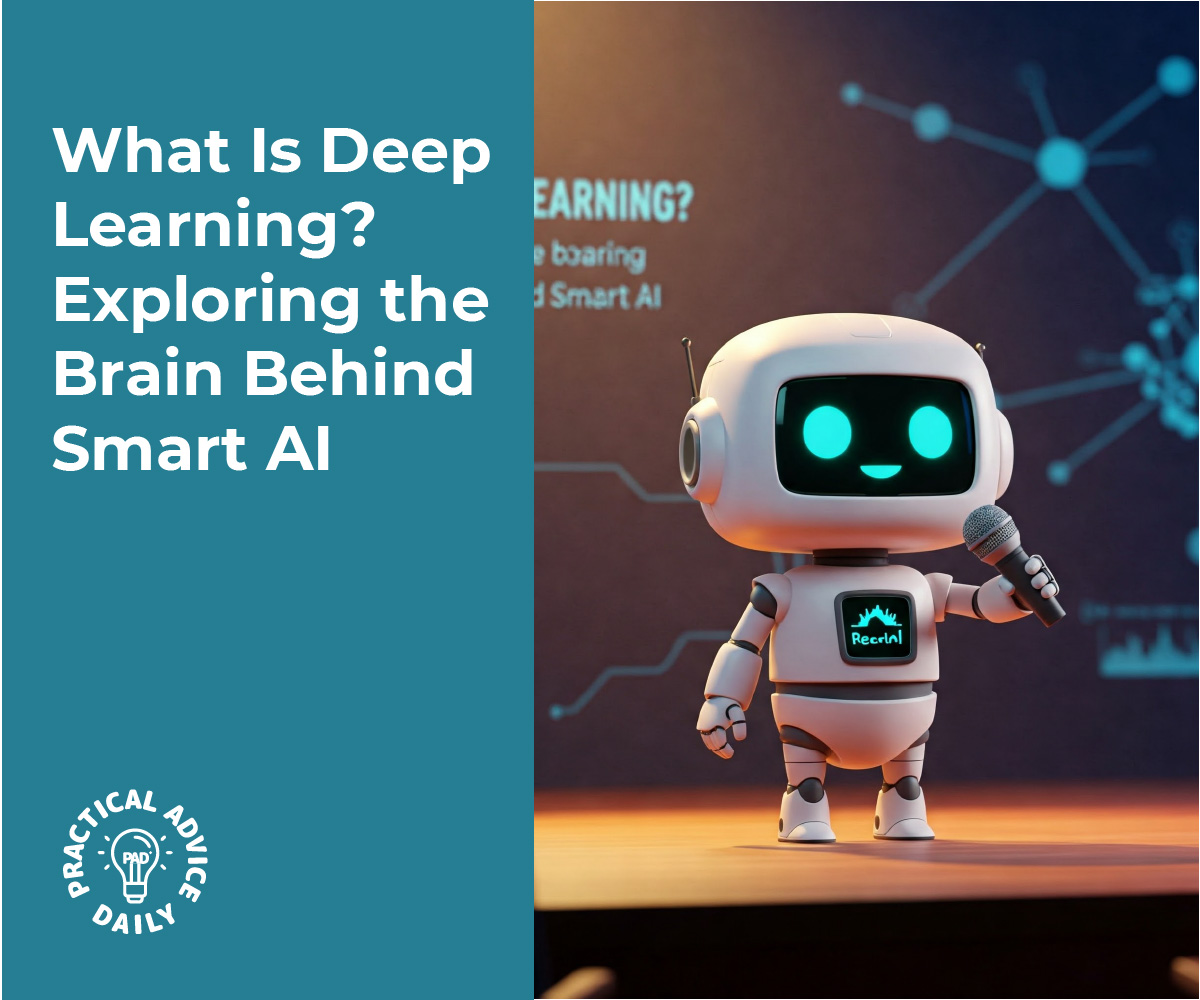
Have you ever wondered how a car can drive itself or how your phone recognizes your face? The secret is something called deep learning—a smart technology inspired by the human brain.

Don’t worry—this guide is made for beginners. Even if you’re not a techie, you’ll understand the basics and feel more confident talking about how today’s AI really works.

Table of Contents

Key Takeaways

📌 Deep learning is a type of artificial intelligence (AI) that helps machines learn from examples—just like people do.
📌 It’s used in everyday things like self-driving cars, smart assistants, and photo apps.
📌 Deep learning works by teaching computers to recognize patterns—like a face or a stop sign.
📌 You don’t need to know any tech jargon to understand it. We’ll keep it simple and clear.

What Is Deep Learning? A Simple Explanation

Let’s start with the big picture.

Deep learning is part of artificial intelligence, or AI—which just means getting computers to do things that usually require human smarts. Deep learning is like the “brain” behind many of today’s smartest tools.

But unlike regular computer programs that follow strict rules, deep learning teaches computers to learn from experience—just like we do.

How It Works: Think of It Like Learning to Recognize a Dog

Imagine you’re trying to teach a child what a dog looks like.

You’d show them lots of pictures of different dogs. After a while, they’d begin to notice things that all dogs have in common: four legs, a tail, maybe floppy ears. Eventually, even if they saw a brand-new dog breed, they’d still recognize it as a dog.

That’s how deep learning works.

Instead of hard-coding instructions, we give the computer lots of examples, and it “learns” to spot patterns. The more examples it sees, the better it gets.

Real-Life Examples You Might Know

Here are a few ways deep learning is already part of everyday life:

🛻 Self-Driving Cars

Self-driving cars use deep learning to recognize traffic lights, stop signs, people crossing the road, and other cars. The more they “see,” the smarter and safer they get.

📸 Facial Recognition

When your phone unlocks by scanning your face, it’s using deep learning to recognize your features—eyes, nose, mouth—even with glasses or in different lighting.

🎧 Voice Assistants (Like Siri or Alexa)

Ever ask Siri to set a reminder or play music? Deep learning helps it understand your voice, even if you say the same thing in a different way.

📧 Spam Filters in Email

Deep learning helps your email app spot spam messages based on patterns in language or formatting—so you see fewer junk emails.

But What Makes It “Deep”?

The “deep” in deep learning comes from the many layers of decision-making the computer goes through.

Think of it like baking a cake:

  1. First, you gather ingredients.
  2. Then, you mix and bake.
  3. Finally, you decorate.

Each layer builds on the one before it. In deep learning, each “layer” of the computer’s thinking helps it get better at understanding complex information—just like your brain processes sights, sounds, and memories.

Is Deep Learning the Same as AI?

Not exactly.

  • Artificial Intelligence (AI): The big umbrella—any computer doing something “smart.”
  • Machine Learning: A part of AI where computers learn from data.
  • Deep Learning: A type of machine learning that mimics how the brain works.

So, deep learning is like the most advanced part of AI.

Final Thoughts

Deep learning might sound complicated, but at its core, it’s just about computers learning from experience—much like people do.

You’ve already taken the first step by learning the basics. Next time someone talks about self-driving cars or facial recognition, you’ll know there’s a learning “brain” behind it—and it’s called deep learning.

If you’re curious, feel free to explore more beginner-friendly guides. There’s a whole world of smart tech out there—and it’s not as scary as it sounds.

Categories AI