
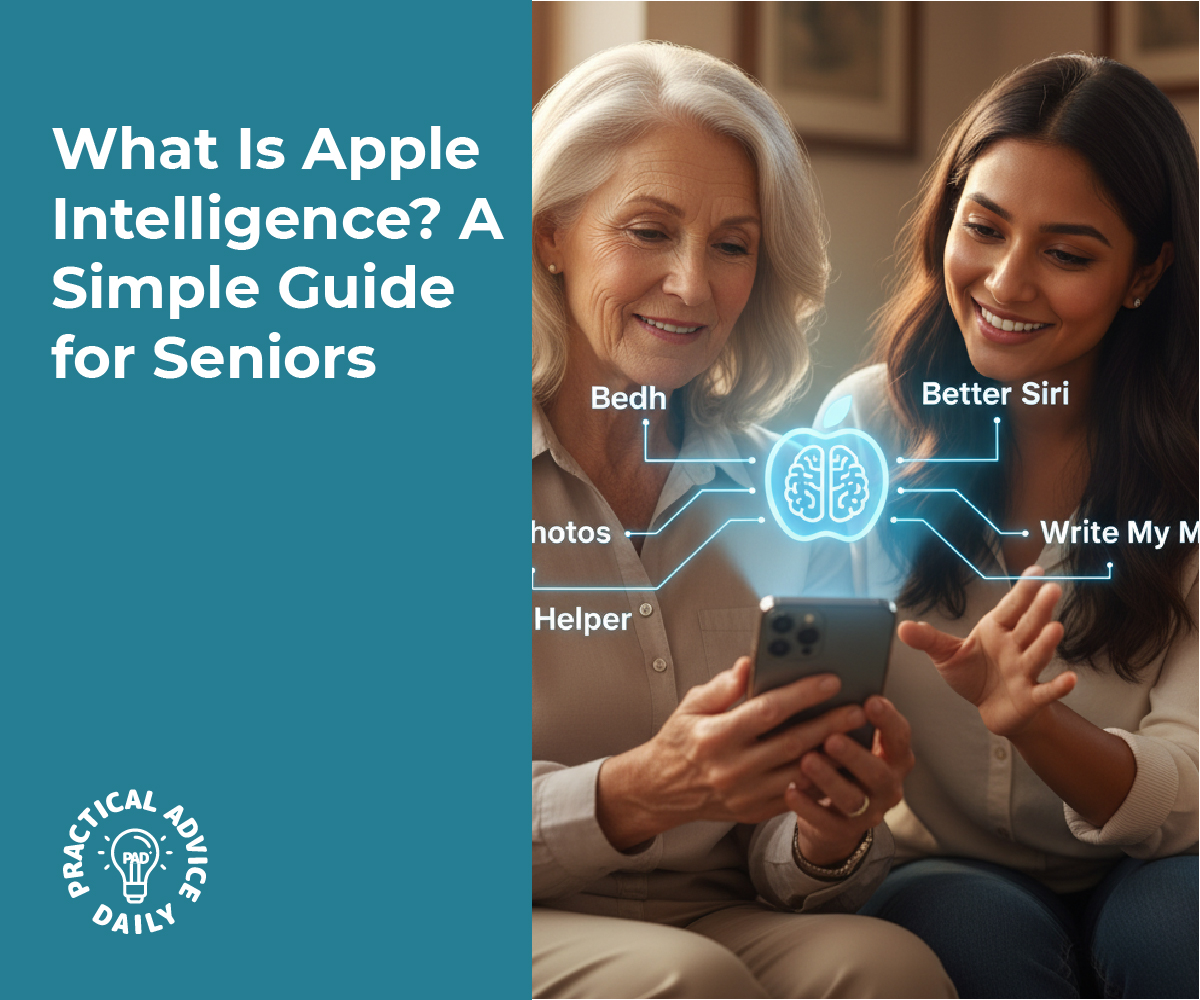
If you’ve heard about “Apple Intelligence” and wondered what it actually means, you’re not alone. Apple’s latest update brings new AI features designed to make your iPhone, iPad, and Mac feel more personal and helpful — without being complicated.
In this guide, we’ll explain what Apple Intelligence is, what it can do for you, and how Apple keeps your data private. You don’t need to be tech-savvy to understand it. By the end, you’ll know exactly what all the buzz is about — in plain, everyday language.
Table of Contents
Key Takeaways
- Apple Intelligence is Apple’s version of artificial intelligence (AI) built right into your iPhone, iPad, and Mac.
- It helps with writing, organizing, searching, and even suggesting helpful actions.
- Privacy is a top priority — most tasks happen directly on your device, not on the internet.
- Siri will become smarter, understanding you better and handling more complex requests.
- It’s designed to make everyday tasks faster and easier, not to overwhelm you.
What Is Apple Intelligence?
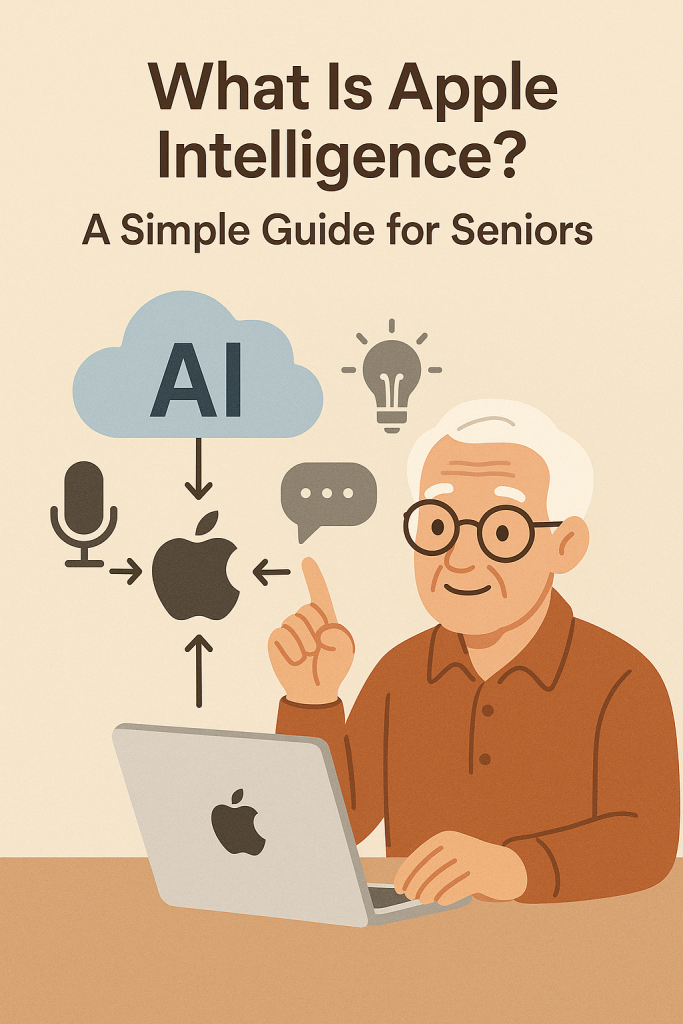
Apple Intelligence, often shortened to “AI,” is Apple’s new system that uses artificial intelligence to make your devices more helpful. It’s not a single app you have to open — it’s built right into the system you already use every day.
Think of it as a quiet helper working in the background, learning your habits and offering small, useful touches — like completing sentences, finding old photos, or summarizing long messages.
For example:
- If you start typing an email, your iPhone might suggest a clearer or more polite way to finish your sentence.
- When you search your photos, it can recognize things like “birthday cake” or “dog at the park.”
- If you ask Siri a question, it can understand the context better and give more accurate answers.
These are small things, but they add up to make your device feel friendlier and more intuitive.
What Makes Apple Intelligence Different
Apple’s approach to AI focuses on privacy and control. Unlike some other companies that send your data to the cloud for processing, Apple Intelligence does most of its work on your device. That means your personal information — your messages, emails, and photos — stays private.
When a task is too complex to handle on your phone, Apple uses something called Private Cloud Compute. It’s a secure system that processes the request without storing or sharing your data. Even Apple itself can’t see your information.
This design makes Apple Intelligence especially appealing to people who value privacy but still want the convenience of modern technology.
What You Can Do With Apple Intelligence
Here are a few of the ways Apple Intelligence will make your daily tasks easier:
- Smarter Writing Help
- You can use built-in writing tools that suggest edits, fix grammar, or adjust your tone in apps like Mail, Notes, or Messages.
- It can even summarize long texts so you can get the main idea at a glance.
- You can use built-in writing tools that suggest edits, fix grammar, or adjust your tone in apps like Mail, Notes, or Messages.
- Better Siri Conversations
- Siri can now understand more natural requests. For example, you can say, “Show me the photos from our trip last summer,” or “Remind me to call John after lunch,” and Siri will handle it smoothly.
- You can also type to Siri if you prefer not to speak aloud.
- Siri can now understand more natural requests. For example, you can say, “Show me the photos from our trip last summer,” or “Remind me to call John after lunch,” and Siri will handle it smoothly.
- Photo and Memory Features
- Searching photos is easier because your iPhone can recognize people, objects, and places automatically.
- You can even ask it to “find the picture of the dog wearing the red sweater,” and it will know what to do.
- Searching photos is easier because your iPhone can recognize people, objects, and places automatically.
- Smart Notifications
- Apple Intelligence can highlight important alerts — like a message from a family member or a reminder about a doctor’s appointment — while hiding less important ones.
- Apple Intelligence can highlight important alerts — like a message from a family member or a reminder about a doctor’s appointment — while hiding less important ones.
- Help Across Apps
- It can understand what you’re doing and offer help without you needing to switch between apps. For instance, if you’re writing a message and mention a meeting, it might suggest adding it to your calendar.
Is It Safe to Use?
Yes. Apple has built Apple Intelligence with privacy at its core. Unlike some AI tools that rely on sending your data to big servers, Apple keeps your personal information on your device as much as possible.
You also have control over what data is used. You can manage your privacy settings anytime in the Settings app, and Apple is transparent about what happens behind the scenes.
This focus on safety means you can enjoy the benefits of AI without worrying about your personal information being shared or sold.
Who Can Use Apple Intelligence?
Apple Intelligence will be available on newer devices that have enough processing power to handle AI tasks directly. This includes:
- iPhone 15 Pro and newer models
- iPads and Macs with Apple’s M-series chips
If your device isn’t compatible, don’t worry — many traditional Siri and iCloud features will still work as usual.
Why It Matters
For many older adults, technology can sometimes feel like it’s racing ahead too quickly. Apple Intelligence aims to do the opposite — it slows things down and helps your device work with you, not against you.
Instead of learning new apps or commands, you’ll find your iPhone gently doing more on its own. It’s about saving time, reducing frustration, and helping you get things done more naturally.
Final Thoughts
Apple Intelligence is Apple’s way of making your devices smarter, safer, and easier to use — without adding complexity.
You don’t have to understand all the technical details to benefit from it. Think of it as a helpful assistant built right into your iPhone that respects your privacy while making everyday tasks simpler.
As these new features roll out, you can look forward to a more personal, helpful, and friendly experience — all powered by Apple’s thoughtful approach to AI.