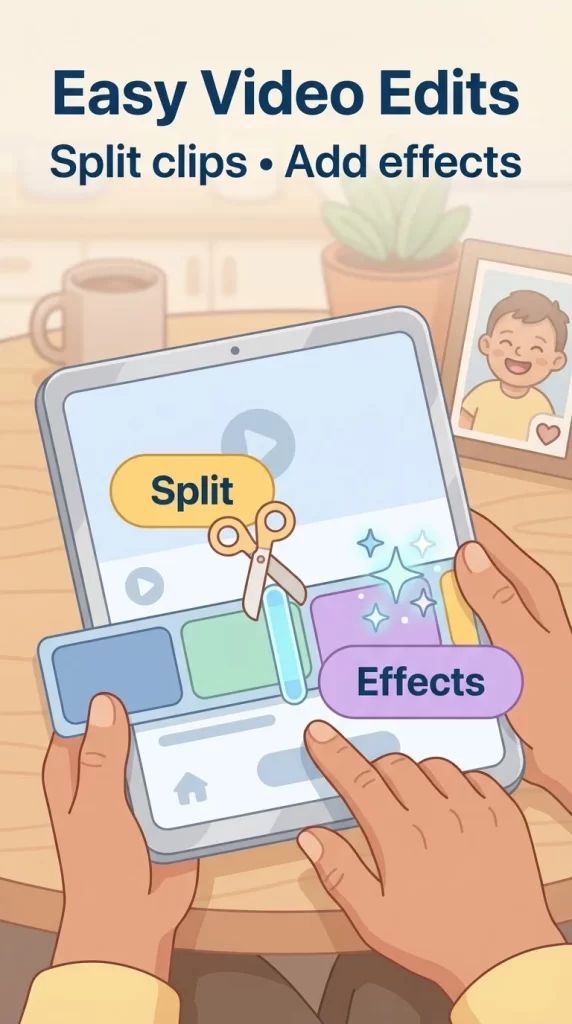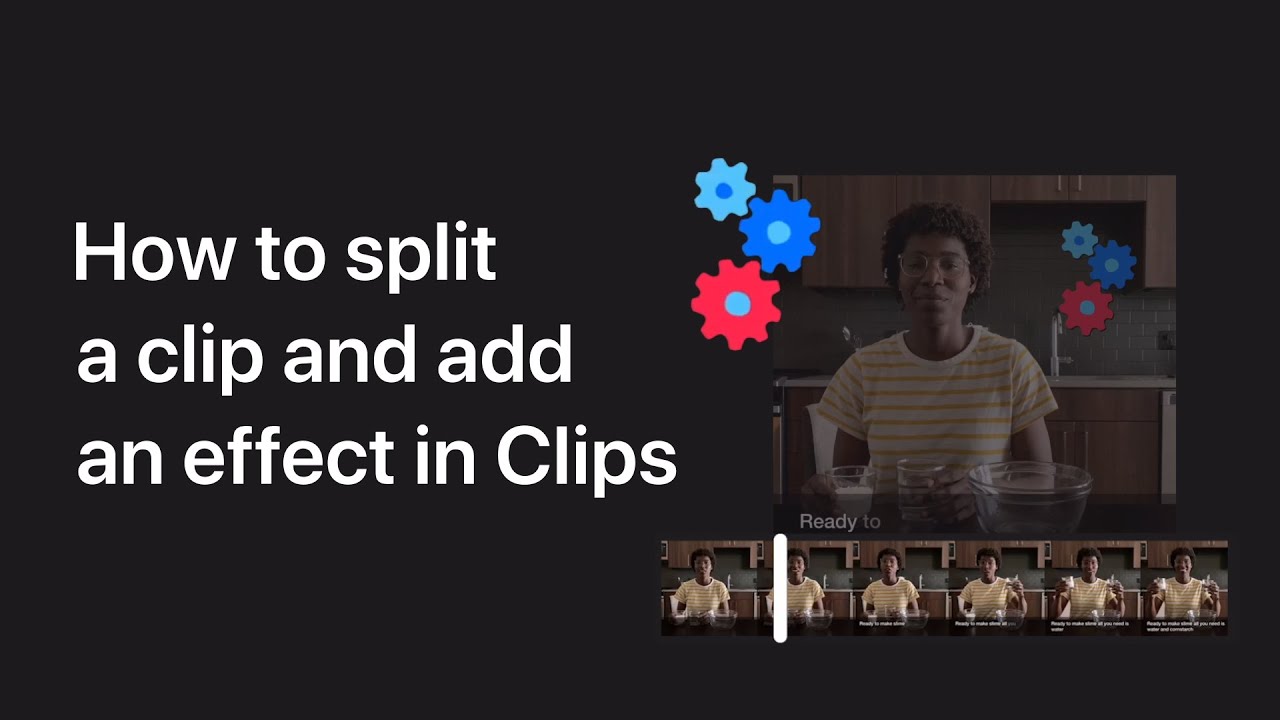
To split a clip and add an effect in the Clips app, start by opening your project and tapping on the clip you want to edit.
Tap the Split option, then drag the playhead to the desired split point and tap Split again. Select the newly created clip, tap on Effects, and choose the effect you want to apply.
This process allows you to customize different sections of your video with various effects.
Summary:
– Open your project in the Clips app and select the clip you want to edit.
– Tap “Split” and drag the playhead to where you want to split the clip, then tap “Split” again.
– Select the newly created clip.
– Tap “Effects” and choose the effect you want to apply.
– Apply effects to different sections of your video as needed.