
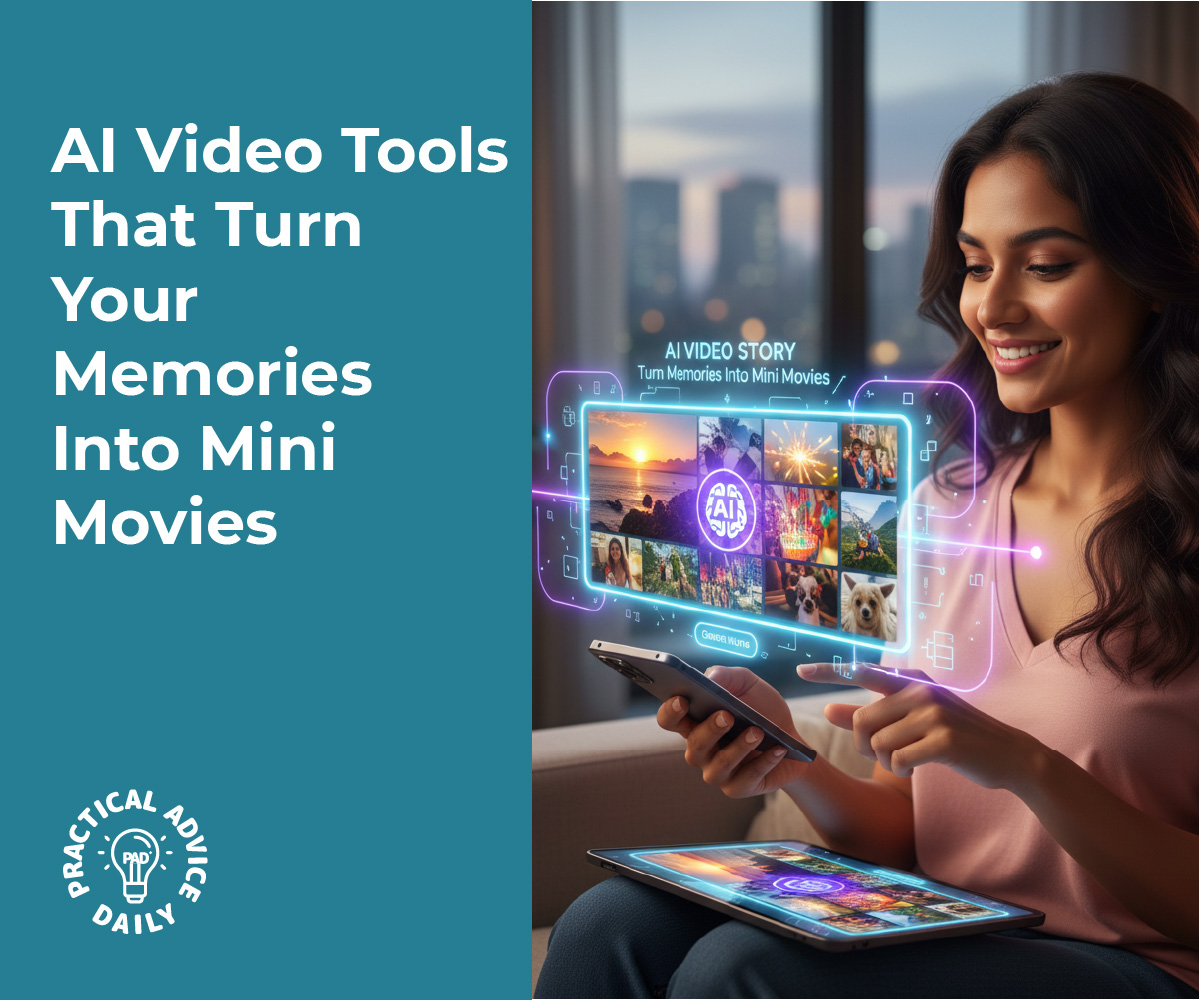
Have you ever wished you could turn your vacation photos or birthday clips into a little movie, but felt overwhelmed by video editing? Good news — you don’t need fancy software or experience anymore. AI-powered video tools can now handle most of the work for you. With just a few taps, these apps pick the best moments, add music, and even sync everything to a beat.
In this guide, we’ll explore easy, beginner-friendly AI video tools that turn your everyday memories into shareable mini movies. Whether it’s a family gathering, a pet video, or a grandchild’s recital, you’ll learn how to bring your moments to life — effortlessly.
Table of Contents
Key Takeaways
- AI video tools do the editing for you. Just upload your photos or clips, and the app builds a movie automatically.
- No technical skills needed. Most tools are designed for beginners with simple steps and clear instructions.
- Perfect for special occasions. Great for birthdays, trips, anniversaries, or just keeping memories organized.
- Built-in music and effects. Many apps offer free background songs, filters, and transitions.
- Share easily. Export your movie to share on social media or send to family and friends.
1. What Are AI Video Tools?
AI video tools are apps or programs that automatically edit photos and video clips into short movies. They use artificial intelligence to identify key moments — like smiles, motion, or faces — and arrange them into a smooth, professional-looking video.
Instead of manually cutting, trimming, or syncing, you just upload your photos or videos and let the app do the magic. These tools can add transitions, effects, and background music automatically.
2. Why They’re Perfect for Beginners
For many people, traditional video editing software feels complicated. You might have to learn about “timelines,” “transitions,” or “aspect ratios.” AI video tools skip all that.
They’re built to be simple and intuitive:
- Choose your photos and videos.
- Select a style or theme (like “travel,” “family,” or “celebration”).
- Let the AI edit automatically.
Within minutes, you’ll have a mini movie ready to preview or share.

3. Popular AI Video Apps to Try
Here are a few trusted apps that make movie-making easy for anyone — even if it’s your first time editing:
• Apple Photos (Memories feature)
If you use an iPhone or iPad, you already have a built-in AI video maker. The Memories feature automatically groups related photos and clips — like a family trip or holiday — and turns them into short movies complete with transitions and music. You can customize the title, song, and style.
• Google Photos (Movie creation)
Android and iPhone users alike can use Google Photos’ movie option. Choose people, pets, or themes, and it will generate a complete movie. You can swap songs, trim scenes, or let the app do everything automatically.
• CapCut
CapCut is a free, beginner-friendly video editor with strong AI features. It can automatically match clips to a song’s rhythm, add captions, or remove background noise. There’s even a “Smart Edit” mode that builds a polished video from your clips in seconds.
• Magisto
Designed for simplicity, Magisto analyzes your footage, picks the best moments, and adds smooth transitions and effects. It’s ideal for creating emotional, story-like videos without needing any editing skills.
• Animoto
If you want slideshow-style videos, Animoto’s drag-and-drop builder and AI templates make it a great choice. You can add your favorite song, captions, and a logo if you like.
4. How to Get Started Step-by-Step
Creating your first AI movie is easy. Here’s a simple guide you can follow no matter which app you choose:
- Gather your clips or photos.
Pick a set of moments — for example, “Grandkids’ visit” or “Trip to Japan.” - Open your chosen app.
Look for a “Create Movie,” “Memories,” or “Auto Edit” option. - Choose a theme or mood.
Many tools offer music-based themes like “Happy,” “Calm,” or “Adventure.” - Let the AI work.
The app will automatically pick the best shots and sync them to the music. - Preview and adjust.
You can replace photos, trim scenes, or try different songs until it feels right. - Save or share.
Export your finished video to share with friends or keep as a personal keepsake.
5. Tips for Better Results
- Use bright, clear photos. AI tools work best when faces and colors are easy to recognize.
- Limit the number of clips. Around 10–20 photos or short videos usually gives a smooth flow.
- Add captions or dates. It helps tell your story, especially for travel or family albums.
- Try different styles. Don’t be afraid to test out themes or music — it can completely change the mood.
- Back up your creations. Save your final video to cloud storage or an external drive.
Final Thoughts
AI video tools make it easier than ever to turn your memories into beautiful mini movies. You don’t have to learn complicated editing or spend hours on your computer. With just a few taps, your everyday photos and clips can become something truly special — a story you can share and enjoy for years to come.
So the next time you have a folder full of pictures from a holiday, family gathering, or even a quiet weekend at home, give one of these AI video apps a try. You might be surprised how quickly technology can turn your moments into something magical.