

Staying in touch with family is one of life’s greatest joys, but it can feel challenging when younger generations or relatives abroad speak a different language. You might worry about misunderstandings or feel left out of the conversation. The good news is that new, beginner-friendly technology called “AI translation” is here to help.
In this article, we will show you how simple apps and features can translate your words in real-time. Whether you are sending a text message or seeing a grandchild’s face on a video call, these tools act like a friendly interpreter sitting right next to you. It is easier than you might think, and we are here to walk you through it step-by-step.
Table of Contents
Key Takeaways
- Instant Messaging: Many popular apps can now automatically translate text messages as you type or receive them.
- Video Call Captions: You can see live “subtitles” on your screen during video calls to understand what is being said.
- Voice Translation: Simple apps allow you to speak into your phone and have it play back your words in another language.
- No Jargon Needed: You don’t need to be a tech expert; most of these features are just a button-press away.
How AI Translation Works for You
Technology has come a long way from the bulky translation books of the past. Today, “Artificial Intelligence” (AI) works behind the scenes to recognize patterns in language and swap words instantly. For you, this means you can speak or type naturally, and the person on the other end hears or reads it in their own language.
1. Translating Text Messages
If you use apps like WhatsApp or Google Messages to text your family, you can often translate messages with a single tap.
- How to do it: When you receive a message in another language, you can usually press and hold your finger on the text. A menu will pop up—look for the word “Translate.”
- Real-life example: If your grandson in Italy sends you a message saying “Ti voglio bene,” your phone can instantly show you that it means “I love you.”
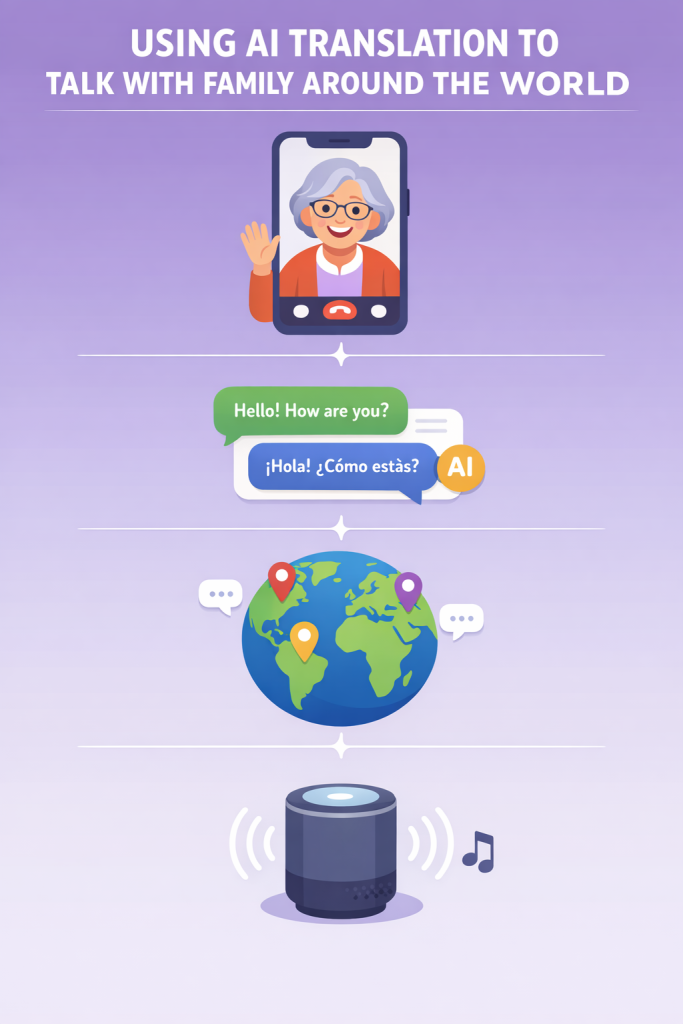
2. Seeing Words During Video Calls
Video calls are wonderful for seeing faces, but the language barrier can still be tricky. Apps like Skype or Zoom now offer “Live Captions.”
- How to do it: During a call, look for a button labeled “CC” or “Captions.” When you turn this on, the app will listen to the person speaking and display their words in English (or your preferred language) at the bottom of the screen.
- Why it helps: It’s like watching a foreign movie with subtitles, making it much easier to follow the story your niece is telling about her day.
3. Using Your Phone as a Translator
There are dedicated apps, such as Google Translate, that act like a handheld interpreter. These are perfect for when you are visiting family or having a live conversation.
- The “Conversation Mode”: You can tap a microphone icon, speak a sentence, and the phone will speak it back in the other language. Then, your relative can speak, and the phone will tell you what they said in English.
- Simple Steps: Open the app, pick the two languages (like English and Spanish), and tap the microphone. It’s that simple!
Final Thoughts
Technology should never be a barrier to love. While learning a new language is a wonderful goal, AI translation tools provide a helpful bridge right now. They allow you to share stories, offer advice, and say “I love you” without anything getting lost in translation.
Don’t be afraid to experiment with these tools during your next family chat. Your relatives will likely be thrilled to communicate more deeply with you, and you might find that a little bit of tech goes a long way in bringing your family closer together. If you enjoyed this guide, you might also like our article on “Setting Up Your First Video Call” to get started