

Staying close to your grandchildren can feel tricky when they live far away or are always busy. The good news is: you don’t have to be “tech‑savvy” to connect with them online.
In this guide, you’ll see how AI (artificial intelligence) can act like a helpful assistant in the background. It can help you write fun stories together, understand their slang, find games to play, and even plan or record video messages they’ll love.
You don’t need to learn complicated tools. You just type or talk to the AI in plain English, and it helps you with the rest.
Table of Contents
- What Is AI, in Simple Terms?
- 1. Using AI to Write Fun Stories With Your Grandkids
- 2. Let AI Translate Slang, Emojis, and Internet Talk
- 3. Let AI Suggest Games and Activities for Online Time
- 4. Using AI to Help Record Video or Voice Messages
- 5. Staying Safe and Comfortable While Using AI
- 6. Simple Prompts You Can Copy and Use
- Final Thoughts
Key Takeaways
- AI is like a friendly helper, not a replacement for you. It simply makes it easier to connect with your grandkids online.
- You can write custom stories together using AI—starring your grandchildren, their favorite toys, and even your family memories.
- AI can “translate” your grandkids’ slang, emojis, and abbreviations so you don’t feel left out or confused.
- Use AI to suggest games and activities that work over video calls or chat, based on your grandchild’s age and interests.
- AI can help you plan and script video or voice messages, so you feel more confident when recording them.
- You stay in control: you choose what to send, what’s personal, and what feels right for your family.
What Is AI, in Simple Terms?
AI (artificial intelligence) is just a computer program that can “chat,” answer questions, and help you create things like stories, letters, and ideas.
You: type or speak a question
AI: gives you suggestions or drafts to choose from
Think of it like an endlessly patient assistant who never gets tired of your questions and is available 24/7.
You might see AI in:
- Chat tools like this one
- On your phone’s keyboard when it suggests words
- In smart speakers (like Alexa or Google Assistant)
You don’t have to fully understand how it works to use it—just like you can drive a car without knowing how the engine is built.
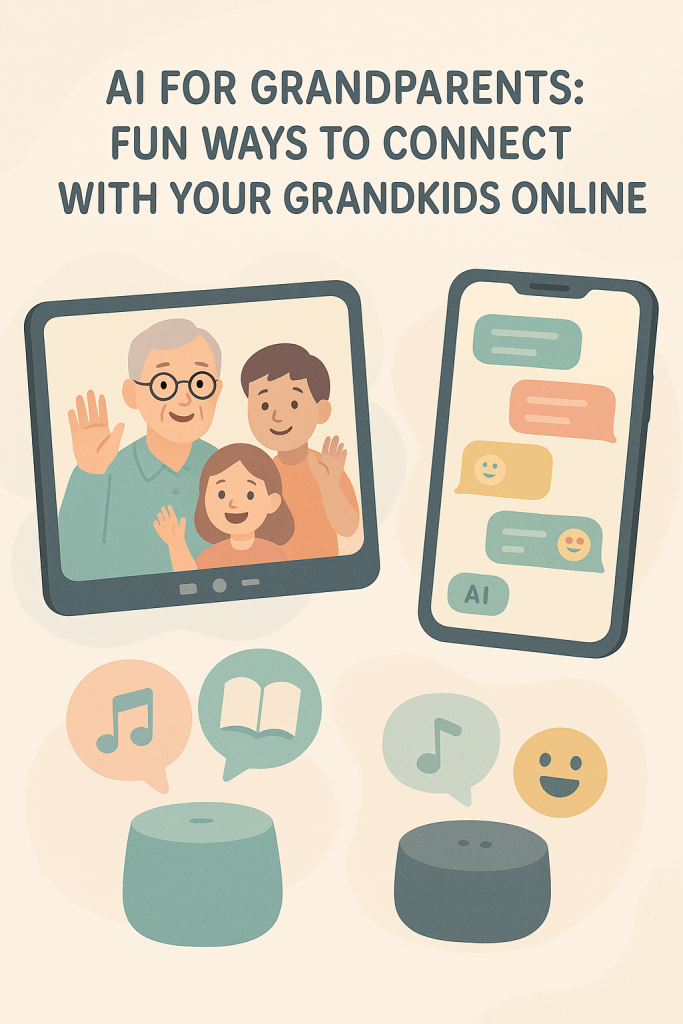
1. Using AI to Write Fun Stories With Your Grandkids
Stories are a wonderful way to connect across distance and generations. AI can help you:
- Create bedtime stories
- Make silly adventure tales
- Turn family memories into storybooks
A. Story ideas to try
- “Starring my grandchild” story
- You tell the AI your grandchild’s name, age, and interests.
- The AI helps you write a story where they are the hero.
- Example of what you might type to AI:
“Help me write a short, funny story for my 7‑year‑old grandson, Ben. He loves dinosaurs and space. Make it 3–4 short paragraphs and easy to read.”
Then you can:
- Read it to them on a video call
- Send it by email or text
- Print it out and mail it as a surprise
- Grandparent–grandchild co‑authoring
On a video call, say:- “Let’s tell a story together. I’ll ask my AI helper to start it, and we can change anything we like.”
- “Let’s tell a story together. I’ll ask my AI helper to start it, and we can change anything we like.”
- You might ask the AI:
“Start a story about Grandma Maria and her 9‑year‑old granddaughter Lily who find a talking cat. Write just the first paragraph.”
Then pause and ask your grandchild:
- “What should the cat say?”
- “Where should they go next?”
- You can keep asking the AI to add a new paragraph based on your grandchild’s ideas.
- Turn family memories into stories
AI can help you turn your own memories into tales they’ll treasure.
Example prompt:
“Turn this memory into a warm, simple story for my 10‑year‑old granddaughter: When I was 12, I got lost at the county fair and found my way back by following the smell of popcorn. Add a gentle lesson about staying calm.”
B. Tips for making AI stories feel personal
- Add real names (only if you’re comfortable)
- Mention favorite toys, pets, or places
- Add family sayings or traditions (“As Grandpa always says…”)
- After AI gives you a story, read it once and tweak it:
- Fix any details
- Adjust the tone to sound more like you
2. Let AI Translate Slang, Emojis, and Internet Talk
Grandkids often use words, emojis, and abbreviations that can feel like another language. AI can quietly explain what they mean so you don’t have to ask every time.
A. Ask AI, “What does this mean?”
Examples you can type:
- “My grandson texted: ‘That’s fire 🔥’. What does that mean in friendly terms?”
- “Translate this message into normal English for me: ‘OMG that game was OP lol’.”
- “Explain these abbreviations: LOL, BRB, IDK, SMH, POV. Give simple examples.”
AI can respond with:
- The meaning
- Whether it’s positive or negative
- When it’s usually used
B. Learn their world a bit at a time
You can ask AI to make a mini cheat‑sheet for you.
Try:
“Create a simple list of 20 common slang words and emojis teenagers use, with short explanations and an example sentence. Keep it easy to read for older adults.”
You can keep this list printed next to your computer or phone.
C. Use AI to reply in a way that feels natural for you
You don’t have to start using all the slang yourself if it feels strange. But you can ask AI:
- “How can I reply kindly and simply to this message from my 15‑year‑old grandson?”
- “Suggest 3 short, warm replies to: ‘Grandma, that’s so cringe 😂’ that sound like a normal grandparent, not a teenager.”
This way, your replies feel modern enough, but still like you.
3. Let AI Suggest Games and Activities for Online Time
Sometimes the toughest part of online calls is figuring out what to do together. AI can help you plan fun activities that work over Zoom, FaceTime, or any video chat.
A. Ask for age‑appropriate ideas
Example prompts:
- “Suggest 10 simple games I can play over video call with my 6‑year‑old granddaughter. We don’t need any special equipment.”
- “Give me ideas for online activities with my 13‑year‑old grandson who likes video games and superheroes.”
AI might suggest:
- I Spy (using what you can see on camera)
- Show and Tell (they show a toy or drawing, you tell a story about something from your childhood)
- Guess the Sound (you make a noise off camera, they guess)
- Would You Rather? questions (silly choices like “Would you rather fly or be invisible?”)
- Simple quizzes (you ask questions; AI can help you write them)
B. Let AI build you a “game plan” for a call
You can ask:
“Plan a 30‑minute video call with my 8‑year‑old grandson. Include a quick hello, one game, a short story, and a warm goodbye. Write it as a simple checklist for me.”
You’ll get something like:
- 5 minutes: Quick chat about his day
- 10 minutes: Game (for example, “I Spy” or “Guess the Animal”)
- 10 minutes: Read or tell a short AI‑helped story
- 5 minutes: Ask about his week and say goodbye
You can print or keep this next to you during the call so you feel prepared.
C. Use AI to design quizzes and scavenger hunts
Ask AI to create:
- A simple quiz about dinosaurs, space, or their favorite movie
- A treasure/scavenger hunt around their house
Examples:
- “Create 8 easy trivia questions about space for a 7‑year‑old. Include answers.”
- “Make a safe indoor scavenger hunt list for my 5‑year‑old granddaughter to do while on a video call with me. Things like ‘something red’, ‘something that makes noise’.”
You can then guide them through it and cheer them on.
4. Using AI to Help Record Video or Voice Messages
Sometimes you can’t catch your grandkids live, because of time zones, school, or busy schedules. Video or voice messages are a warm way to stay present in their life. AI can help you feel more confident doing this.
A. Let AI help you write a short “script”
If you feel shy on camera, ask AI to draft what you might say.
Examples:
- “Write a short, loving video message from Grandma Anne to her 10‑year‑old grandson Max for his birthday. Make it warm, simple, and 30–60 seconds long.”
- “Help me script a quick update video to my teenage granddaughter about what I grew in my garden this week. Keep it light and cheerful.”
You can read the script once or twice, then:
- Open your phone’s camera or messaging app
- Press the record button
- Talk naturally, using the script as a guide (you don’t have to be perfect)
B. Ideas for messages AI can help you create
- Birthday greetings with a memory and a wish
- Holiday messages (Christmas, New Year, Lunar New Year, etc.)
- “Good luck” messages before exams or sports games
- Weekly updates about your garden, cooking, or hobbies
Prompts you can use:
- “Write a gentle voice message for my 15‑year‑old granddaughter who is nervous about exams. Encouraging, not too long.”
- “Help me plan what to say in a 1‑minute video message telling my 9‑year‑old grandson about my new puppy.”
C. Use AI to turn your words into something clearer
You might write a rough note first:
“Hi sweetie, Grandpa misses you, here’s how my week went…”
Then ask AI:
“Please turn this into a warm, simple script for a 45‑second video message to my 12‑year‑old granddaughter. Keep it sounding like a normal grandparent.”
You can still change any part that doesn’t sound like your own voice.
5. Staying Safe and Comfortable While Using AI
AI is helpful, but it’s important to keep your information and your family safe.
A. Things to avoid sharing with AI
- Exact home addresses
- Full passwords or PINs
- Very private medical details (unless you’re using a trusted health service)
- Anything your family has asked you to keep off the internet
You can say things like:
- “My grandson lives in another country.”
- “My granddaughter is 8 and likes unicorns.”
B. Double‑check before sending
AI can make mistakes. Before sending anything to your grandchild:
- Read the text or story once yourself
- Make sure names and details are correct
- Remove anything that feels too personal or not quite right
You are always the final editor.
C. Talk to your family if you’re unsure
If you’re not sure what’s okay to share:
- Ask your adult children: “Is it alright if I send the kids AI‑assisted stories or messages?”
- Ask them which apps your grandkids already use and what’s safest.
6. Simple Prompts You Can Copy and Use
Here are some ready‑to‑use ideas you can type into an AI chat (like this one). You can copy, paste, and adjust them:
- Story prompts
- “Write a short, funny story for my 6‑year‑old grandson, Oliver, who loves trains and cats. Make it easy to read aloud.”
- “Turn this family memory into a children’s story for my grandkids: [describe your memory]. Keep it warm and gentle.”
- Slang and emoji help
- “Explain this message from my granddaughter in simple terms: ‘Grandma, that outfit is slay 😂’.”
- “Make a one‑page cheat‑sheet of 20 common teen slang words and emojis with clear meanings for an older adult.”
- Games and call ideas
- “Suggest 10 fun, simple games I can play on a video call with my 5‑year‑old granddaughter. No special materials needed.”
- “Plan a 30‑minute Zoom call with my 11‑year‑old grandson who likes soccer and Minecraft. Include talking points and one game.”
- Video / voice message scripts
- “Write a warm 1‑minute birthday video message script from Grandpa John to his 9‑year‑old granddaughter Emma. Make it loving and easy to say.”
- “Help me write a short, encouraging voice message for my 13‑year‑old grandson who just started high school.”
Final Thoughts
You don’t have to be a computer expert to use AI to stay close to your grandchildren. Think of it as a friendly helper that:
- Gives you story ideas
- Explains confusing slang
- Suggests games and call plans
- Helps you feel more confident sending messages and videos
The most important part is still you: your love, your memories, your attention. AI just makes it a little easier—and often more fun—to share those things online.