

Staying connected with loved ones has never been easier, thanks to the quiet help of artificial intelligence (AI). Whether you want to send a quick text, chat with relatives who speak another language, or reply without typing, your phone already has tools that can make it all simple. You don’t need to be a tech expert — just a few taps or voice commands can help you feel closer to your family, wherever they are.
Table of Contents
Key Takeaways
- Voice dictation lets you speak your messages instead of typing.
- Translation tools help you chat easily across different languages.
- Smart replies offer quick, ready-to-send responses.
- Siri and AI assistants can read, write, or send messages for you.
- These tools are built into most phones and apps — no extra setup needed.
Speak, Don’t Type: Using Dictation for Messages
Typing on a small screen can be tiring, especially for longer messages. Dictation takes the effort out of texting. You simply speak your message aloud, and your phone turns your words into text instantly.
Here’s how it works on most devices:
- Open your Messages or Mail app.
- Tap the microphone icon on your keyboard.
- Speak naturally — you can even say punctuation like “comma” or “question mark.”
- Check your message, then tap Send.
It’s especially handy if your hands are busy or if you have vision or dexterity challenges. You can even dictate reminders, notes, or emails. The more you use it, the better it gets at recognizing your voice and favorite phrases.
Breaking the Language Barrier: Translation Tools
Do you have relatives who prefer another language? AI translation tools make conversations smooth and natural. Apps like Apple Translate, Google Translate, and even Messages on iPhone can instantly turn your words into another language — and back again.
For example:
- You say “How are you?” in English.
- The app shows and speaks the same message in Spanish or Chinese.
- Your family member replies in their language, and it’s translated back for you.
Many phones even offer real-time conversation mode, where you both speak naturally, and AI does the translating as you go. It feels almost like having an interpreter in your pocket.
If you use FaceTime or video calls, subtitles can also appear in your chosen language, making family chats more comfortable and inclusive.
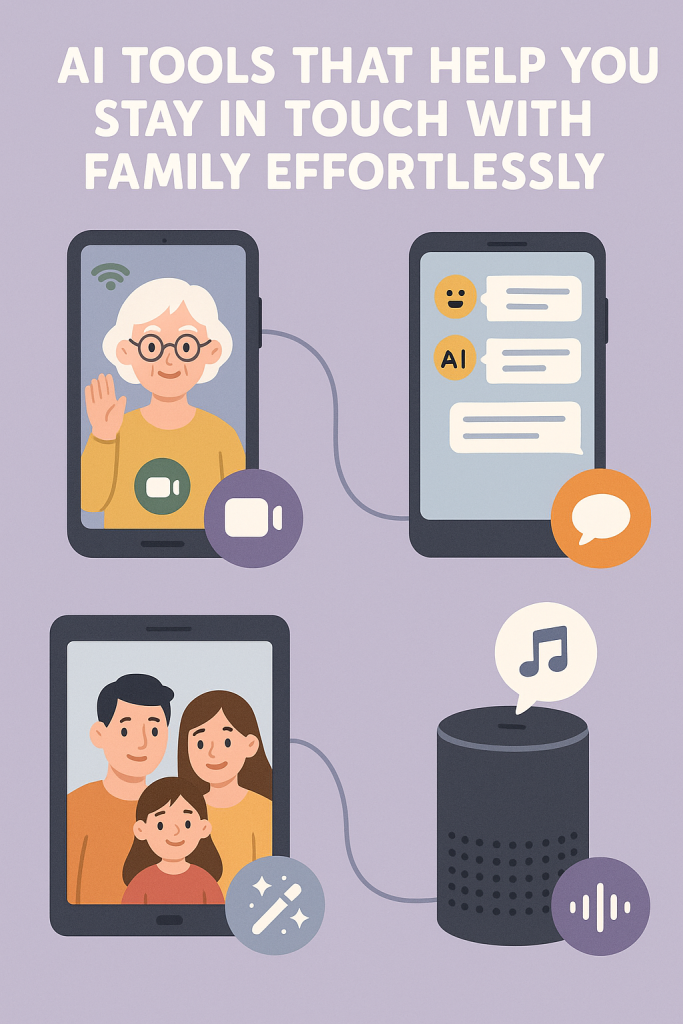
Reply in a Tap: Smart Responses
Sometimes, all you need is a quick “Thank you!” or “Sounds good!” AI can save you from typing these short replies again and again.
In Messages, Mail, and even apps like WhatsApp, you’ll often see small buttons under received texts with suggested responses. These are called smart replies.
For example, if someone texts, “Want to call tonight?” you might see options like:
- “Sure!”
- “Maybe tomorrow.”
- “Sounds good.”
You just tap one and send — no typing needed. These AI suggestions learn from your habits, so they start sounding more like you over time.
Let Siri or Google Assistant Handle It
If you prefer to stay hands-free, voice assistants like Siri or Google Assistant can take care of your communication for you. You can say things like:
- “Hey Siri, text Emma that I’ll call her later.”
- “Hey Google, read my last message from Sam.”
These assistants can send messages, start calls, read new texts aloud, or even translate short phrases. They’re especially helpful when you’re cooking, driving, or just relaxing with your phone across the room.
You can also ask Siri to announce messages through your AirPods, so you can hear and respond without looking at your screen.
Real-Life Example: Staying Close Across Generations
Imagine this: your grandson is studying abroad in France. He texts you in French, but you’re not sure what it means. You open his message in the Translate app, tap “Detect Language,” and instantly see the English version. You reply in English, and it’s automatically sent in French.
Or maybe your hands ache from typing — so you tell Siri, “Text Lily: I love the photos you sent!” and your message is ready in seconds.
Small conveniences like these add up. They make staying in touch less about effort and more about connection.
Tips for Getting Started
- Try one tool at a time. Start with dictation before moving on to translation or smart replies.
- Speak clearly and naturally. AI tools improve when they hear your voice regularly.
- Check for updates. Keeping your apps and phone software up to date ensures smoother performance.
- Use Wi-Fi when possible. Translation and voice features work faster with a stable internet connection.
- Practice with friends. Experiment with short messages or simple phrases before using these tools for longer chats.
Final Thoughts
Technology doesn’t have to make communication harder — it can actually make it more personal. With AI-powered tools like dictation, translation, and smart replies, you can stay close to your family no matter where they are or what language they speak.
Think of these tools as quiet helpers, ready to step in when you need them. Try one the next time you send a message or make a call — you might be surprised by how easy and natural it feels to stay connected.