
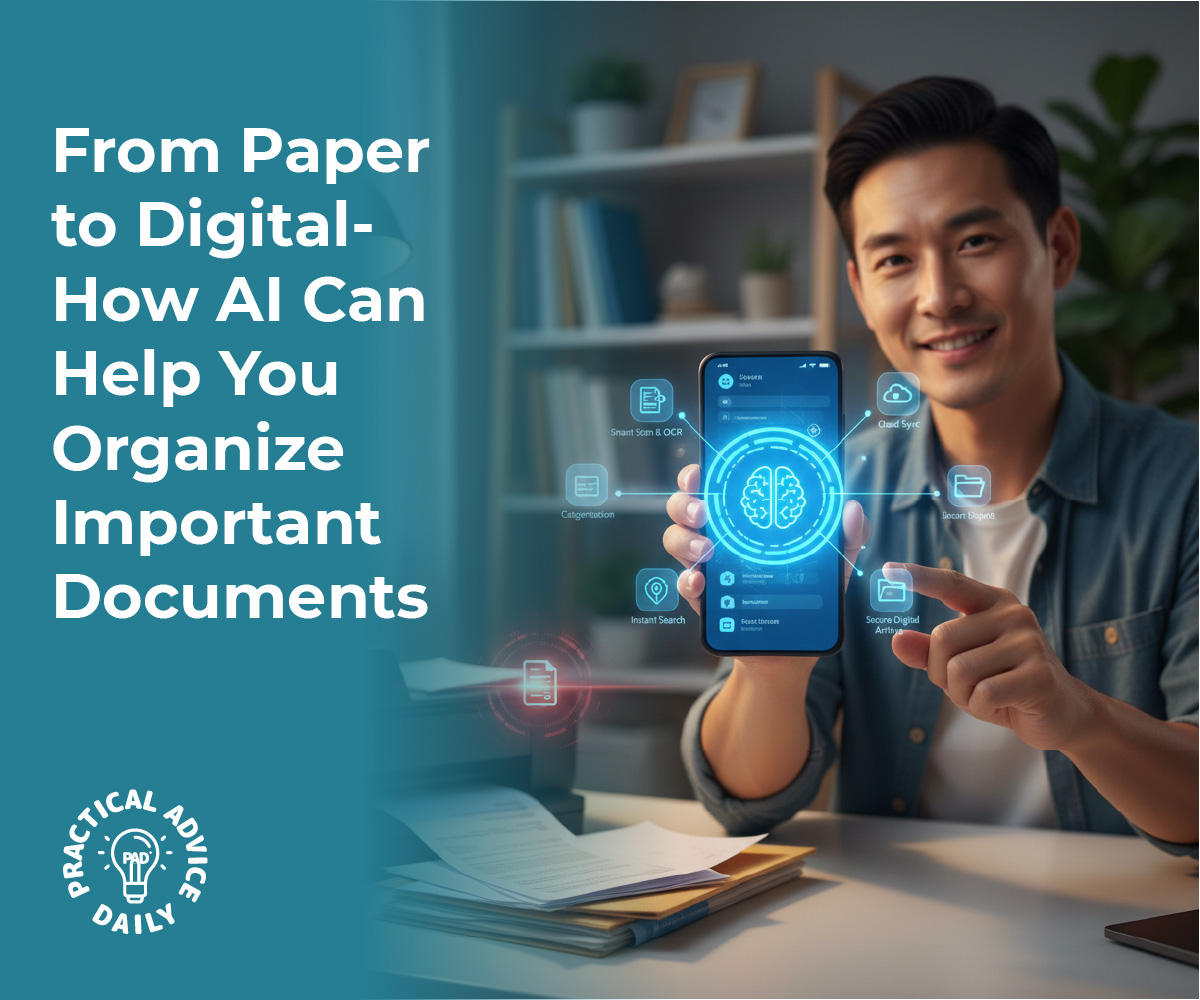
Managing a lifetime of paperwork can feel like a full-time job. Between medical records, monthly bills, and legal documents, the stacks of paper can quickly become overwhelming. However, modern technology has introduced a simple way to clear the clutter. By using AI-powered scanning apps on your smartphone or tablet, you can transform those physical stacks into a neat, searchable digital library. This guide will show you how to get started, even if you don’t consider yourself “tech-savvy.”
Table of Contents
Key Takeaways
- Clear the Clutter: Turn physical piles of paper into digital files stored safely on your device.
- Find Anything Instantly: Use search features to find a specific bill or medical record in seconds.
- Simple Tools: You only need a smartphone and a free or low-cost app to get started.
- Safe and Secure: Learn how to keep your digital documents private and backed up.
Hello! If you have ever spent an afternoon rummaging through a filing cabinet looking for a single receipt or a doctor’s note, you know how frustrating paper can be. The good news is that you already carry a powerful tool in your pocket that can solve this problem.
Artificial Intelligence (AI) might sound complicated, but in this case, it simply acts like a very smart pair of eyes. AI-powered scanning apps use your phone’s camera to “read” your documents, straighten them out, and make the text searchable. It is a beginner-friendly way to ensure your important information is always at your fingertips.
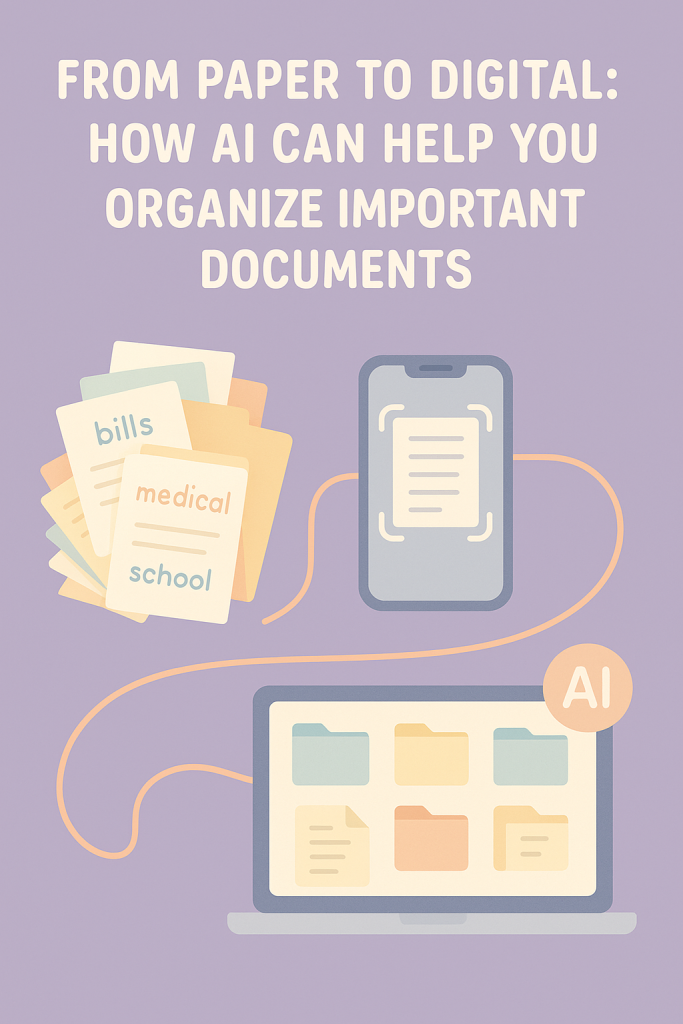
How AI Scanning Works
In the past, “scanning” meant using a large, clunky machine connected to a computer. Today, an AI scanning app does all the hard work for you. When you point your phone camera at a piece of paper, the AI automatically finds the edges of the page, removes shadows, and sharpens the text so it looks like a professional photocopy.
The best part is a feature called OCR, which stands for Optical Character Recognition. This is just a fancy way of saying the app recognizes the words on the page. Because the app “understands” what is written, you can later type a word like “Electricity” or “Cardiologist” into a search bar, and the app will instantly pull up the right document.
Step-by-Step: Digitizing Your First Document
Getting started is easier than you might think. Here is how to scan your first document:
- Download an App: Look for highly-rated, simple apps like Microsoft Lens, Adobe Scan, or the “Notes” app already built into iPhones.
- Find Good Light: Place your document on a flat surface, like a kitchen table, in a well-lit room.
- Point and Snap: Open the app and hold your phone over the paper. Most apps will automatically “grab” the image once it’s in focus.
- Name Your File: Give the document a clear name, such as “Water Bill December 2025” or “Dr. Smith Notes.”
- Save and Organize: Save the file into a folder. You might create folders labeled “Health,” “House,” or “Legal.”
Real-Life Examples
Imagine you are at the pharmacy and need to remember a specific dosage mentioned in a medical report from three months ago. Instead of calling home, you simply open your scanning app, type “dosage” in the search bar, and the document appears instantly.
Or, consider tax season. Instead of handing a shoebox of receipts to an accountant, you can send a single digital folder containing every receipt you scanned throughout the year. It saves time, reduces stress, and ensures nothing gets lost in the mail.
Final Thoughts
Transitioning from paper to digital doesn’t have to happen overnight. You can start small by scanning just one or two important documents a week. As you see how easy it is to find what you need, your confidence will grow. Embracing these simple AI tools is a wonderful way to stay organized, keep your home tidy, and ensure that your most important information is always safe and easy to find. Why not try scanning one bill today and see how it feels?