
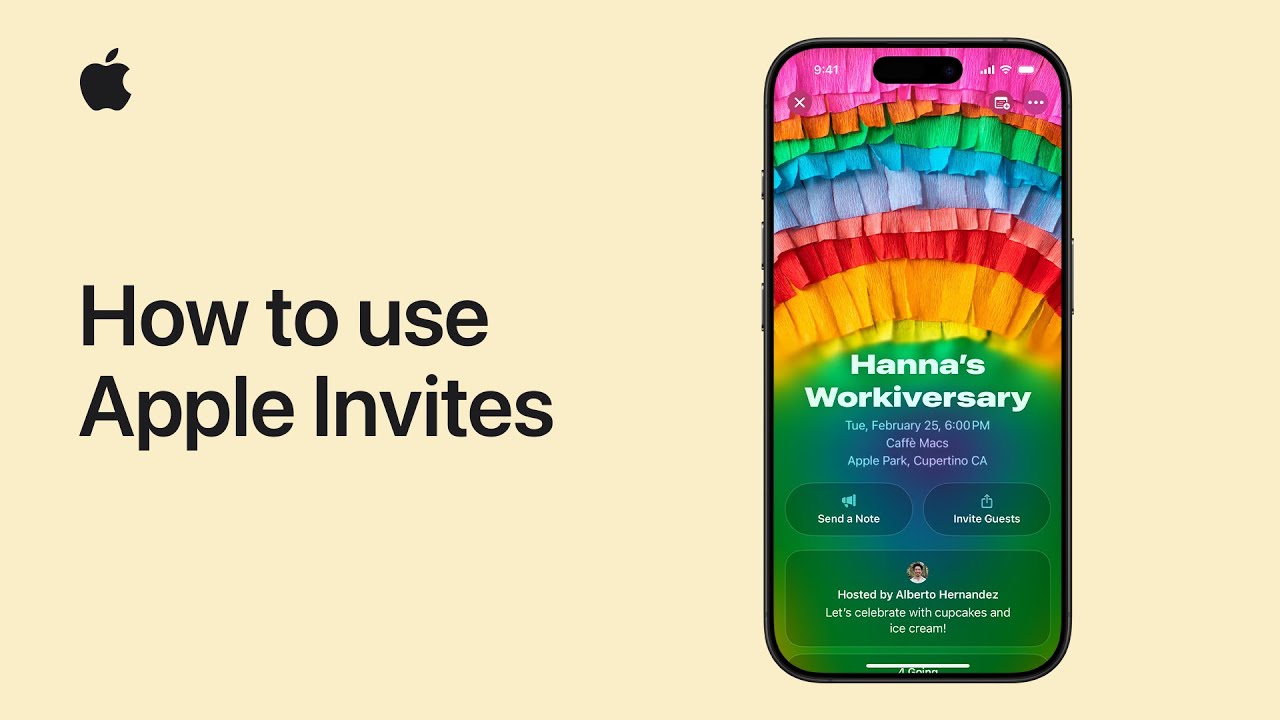
I’ll show you how to create and send an event with Apple Invites. First, open the Apple Invites app or visit iCloud.com and tap Add or Create Event.
Next, tap Add Background and choose a photo, use the Camera, or try Image Playground. Then enter an Event Title, pick a font, and press Return on the keyboard. After that, set the Date and Time and tap Done.
Next, add a Location or choose your current place and give it a custom name.
Finally, review the details, invite guests, and send the invitation — anyone can join, even without an Apple device right away.
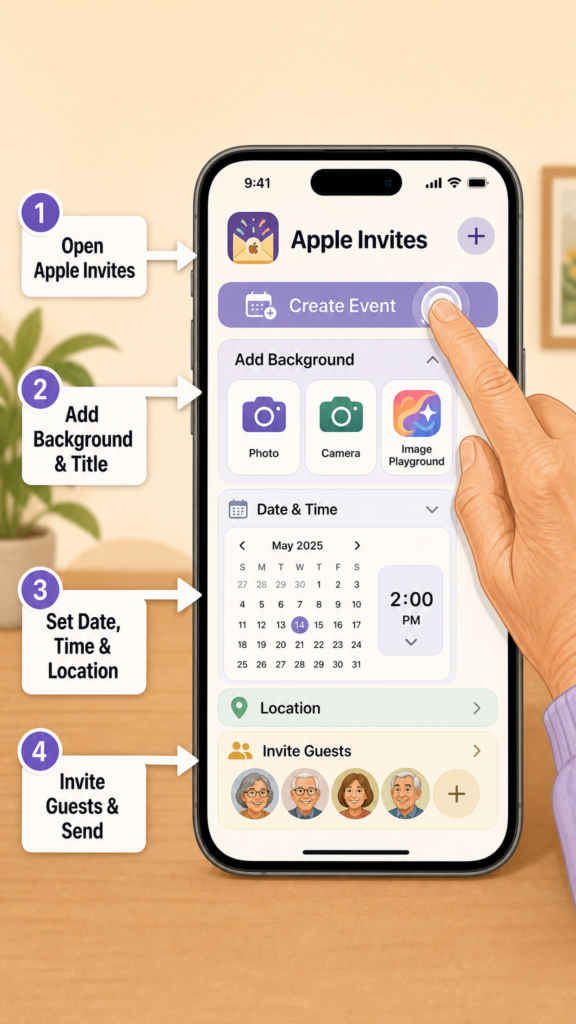
- Open Apple Invites or iCloud.com and tap Add/Create Event.
- Add a background (photo, Camera, or Image Playground) and set an event title and font.
- Choose the date and time, then confirm with Done.
- Add or name a location and save it.
- Review details, invite guests, and send — invites work for Apple and non‑Apple devices.