
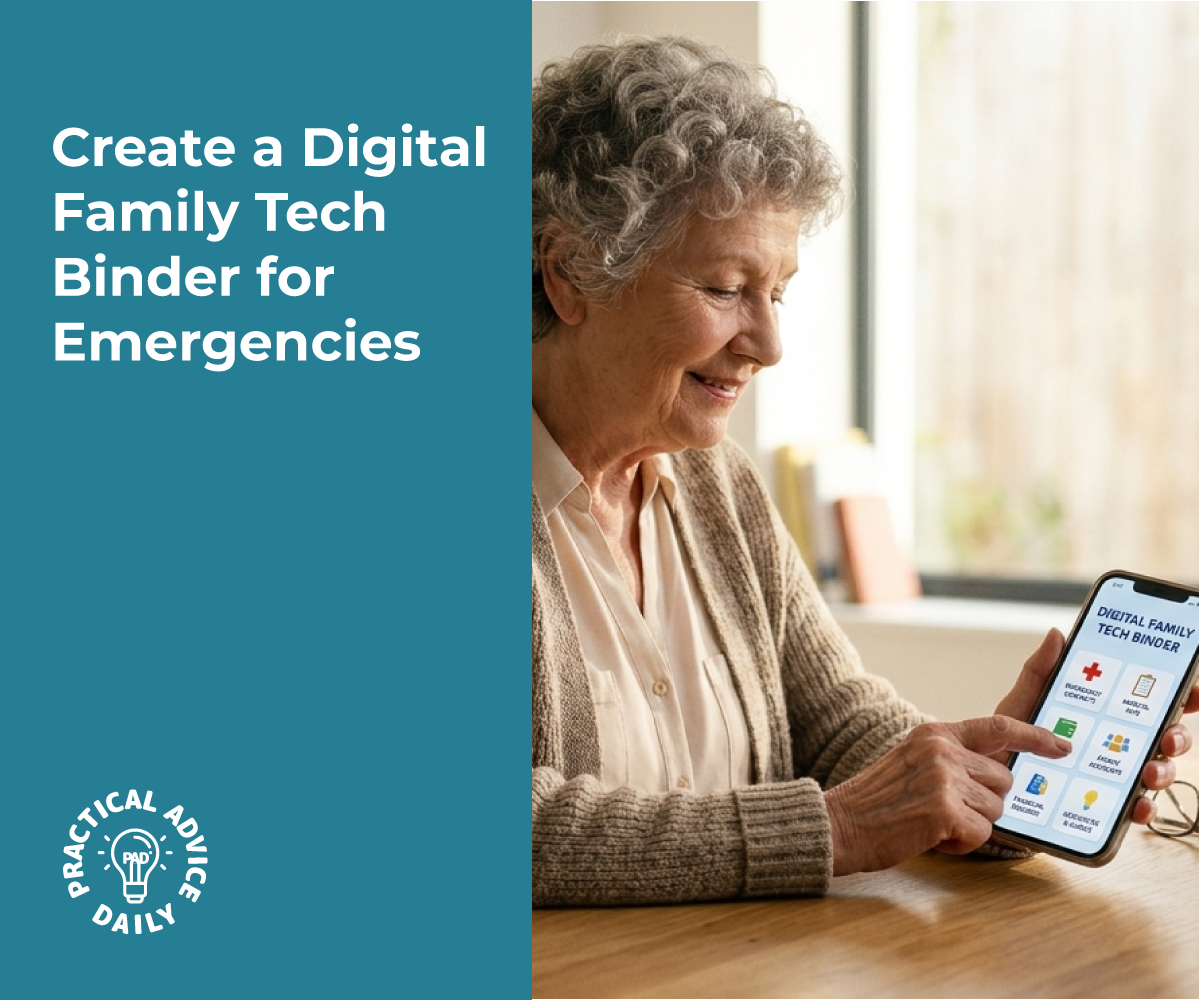
When caring for a loved one, multiple family members or professional caregivers often need quick access to critical information like medication schedules, medical device instructions, and login credentials for healthcare portals. Without a centralized system, this information gets scattered across sticky notes, text messages, and individual phones, creating confusion during emergencies when every second counts. A secure shared folder that organizes passwords, medical IDs, and device instructions provides caregivers with immediate access to vital information while maintaining proper security and privacy protections.
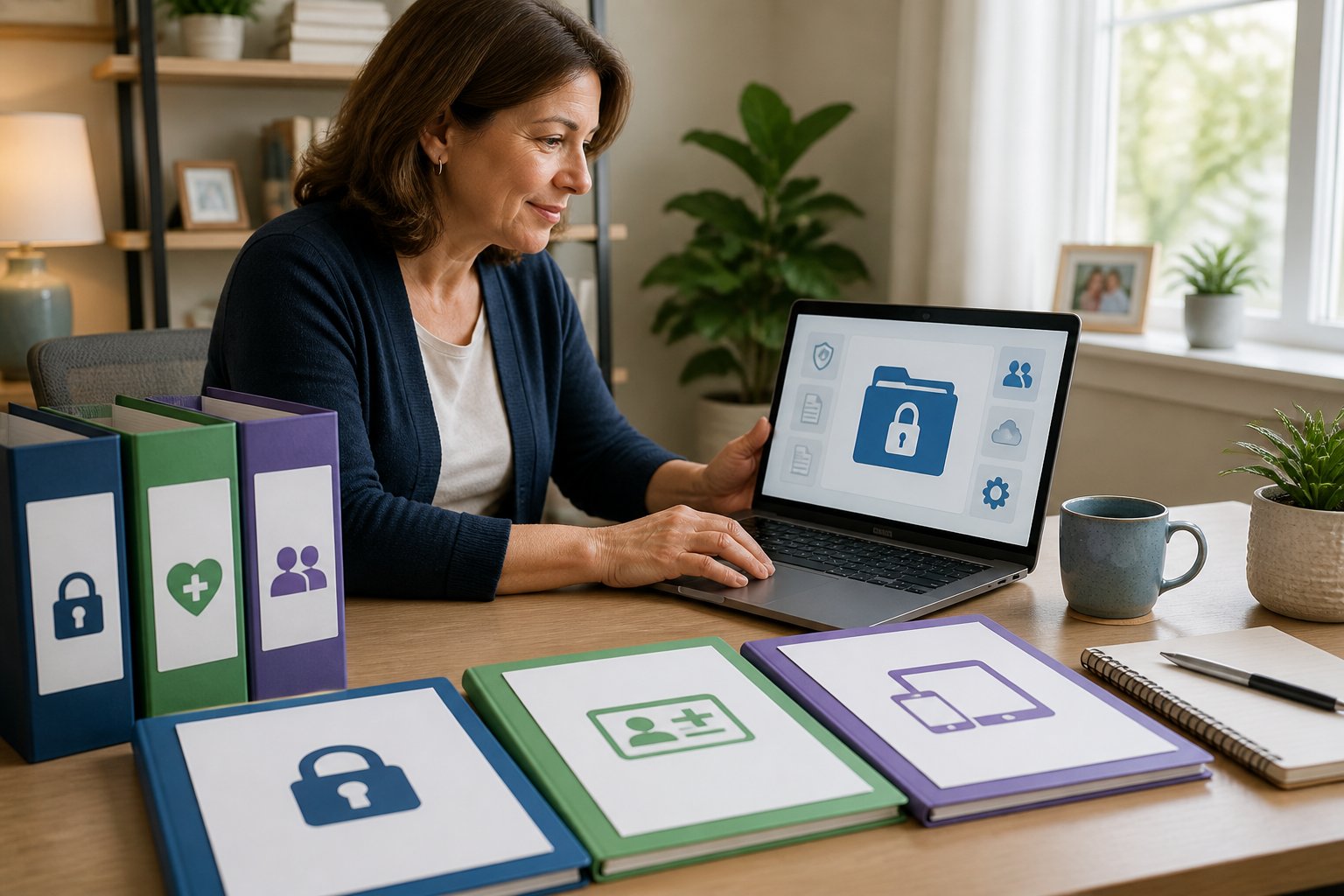
The challenge lies in balancing accessibility with security requirements. Healthcare information falls under strict privacy regulations, yet caregivers need real-time access to perform their duties effectively. A properly structured shared folder system addresses both needs by implementing appropriate access controls while keeping information organized and current.
Creating this system requires understanding what information to include, how to structure it for quick retrieval, and which security measures to implement. The right approach protects sensitive data while ensuring caregivers can locate critical information within seconds during routine care or medical emergencies.
Table of Contents
Key Takeaways
- A centralized secure folder system eliminates information scatter and provides caregivers with immediate access to critical medical data and credentials
- Proper access controls and permission settings ensure only authorized individuals can view sensitive healthcare information while maintaining compliance
- Regular updates and consistent organization practices keep medical information current and accessible during emergencies
Building a Secure Shared Folder System
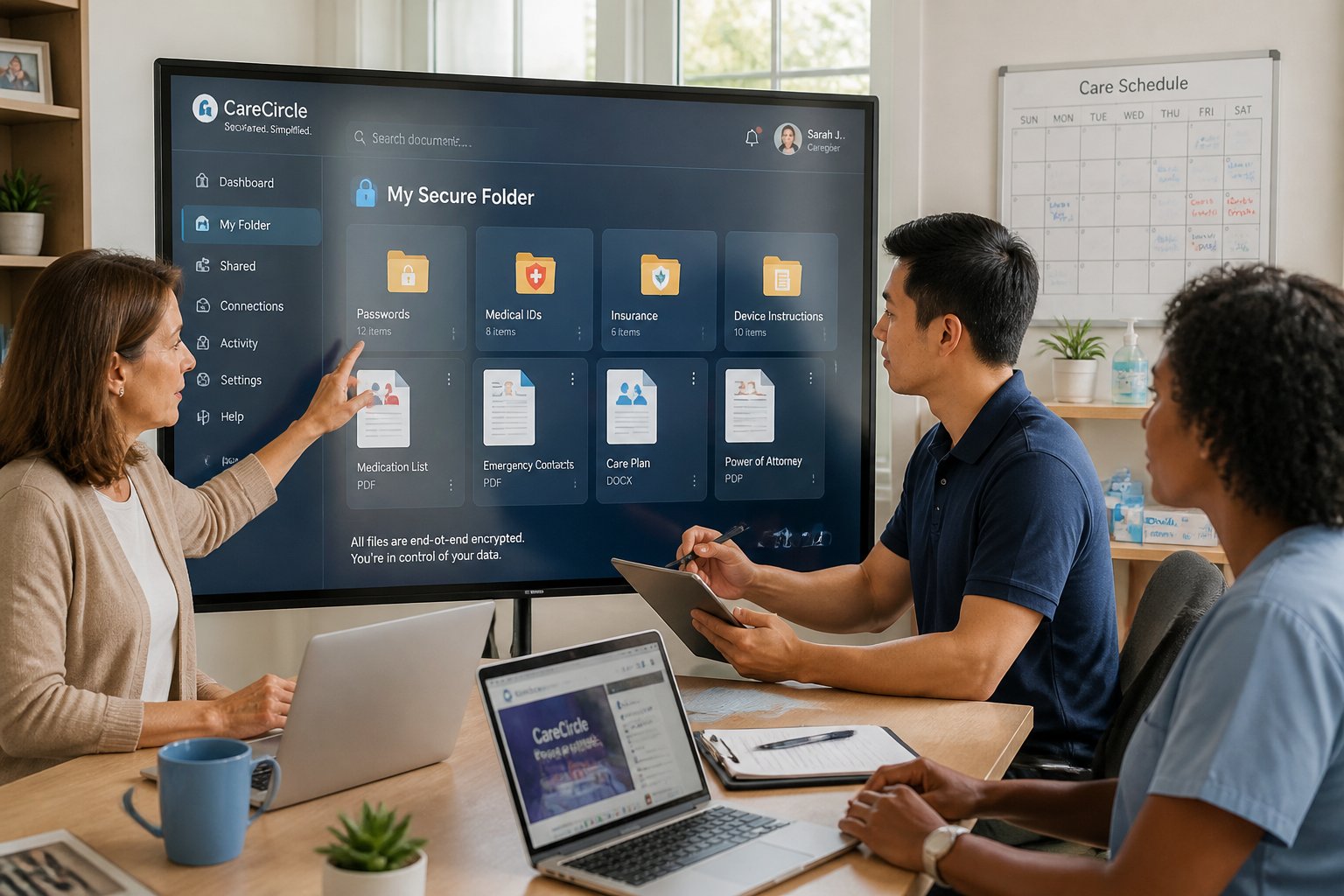
A secure shared folder system requires selecting compliant technology, implementing clear organizational structures, and establishing protocols for handling the most sensitive information like passwords and medical identifiers.
Choosing a Compliant File Sharing Solution
Healthcare organizations must select file sharing platforms that meet strict regulatory requirements. HIPAA compliance is mandatory when storing or sharing protected health information, which includes medical IDs, treatment records, and any files that can identify a patient.
The platform must offer encryption both at rest and in transit. Client-side encryption provides the strongest protection, ensuring only authorized users can decrypt sensitive files. Two-factor authentication should be available and enforceable across all user accounts.
A Business Associate Agreement (BAA) is legally required when working with external file sharing providers. Without this signed agreement, even platforms with strong security features remain non-compliant. Role-based access controls allow administrators to grant different permission levels to family members, professional caregivers, and healthcare providers.
Additional security features include password-protected sharing links, link expiration dates, and audit trails. Audit logs track who accessed which files and when, creating accountability and helping identify potential security issues before they escalate.
Designing an Organized Folder Structure
A clear folder structure prevents confusion and reduces the risk of sharing wrong files or exposing unnecessary information. The main folder should contain distinct subfolders for different information types rather than mixing documents randomly.
Create separate folders for:
- Medical Records (diagnoses, lab results, imaging reports)
- Device Information (user manuals, warranty documents, setup guides)
- Emergency Contacts (provider phone numbers, pharmacy details)
- Medication Lists (current prescriptions, dosage schedules, allergy information)
- Access Credentials (stored separately with restricted permissions)
Each subfolder should use consistent naming conventions. Include dates in file names when relevant (YYYY-MM-DD format works best for sorting). Limit access to each folder based on who needs the information. Not every caregiver requires access to financial documents or complete medical histories.
Managing Passwords and Medical IDs Effectively
Passwords and medical identifiers require the highest level of protection within shared folders. These credentials should never be stored in plain text documents or spreadsheets, even within encrypted folders.
Use a dedicated password manager designed for secure sharing among trusted individuals. These tools encrypt each entry individually and allow selective sharing of specific credentials without exposing the entire database. Many password managers support secure notes for storing medical ID numbers, insurance policy details, and health portal login information.
When sharing device access codes or portal passwords through the shared folder system, use password-protected files with expiration dates. Rotate shared passwords regularly, particularly when caregivers change or when someone leaves the care team.
Document which passwords correspond to which accounts and devices. Include recovery information like security question answers (stored encrypted) and backup email addresses. This prevents lockouts during emergencies when the primary account holder cannot provide access.
Implementing Access Controls and Permissions
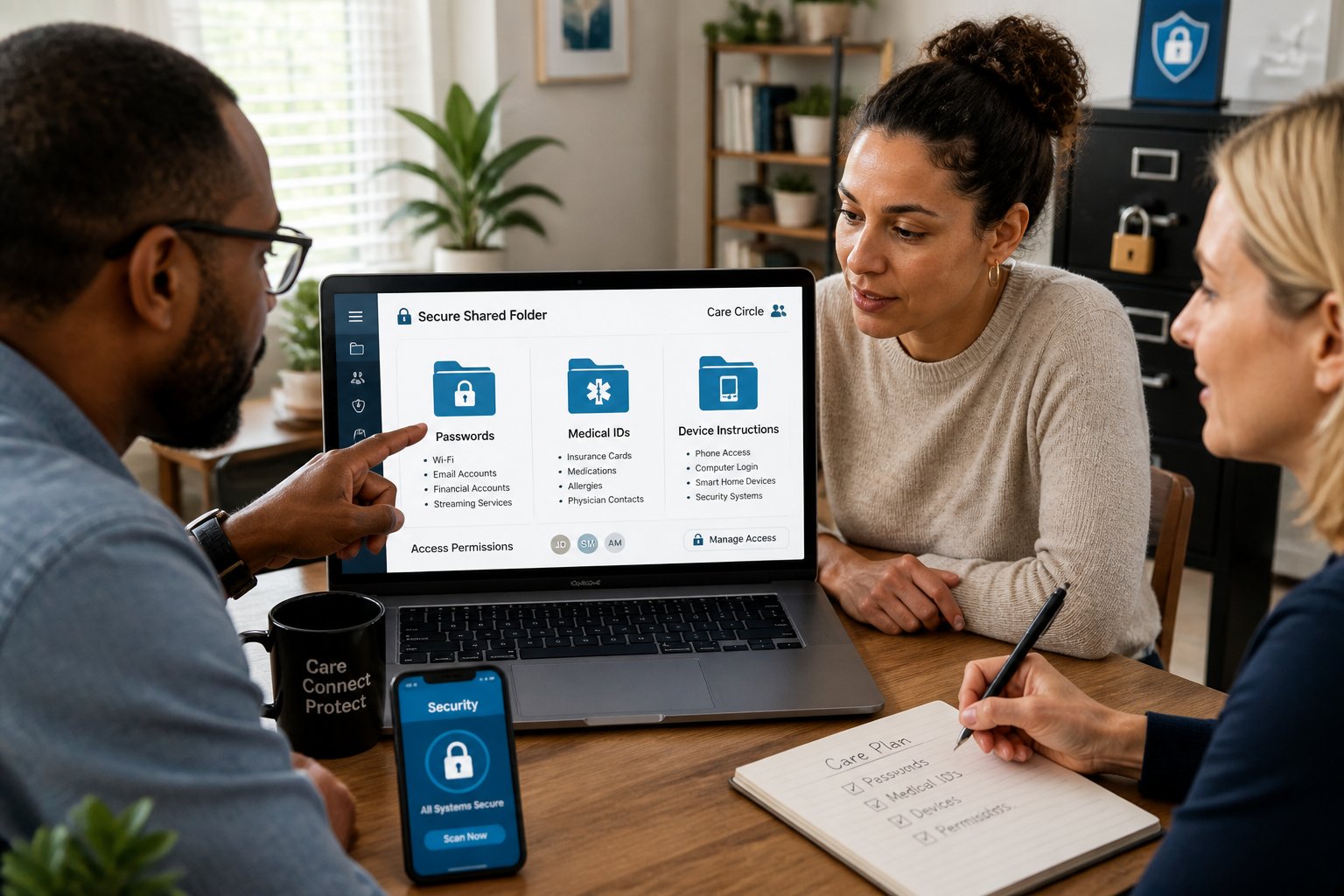
Caregivers need different levels of access to medical information and device credentials, requiring structured permission systems that balance security with practical care delivery. Proper access controls protect sensitive health data while ensuring authorized individuals can retrieve critical information during medical emergencies.
Role-Based Access and Least-Privilege Strategies
Role-based access control assigns permissions based on each caregiver’s specific responsibilities in patient care. Primary caregivers might receive full access to medical records and device credentials, while respite caregivers access only daily medication schedules and emergency contacts.
The least-privilege principle limits each user to the minimum information necessary for their duties. A physical therapist needs exercise protocols and mobility device passwords but should not access financial records or unrelated medical histories. Healthcare proxies require broader permissions than occasional visiting nurses.
Common caregiver roles and typical access:
- Primary family caregiver – full medical history, all device credentials, insurance information
- Home health aide – daily care instructions, basic vital monitoring, medication reminders
- Visiting specialist – condition-specific records, relevant test results, specialized equipment access
- Emergency backup contact – critical allergies, current medications, emergency device instructions
Permission structures should align with legal authority documents such as healthcare power of attorney or HIPAA authorization forms. Organizations assign unique user identification to each caregiver through verified email addresses or secure credential systems. This attribution connects every folder access to a specific individual.
Granular Access Controls for Caregivers
Granular controls determine which specific files, folders, or data fields each caregiver can view, edit, or share. A caregiver might read glucose monitor data but cannot modify historical readings. Another might update daily care notes while restricted from changing advance directive documents.
File-level permissions work through folder hierarchies where sensitive documents sit in restricted subfolders. Medication lists might allow read-only access for most caregivers, with edit rights reserved for the patient’s spouse and primary physician. Device instruction PDFs could permit downloads but block forwarding to prevent uncontrolled distribution.
Time-based restrictions add another control layer. Temporary caregivers receive access that expires automatically after their service period ends. Automatic logoff settings terminate inactive sessions after preset intervals—typically 10-15 minutes for high-sensitivity medical folders, reducing exposure from unattended devices.
Access control settings to configure:
| Control Type | Purpose | Example Setting |
|---|---|---|
| View/Edit | Separate reading from modification | Nurse views history but cannot delete |
| Download/Print | Prevent local copies | Block downloads of advance directives |
| Share/Forward | Limit redistribution | Disable sharing outside caregiver group |
| Expiration | Time-bound access | 30-day access for short-term aide |
Person or entity authentication verifies caregiver identity before granting access. Multi-factor authentication combines something the caregiver knows (password) with something they have (phone verification code).
Setting Up Audit Trails and Compliance Reporting
Audit trails record every access event: who opened which file, when, from what device, and what actions they performed. These logs create accountability and help identify unauthorized access attempts or accidental breaches.
Modern secure folder systems log file views, downloads, edits, permission changes, and sharing activities. Each entry captures the user’s unique identification, timestamp, IP address, and specific action taken. Administrators should review logs monthly for unusual patterns such as after-hours access or repeated failed login attempts.
Compliance reporting demonstrates adherence to privacy regulations when sharing medical information. Reports show which caregivers accessed specific health records, supporting HIPAA compliance requirements for healthcare proxies and family caregivers who handle protected health information.
Essential audit controls include:
- Real-time alerts when restricted files are accessed
- Monthly summaries of all caregiver activity
- Retention of logs for 6-7 years to match medical record requirements
- Searchable archives filtered by user, date range, or file type
- Automated reports showing permission changes and new user additions
Audit controls deter inappropriate access when caregivers know their actions are monitored and logged. Family administrators should communicate this monitoring to all caregivers during the initial folder access setup. Transparency about logging practices builds trust while reinforcing security expectations.
Ensuring Security, Privacy, and Data Integrity
Protecting shared caregiver folders requires layered security measures that address encryption standards, recovery protocols, and regulatory compliance. Healthcare information demands specific safeguards that balance accessibility for authorized users with protection against unauthorized access.
End-to-End Encryption and Zero Trust Architecture
End-to-end encryption ensures that sensitive files remain encrypted during transmission and storage, making them unreadable to anyone without proper decryption keys. This protection applies to passwords, medical IDs, and device instructions stored in shared folders.
Zero trust architecture operates on the principle that no user or device should be trusted by default, even within the network perimeter. This approach requires verification at each access point rather than relying on perimeter defenses alone.
Key implementation elements include:
- Multi-factor authentication for all folder access
- Role-based access controls that limit viewing and editing permissions
- Session timeouts that automatically log out inactive users
- Device verification before granting access to shared resources
Healthcare organizations subject to the HIPAA Security Rule must ensure that service providers implement technical safeguards including encryption and secure user authentication. Business associate agreements should specify these requirements when third-party platforms host the shared folders.
Backup, Retention, and Disaster Recovery Plans
Regular automated backups protect against data loss from device failure, accidental deletion, or security incidents. Caregivers should schedule backups at least daily, with critical medical information backed up more frequently.
Data backup systems must maintain the same encryption standards as primary storage. Backup files containing medical IDs and health information should be stored in geographically separate locations from the primary data to protect against localized disasters.
Retention policies determine how long different types of information remain accessible. Medical records typically require retention for 6-7 years, while temporary caregiver notes may have shorter timeframes. Clear retention schedules prevent unnecessary accumulation of outdated sensitive data.
Disaster recovery plans outline specific steps to restore access when systems fail. These plans should identify backup administrators who can grant emergency access and provide alternative methods to retrieve critical information like medication lists or emergency contacts.
Key Policies for Protecting Sensitive Health Information
Access policies define who can view, edit, or share specific folders and files. Caregivers should receive minimum necessary access based on their role, with primary family members or designated healthcare proxies maintaining broader permissions.
Password policies establish requirements for account security, including minimum length, complexity, and change frequency. Shared folder passwords should differ from individual account passwords to limit exposure if one credential is compromised.
Audit logs track all access attempts, file modifications, and sharing activities. Regular review of these logs identifies unauthorized access patterns or unusual activity that may indicate security issues.
Data sharing policies restrict external distribution of sensitive files. These policies should prohibit forwarding medical information through unsecured channels like personal email or text messages and require secure methods for communicating with healthcare providers.
Final thoughts
A digital family tech binder is a simple, high‑impact way to prepare for emergencies. Store essential items—passwords, medical IDs, device setup notes, and key contacts—in a single, encrypted shared folder so trusted caregivers can access them when every minute counts. Keep instructions clear (device model, steps, PINs where needed), label items explicitly, and grant access only to vetted people. Review and update the binder regularly, and use strong encryption plus two‑factor authentication to protect sensitive data while ensuring it remains available during crises.