

Google Maps Street View has become more than just a navigation tool—it’s now a portal to revisit meaningful moments from the past. Users can virtually return to their childhood homes, old schools, or honeymoon destinations simply by entering an address and selecting Street View, allowing them to explore these locations without leaving their couch. The feature captures street-level imagery over time, creating an archive of places as they existed in different years.
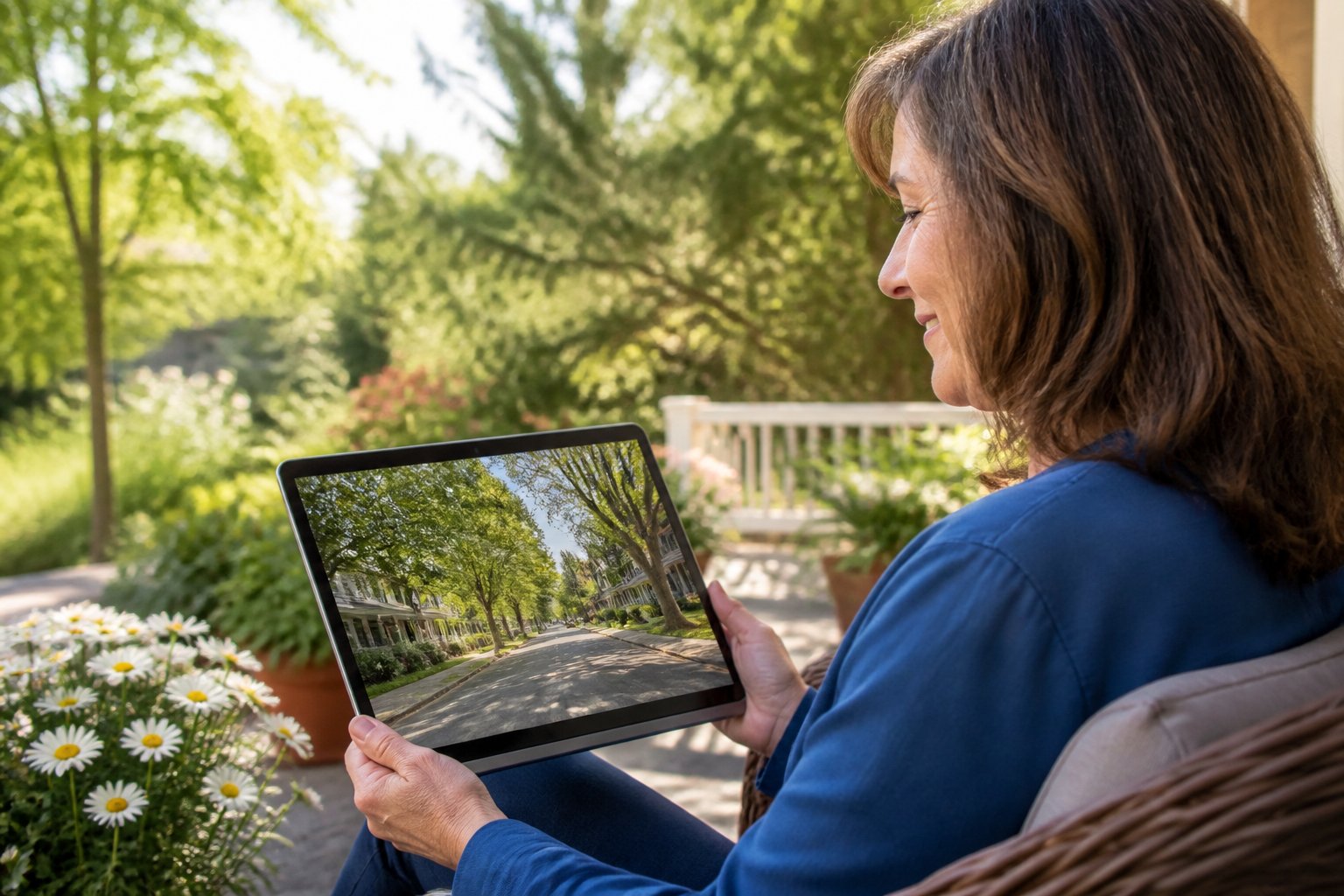
Recent advances in AI and computer vision have expanded these capabilities beyond simple street photographs. AI tools can now transform standard Street View images into artistic renditions or enhanced visual experiences, while features like Immersive View offer multi-dimensional explorations of locations. These technologies merge nostalgia with innovation, making it possible to see familiar places through new perspectives.
The trend of virtual visits to meaningful locations has gained traction across social media, with people sharing emotional discoveries of how their old neighborhoods have changed or remained the same. Whether someone wants to see their childhood street as it looked decades ago or explore a favorite vacation spot from years past, these digital tools make time travel accessible through any internet-connected device.
Table of Contents
Key Takeaways
- Google Maps Street View allows users to virtually revisit childhood homes, schools, and other meaningful locations by simply entering an address
- AI tools and features like Immersive View enhance traditional street photography with artistic transformations and multi-dimensional exploration capabilities
- Time-stamped imagery in Street View enables users to compare how places have changed across different years
Using Google Maps and Street View to Revisit Special Places

Google Maps Street View transforms any device into a portal for revisiting meaningful locations from the past. The platform’s extensive image archive, combined with historical viewing options, enables users to explore childhood neighborhoods, educational institutions, and cherished travel destinations without leaving home.
Exploring Your Childhood Home and Old School
Google Street View provides access to millions of street-level images across the globe, making it straightforward to locate and view former residences and schools. Users can enter an address or location name directly into the search bar on either the Google Maps website or mobile app.
The interface displays a 360-degree panoramic view of the street. Users can rotate the perspective by clicking and dragging on desktop or swiping on mobile devices. Navigation arrows on the street allow movement forward, backward, or around corners to explore the surrounding neighborhood.
Many residential areas feature regular Street View updates dating back to 2007. This archive captures changes in landscaping, exterior renovations, neighboring properties, and even parked vehicles. Schools and educational facilities appear in the same street-level format, though interior views remain limited to certain public institutions and universities.
The zoom function helps examine architectural details, while the full-screen mode creates a more immersive viewing experience. Pegman, the yellow figure icon, can be dragged onto the map to identify which streets have available imagery.
Utilizing the See More Dates Feature for Nostalgic Photos
The “See more dates” feature unlocks Street View’s historical image collection for any given location. A clock icon appears in the upper left corner of the Street View window when multiple image sets exist for that address.
Clicking this icon reveals a timeline slider showing all available capture dates. Users can drag the slider or click specific dates to compare how a location appeared across different years. The dates typically range from 2007 to the present, though coverage varies by region.
This feature proves particularly valuable for observing structural changes, seasonal differences, or capturing a location as it appeared during a specific period. The timestamp displayed confirms which month and year each image set was captured.
Some locations offer only two or three historical snapshots, while frequently updated urban areas may have dozens of dated image collections.
Street View Tips on Mobile and Desktop
Desktop Navigation:
- Right-click and drag to adjust the viewing angle
- Use arrow keys for smooth forward/backward movement
- Double-click to jump to a specific point in the distance
- Press Esc to exit full-screen mode
Mobile App Features:
- Pinch to zoom in on specific details
- Tap the compass icon to reorient north
- Use two-finger rotation for precise angle adjustments
- Enable “Imagery” in settings for satellite view overlay
The imagery quality depends on the capture vehicle, weather conditions, and time of day during filming. Urban centers generally receive more frequent updates than rural locations. Users can report outdated or problematic imagery through the “Report a problem” link at the bottom right of the Street View window.
The measurement tool allows users to calculate distances between points, useful for remembering the exact distance between home and school or other landmarks.
Looking Back on Honeymoon or Vacation Spots
Google Street View covers hotels, resorts, beaches, and tourist destinations across more than 100 countries. Travelers can revisit the exact street where they stayed, the restaurant where they dined, or the scenic viewpoint they photographed years ago.
Coastal areas, mountain ranges, and national parks often include specialized Street View imagery captured by trekkers wearing camera backpacks. These collections extend beyond traditional roads to hiking trails, beaches, and pedestrian walkways. Islands, historic districts, and popular resort towns typically feature comprehensive coverage.
The platform also includes indoor imagery for select hotels, museums, and landmarks through Google’s Business View program. Users can virtually walk through lobbies, examine pool areas, or revisit specific architectural features.
International destinations require no special access or settings adjustments. The interface remains consistent regardless of country, though image availability and update frequency vary by region. Less-visited destinations may have limited or older imagery, while major tourist centers typically receive regular updates.
Enhancing Experiences with AI and Computer Vision

Artificial intelligence and computer vision technologies work together to transform static imagery into dynamic, enriched experiences. These tools enable users to enhance old photographs, interact with street-level imagery in new ways, and create detailed maps of locations that hold personal significance.
Restoring and Animating Old Family Photos
AI-powered restoration tools can repair damage, remove scratches, and colorize black-and-white photographs from decades past. These algorithms analyze patterns in the image to fill in missing information and reconstruct details that time has worn away.
Modern AI services can animate static family photos by adding subtle movements like breathing, blinking, or gentle head turns. The technology uses facial recognition and motion synthesis to create these effects while maintaining the original character of the photograph.
Users can enhance resolution and clarity of old photos through AI upscaling, which reconstructs fine details that may have been lost due to low-quality scanning or aging film. This process applies machine learning models trained on millions of high-resolution images to predict and restore missing detail.
AI Transformations for Street View Imagery
Computer vision algorithms fuse street view and aerial images to create immersive digital models that provide richer context than single photographs. This technology enables users to experience locations from multiple angles and perspectives within a unified interface.
AI enhances street view navigation by generating real-time descriptions of scenes, identifying landmarks, and providing contextual information about visible features. The multimodal AI can analyze 360-degree panoramas to answer specific questions about distances, object locations, and spatial relationships within the scene.
Image understanding capabilities allow the system to recognize building facades, street furniture, vegetation, and other environmental features. This recognition enables users to search for specific elements within their childhood neighborhoods or wedding venues.
Interactive Mapping of Cherished Locations
Interactive maps powered by AI allow users to bookmark and annotate meaningful locations with personal notes, photos, and memories. The technology combines geographic data with visual recognition to help users identify specific buildings, intersections, or landmarks they remember.
Users can create virtual tours that connect multiple significant locations in sequence, such as the route from an old school to a childhood home. The AI assists in route planning and can highlight changes in the environment over time by comparing imagery from different years.
Advanced mapping tools support conversational queries about specific locations, allowing users to ask questions like “Where was the playground near my elementary school?” The system processes these natural language requests and responds with precise geographic information and relevant imagery.
Exploring Expanded Tools: Google Earth and Immersive Views
Google Earth now combines satellite imagery, Street View integration, and AI-powered 3D models to enable virtual exploration of specific locations from past and present. These tools allow users to revisit meaningful places through layered visual data and interactive navigation features.
Time Travel with Google Earth Historical Imagery
Google Earth’s historical imagery feature provides access to archived satellite and aerial photographs spanning over 20 years. Users can move a timeline slider to view how their childhood home, school, or other locations have changed across different years. The imagery dates vary by location, with some areas offering views from the 1980s while others begin in the early 2000s.
To access this feature, users select the clock icon in the desktop version of Google Earth. The platform displays available image dates for the selected area. This functionality proves particularly valuable for observing landscape changes, urban development, or property modifications over time. Users can compare their honeymoon destination’s appearance from years ago to its current state.
Immersive View and 3D Interactive Maps
Immersive View uses 3D cameras and AI technology to create detailed, interactive previews of locations. Google Earth offers 3D terrain and building models across hundreds of cities worldwide. Users can tilt, rotate, and zoom into structures to examine architectural details and surrounding environments.
The platform’s 3D view extends beyond basic satellite imagery by constructing three-dimensional representations of buildings, landmarks, and geographical features. Users can navigate through streets at various angles and heights. This feature works particularly well for exploring dense urban areas or architectural landmarks that hold personal significance.
Google Earth allows users to create custom maps and stories by pinning locations, adding photos, and incorporating Street View perspectives into their projects.
Step Inside Buildings and Venues Virtually
Street View’s 360° perspectives enable users to virtually step inside certain buildings, museums, landmarks, and public venues. The technology captures interior spaces through specialized camera equipment, allowing navigation through hallways, rooms, and corridors. Users can visit the interiors of their old university campus, wedding venue, or favorite restaurant from years past.
The coverage includes museums, airports, hotels, retail locations, and cultural sites across multiple countries. Users access these interior views by dragging the Street View icon onto buildings marked with blue outlines. Navigation works through clicking directional arrows or using keyboard controls to move through connected spaces.
Trends, Tips, and Future Directions
Virtual nostalgia has sparked social media movements while AI enhancements make these digital journeys more practical and personalized. Users now share emotional discoveries online, leverage predictive algorithms for trip planning, and schedule virtual visits around their daily routines.
The TikTok Trend: Sharing Moments on Memory Lane
Social media users have transformed Google Maps into a collective time capsule. The TikTok trend involves people documenting their virtual visits to childhood homes, old schools, and significant locations from their past. Users record themselves exploring these spaces through Street View, often narrating memories while the camera captures both their reactions and the screen.
These videos frequently reveal emotional moments when people discover unchanged details or notice dramatic transformations. The trend gained momentum because it combines nostalgia with accessibility—anyone with internet access can participate without traveling.
Participants often explore multiple time periods using Street View’s historical imagery feature. This allows them to witness changes over years or decades. Many users tag family members or old friends in their posts, creating conversations about shared experiences. The format has expanded beyond personal homes to include restaurants, parks, and other meaningful locations that shaped people’s lives.
AI in Predicting Traffic and Saving on Gas
AI algorithms analyze historical traffic patterns and real-time data to help users plan efficient routes. Google Maps uses machine learning to predict traffic conditions hours or days in advance. This technology calculates the fastest path based on typical congestion patterns for specific times and days.
The predicted traffic feature displays color-coded routes showing expected conditions. Green indicates smooth traffic, while orange and red signal increasing delays. Users can adjust departure times to avoid peak congestion periods, potentially reducing fuel consumption by 10-30% depending on route complexity.
The system learns from billions of data points collected from smartphones and connected vehicles. It accounts for factors like construction, accidents, weather conditions, and special events. Gas savings accumulate through reduced idling time and more consistent speeds, which optimize engine efficiency compared to stop-and-go driving.
Setting Depart or Arrive Times for Planned Virtual Visits
Users can schedule their Google Maps exploration by setting specific depart or arrive times within the app. This feature shows how locations appeared during particular time periods when Street View imagery was captured. The timestamp function lets people choose from available dates when Google’s cameras photographed specific areas.
Planning virtual visits around personal schedules makes the experience more intentional and meaningful. Some users set reminders to explore locations during quiet evening hours when they can reflect without interruption. Others coordinate virtual tours with family members across different time zones, creating shared viewing experiences.
The time selection tool displays a slider with available imagery dates. Users can compare how neighborhoods evolved by switching between different capture periods. This functionality works particularly well for tracking urban development, seasonal changes, or personal milestones tied to specific years.
Final Thoughts
Revisiting the places that shaped your life—from your first home to your favorite vacation spot—is now as simple as typing an address. By combining the vast archive of Google Maps Street View with the power of AI-enhanced restoration and 3D immersive views, you can literally travel through time and space from your sofa. To get the most out of your “Memory Lane” tour, use the “See more dates” clock icon to compare different years, try Google Earth for historical aerial perspectives, and explore AI tools that can colorize or animate old family photos to bring those memories to life. Whether you’re reconnecting with your past for a personal project, sharing a story with grandkids on social media, or just enjoying a quiet moment of nostalgia, these digital tools ensure that the landmarks of your life are never truly lost. Start by searching for one meaningful address today; you might be surprised at how much is still there waiting for you to see it again.