
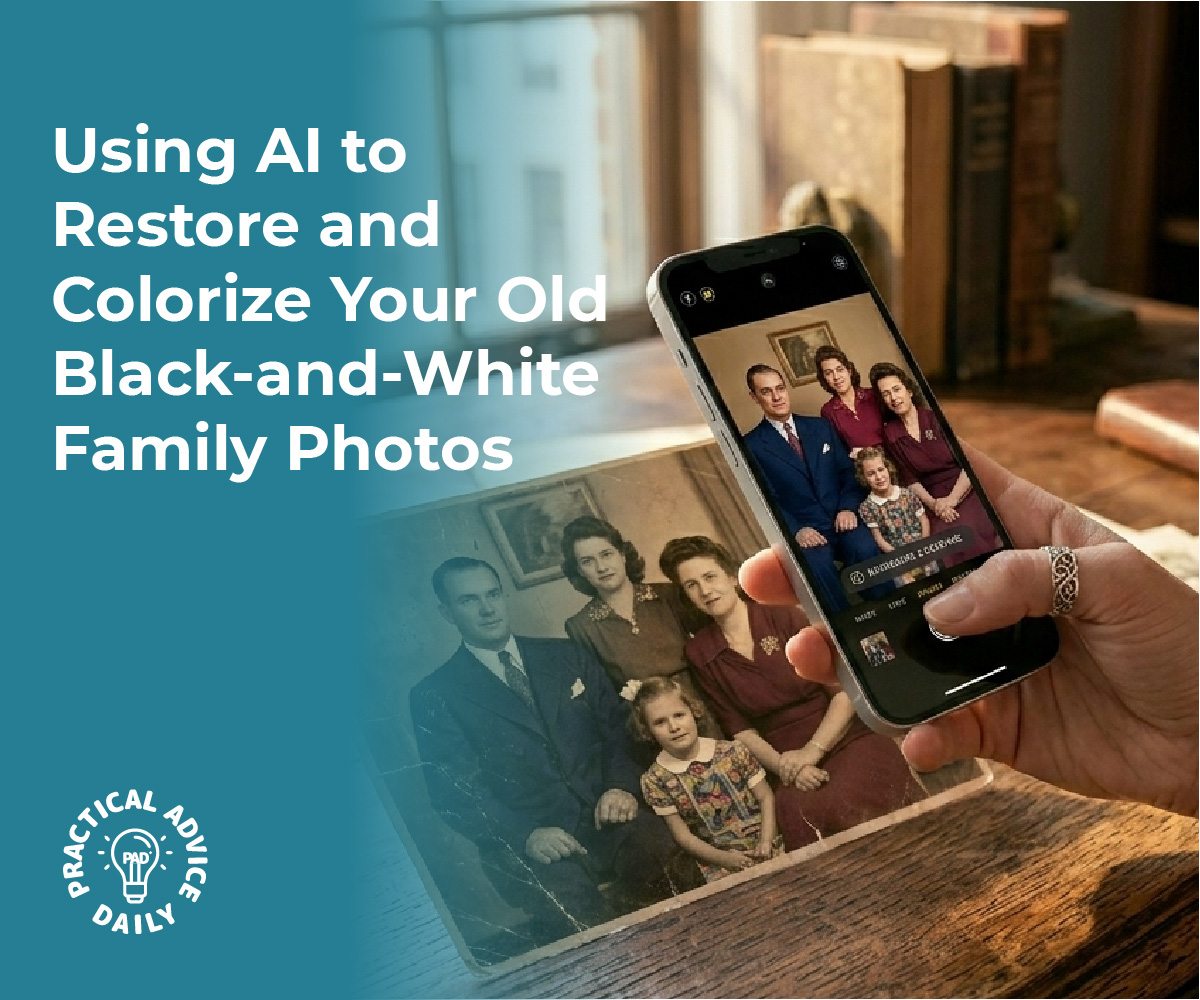
Old family photos often sit forgotten in albums and boxes, fading with time and losing their connection to younger generations. AI-powered tools now make it possible to transform these historical images into vibrant, engaging content that everyone can appreciate. These simple applications can restore damaged photos, add color to black-and-white images, and even animate still portraits to create moving memories that capture attention in ways static images cannot.
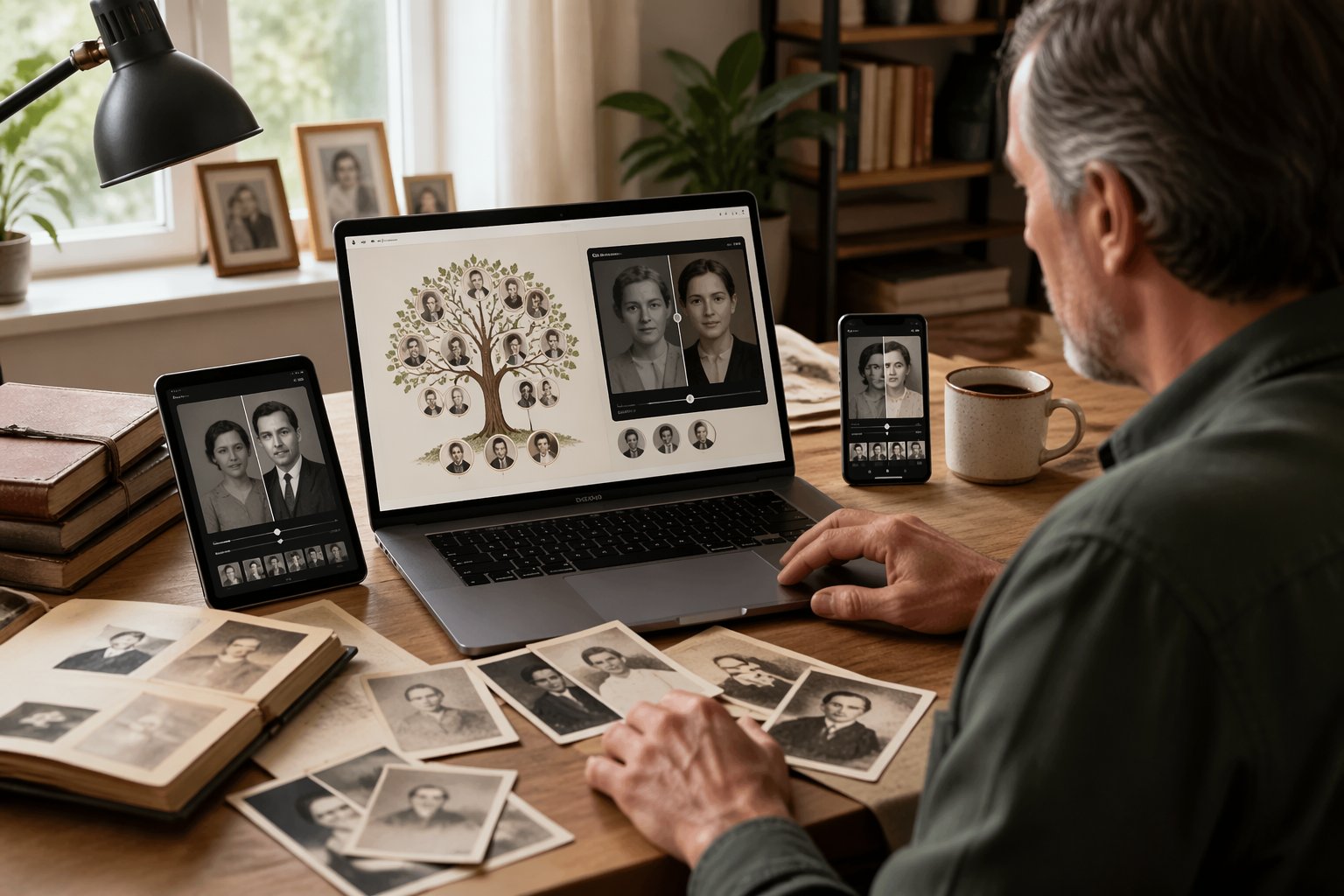
The process requires no technical expertise or expensive software. Most AI photo restoration and animation apps work through straightforward interfaces where users simply upload an image and select their desired enhancement. Within minutes, scratched and worn photographs become clear, colorful versions of their former selves.
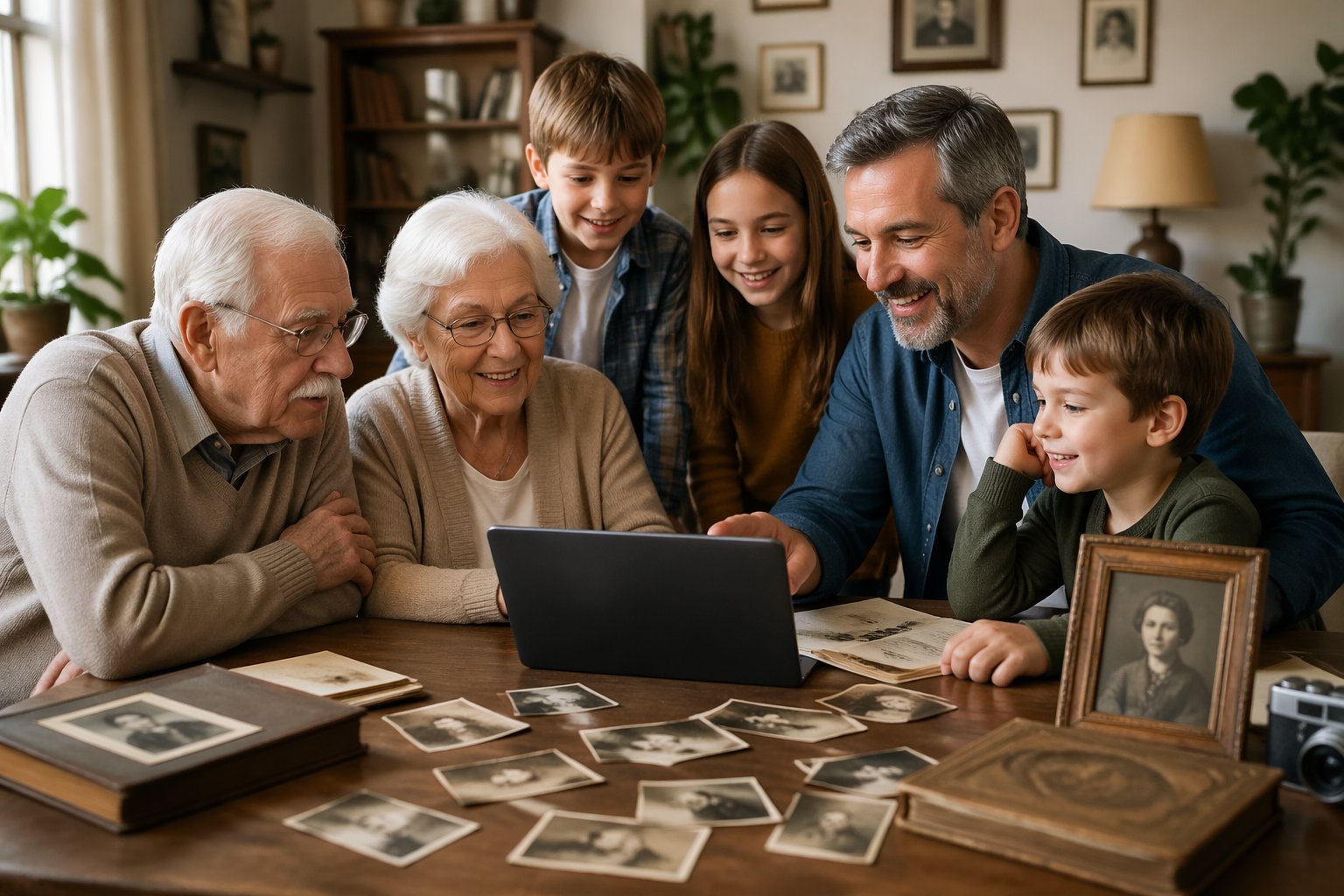
Turning family history into a collaborative project creates opportunities for multiple generations to connect over shared heritage. Children and teens often become enthusiastic participants when they see great-grandparents’ portraits come to life through animation, while older family members contribute stories and context that give the images deeper meaning.
Table of Contents
Key Takeaways
- AI apps can restore, colorize, and animate old family photos without requiring technical skills
- Simple upload-and-process interfaces make photo enhancement accessible to all family members
- Working together on digital photo projects helps families connect across generations through shared history
Choosing Simple AI Tools for Family Photo Projects
The right AI tools can transform damaged or faded family photos into clear, vibrant images without requiring technical expertise. Understanding the types of apps available and their key features helps families select options that match their skill level and project goals.
Types of AI Apps for Photo Restoration
AI photo restoration tools fall into three main categories. Enhancement apps improve image quality by increasing resolution, sharpening details, and reducing noise in scanned photos. Colorization tools add realistic colors to black-and-white images using machine learning trained on millions of photos. Animation apps create subtle movements like blinking eyes or gentle smiles from still portraits.
Some platforms combine multiple functions in one interface. These all-in-one solutions let users restore damage, enhance clarity, and add color without switching between different programs. Other apps specialize in a single task but deliver superior results in that specific area.
Web-based tools require no installation and work directly in browsers. Mobile apps offer convenience for quick edits on phones or tablets. Desktop software typically provides more advanced controls for users who want precise adjustments.
Key Features to Look For
Ease of use stands as the most critical factor for family projects. The interface should guide users through each step with clear buttons and minimal technical jargon. One-click processing options work well for beginners who want fast results.
Preview capabilities let families see changes before applying them permanently. This feature prevents unwanted alterations and helps users compare different settings. Batch processing saves time when restoring multiple photos from the same era or collection.
Privacy and security matter when uploading precious family images. Tools that process photos locally on devices provide better protection than those requiring cloud uploads. Clear data policies explain how companies handle and store uploaded images.
File format support determines which photos can be restored. Quality tools accept JPEG, PNG, and TIFF files while preserving original resolution.
Popular Options: Google Gemini, Nano Banana, and FlexClip
Google Gemini offers AI-powered photo analysis and basic enhancement through its multimodal capabilities. Users can upload images and ask specific questions about restoration needs. The platform works well for identifying damage types and suggesting appropriate fixes.
Nano Banana provides specialized colorization features that analyze photo context to apply historically accurate colors. The app includes presets for different time periods and geographic regions. Its mobile-first design makes it accessible for families working on tablets or phones.
FlexClip combines photo restoration with video creation tools. Families can enhance multiple images and arrange them into narrated slideshows. The platform includes templates designed specifically for family history presentations and memorial projects.
Each tool serves different needs based on project scope and desired output format.
Step-By-Step Process for Reviving Family Photos
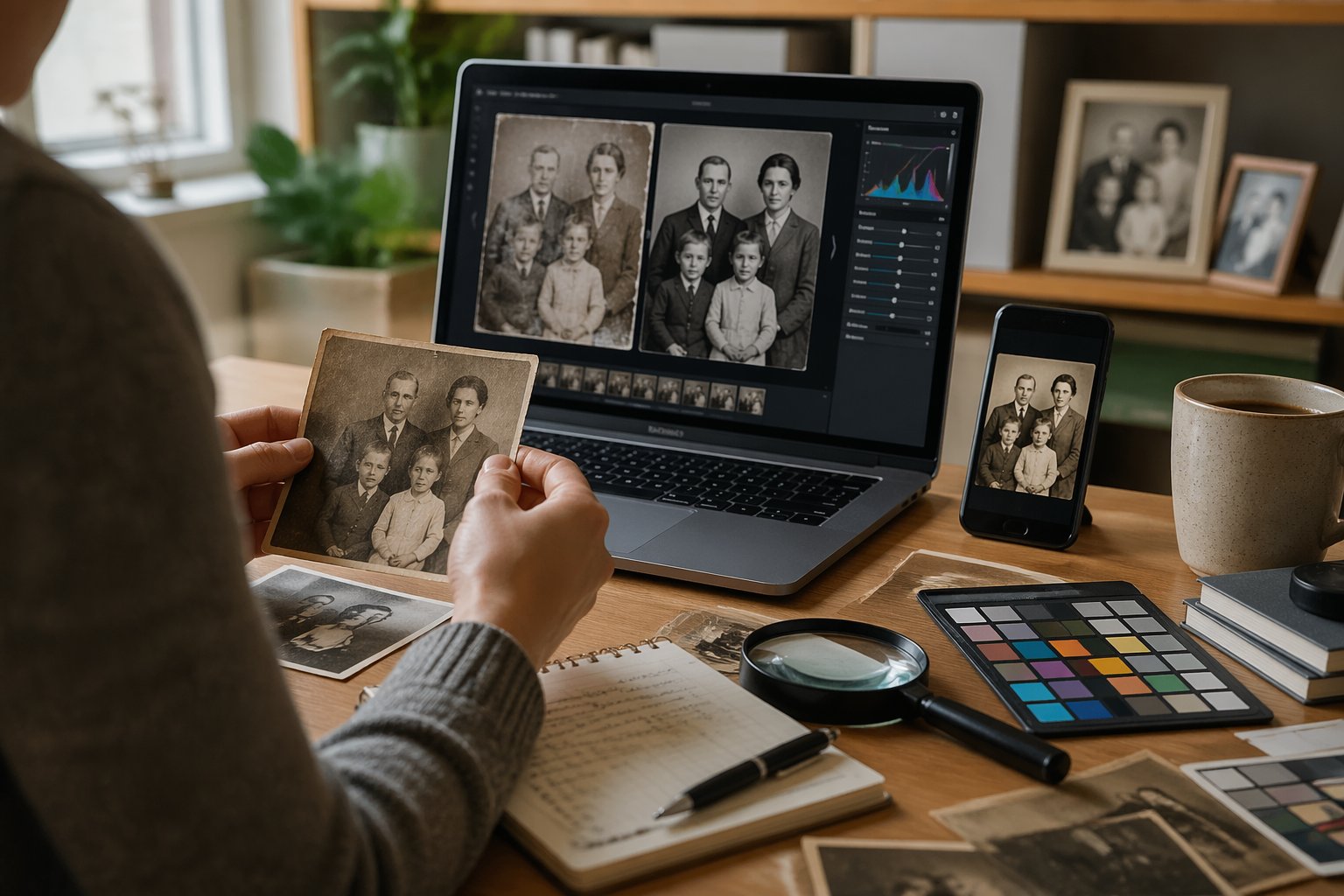
Transforming old family photos into vibrant, restored images requires three main stages: proper digitization of physical materials, AI-powered colorization of monochrome images, and quality enhancement to repair damage. Each step builds on the previous one to achieve professional results.
Scanning and Preparing Old Images
The foundation of photo restoration starts with creating high-quality digital copies. A flatbed scanner produces the cleanest results, capturing fine details and textures that phone cameras often miss.
For families without a scanner, photographing prints works as an alternative. Place photos on a flat, non-reflective surface under even lighting to avoid shadows and glare. Natural daylight near a window works well, or position lamps at 45-degree angles on both sides of the photo.
**Preparation chec
Engaging the Whole Family in Digital Storytelling
Transforming old family photos into dynamic digital content works best as a collaborative activity where each family member contributes unique skills and perspectives. The process creates opportunities for sharing stories across generations while learning AI tools together.
Creating Family Albums and Slideshows
Digital albums organize family history in accessible formats that preserve both images and context. AI tools like Google Gemini can help generate captions and descriptions for photos by analyzing their content and suggesting relevant details. Family members can work together to sort photos chronologically or thematically, with older relatives providing historical context while younger members handle the technical aspects.
Most slideshow applications offer templates that automatically arrange photos with transitions and music. Apps like Google Photos allow multiple users to contribute images to shared albums, making it easy for distant relatives to participate. The key is assigning specific roles—one person might scan physical photos, another writes captions, while someone else selects background music that matches the era.
Children often enjoy adding creative elements like text overlays or stickers to photos. This involvement keeps them engaged while they learn about their family heritage. The collaborative nature turns what could be a solitary archiving task into an interactive family project.
Animating and Bringing Old Photos to Life
Photo animation technology transforms static images into short videos where subjects appear to smile, blink, or move. Tools like Animate Old Photos use AI to analyze facial features and generate realistic motion within 5- or 10-second clips. The process requires uploading a clear, front-facing photo with a resolution of at least 300×300 pixels.
For best results, photos should feature no more than four people and have simple backgrounds. Users can add text prompts to control movements—for example, “gentle smile, looking towards the camera” or “head turning slightly, eyes blinking.” The formula follows a simple pattern: subject plus motion descriptions.
Families can make this a group activity by having different members select which photos to animate and what movements to suggest. Grandchildren might choose photos of grandparents at their current age, while parents select wedding photos or childhood images. Processing takes 2-5 minutes per photo, giving families time to discuss the memories associated with each image.
The Standard mode works well for high-quality photos, while Advanced mode provides better results for older, lower-quality images. Some tools now include audio generation features that add ambient sounds or music to animated videos, creating more immersive experiences.
Collaborating and Sharing Results
Once digital projects are complete, sharing them strengthens family connections and preserves work for future generations. Cloud-based platforms allow real-time collaboration where multiple family members can view, comment on, and contribute to ongoing projects. Setting up a shared folder structure helps organize materials by family branch, time period, or event type.
Video files and animated photos can be compiled into presentations for family gatherings or holidays. These become conversation starters that prompt older relatives to share additional stories and details that might otherwise be forgotten. Recording these oral histories alongside the visual materials creates comprehensive family archives.
Social media groups or private family websites serve as distribution channels for finished projects. Platforms like Facebook allow restricted sharing where only family members access the content. Some families create dedicated YouTube channels set to private or unlisted status for hosting longer video compilations.
Physical outputs still matter—printed photo books or USB drives containing digital files make thoughtful gifts for relatives who prefer tangible formats. This dual approach ensures both tech-savvy and traditional family members can enjoy and preserve the results.
Exploring AI Innovations in Family History Projects
AI research has advanced photo restoration capabilities significantly, while new tools enable families to animate and enhance historical images with unprecedented ease. These developments require thoughtful consideration of both creative possibilities and ethical boundaries when working with ancestral materials.
Latest Trends in AI Research for Photo Restoration
AI tools now automatically repair damaged photographs, colorize black-and-white images, and enhance low-resolution scans without requiring technical expertise. Deep learning algorithms trained on millions of images can reconstruct missing portions of photos and remove scratches, stains, and other deterioration marks.
Recent innovations include features that animate still photographs, creating short video clips where subjects appear to blink, smile, or turn their heads. These tools use facial recognition and motion synthesis to generate lifelike movements from static images. Google Gemini and similar AI platforms can also analyze historical photographs to provide context about clothing styles, architectural details, and time periods visible in the background.
The latest AI research focuses on handwriting recognition for old documents and letters, making previously unreadable family records accessible. Some applications can now transcribe cursive writing, translate foreign languages, and identify individuals across multiple photographs based on facial features.
Ethical and Creative Considerations
Families should preserve original photographs and documents before applying any AI modifications. The technology adds interpretive elements rather than revealing actual historical details, particularly when colorizing images or animating faces.
Key ethical guidelines include:
- Clearly labeling AI-enhanced images as modified versions
- Storing original files separately from altered copies
- Avoiding misrepresentation of ancestors’ actual appearances
- Respecting cultural and religious sensitivities around image manipulation
Creative applications work best when balanced with historical accuracy. AI tools offer engaging ways to spark interest among younger family members, but users should explain the difference between enhancement and invention. Documentary photographs deserve different treatment than creative projects designed purely for entertainment value.
Some families establish guidelines about which images can be animated or significantly altered versus those preserved in their original state.