
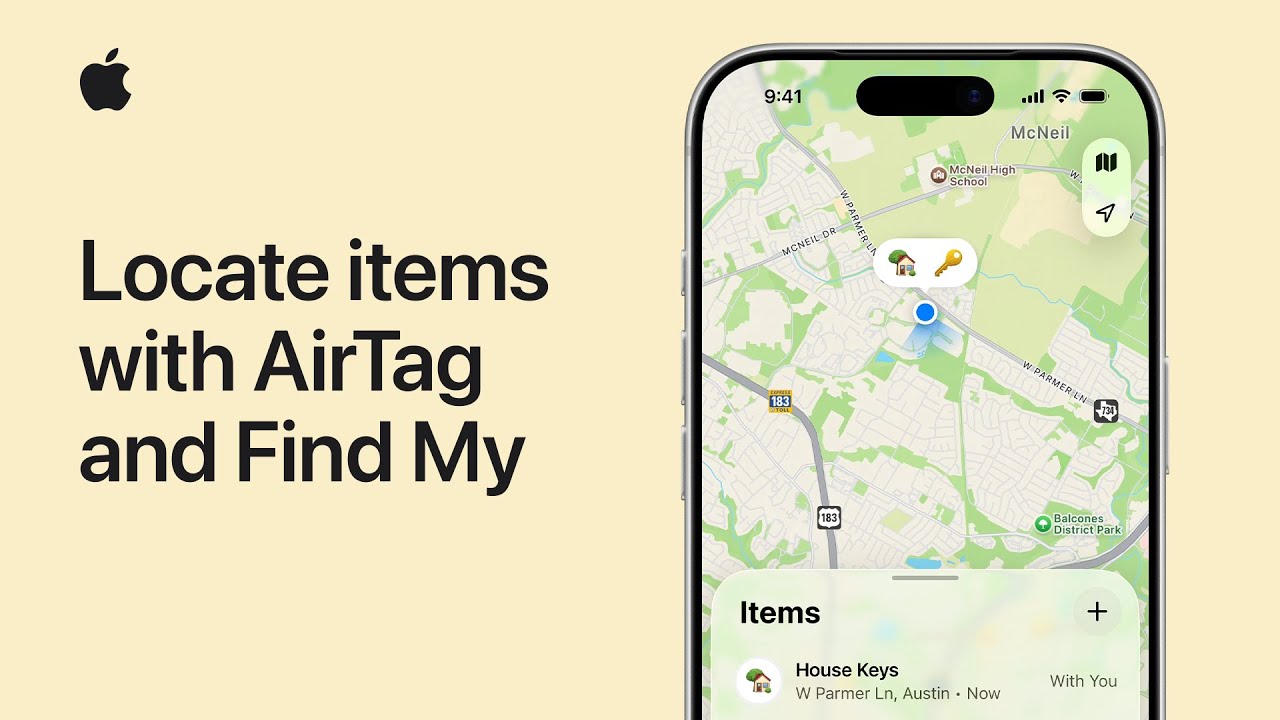
To find your important items using AirTag, start by opening the Find My app and tapping the Items tab to select your connected device. If your item is nearby, tap Play Sound to hear a chime or use Find Nearby for precise distance and directional guidance.
For items further away, tap Directions to see the last known location in Maps. You can also share the item with up to five people or enable Notify When Found to receive updates.
If truly lost, mark it as such to share your contact info via NFC, helping others safely return your belongings to you.
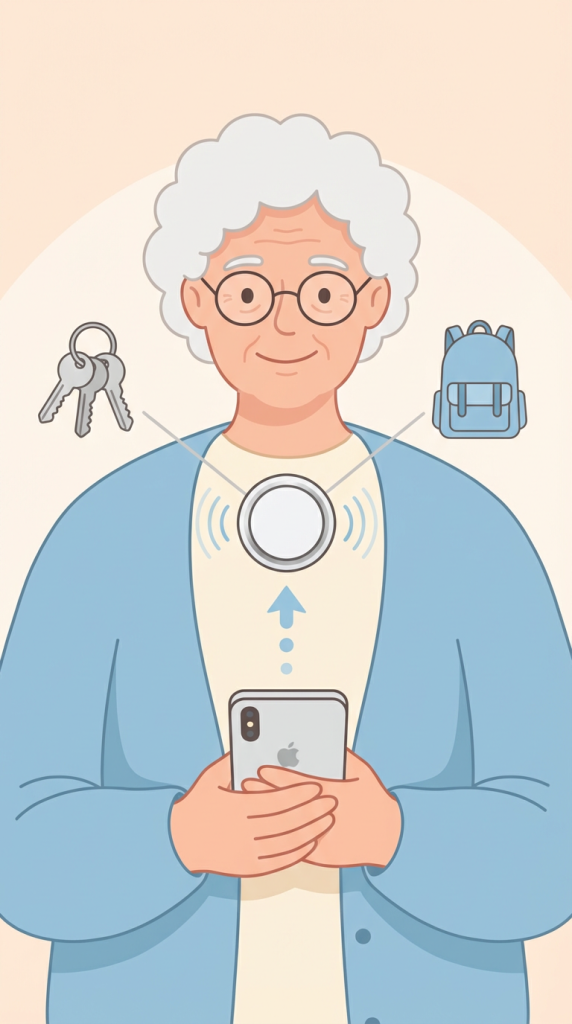
- Open the Find My app and navigate to the Items tab to select your AirTag, then use Play Sound or Find Nearby for precise directional guidance if it is within Bluetooth range.
- If your item is beyond Bluetooth range, tap the Directions button to view its last known location on a map or enable Notify When Found to get an alert when its position updates.
- You can share an AirTag with up to five trusted people, allowing them to help you locate shared items like keys or luggage through their own Find My app.
- Mark an item as lost to display your contact information to anyone who finds it using an NFC-capable device, or share its temporary location link with an airline or friend.