
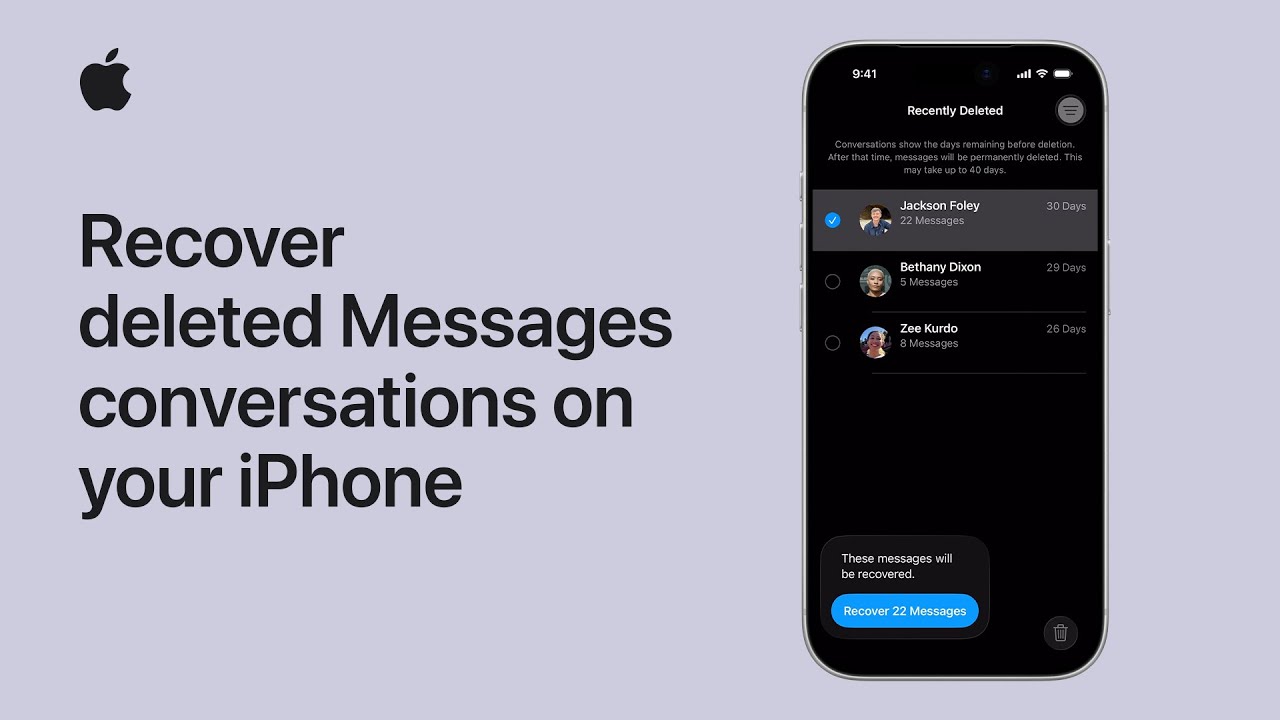
To recover your deleted conversations in Messages on your iPhone, follow these simple steps. Start by tapping Filter in the Messages app and searching for the Recently Deleted section. From there, select the specific conversation you want to restore and choose the Recover option.
You will need to tap Recover again to confirm your choice, which restores all associated media and messages. Keep in mind that you have up to forty days to retrieve these items.
Finally, tap Filter once more and return to your main Messages screen, where your conversation and all its contents will be restored and ready for use.

- Navigate to the Filter menu within the Messages app on your iPhone and locate the Recently Deleted section to find your removed conversations.
- Once you’ve identified the conversation you wish to restore, select it and tap the Recover button, followed by a second confirmation tap.
- The recovery process successfully retrieves all messages and media, including attached photos and videos, ensuring no part of the conversation is permanently lost.
- Remember that you have a window of up to forty days for restoration before the messages are permanently deleted from your system forever.