
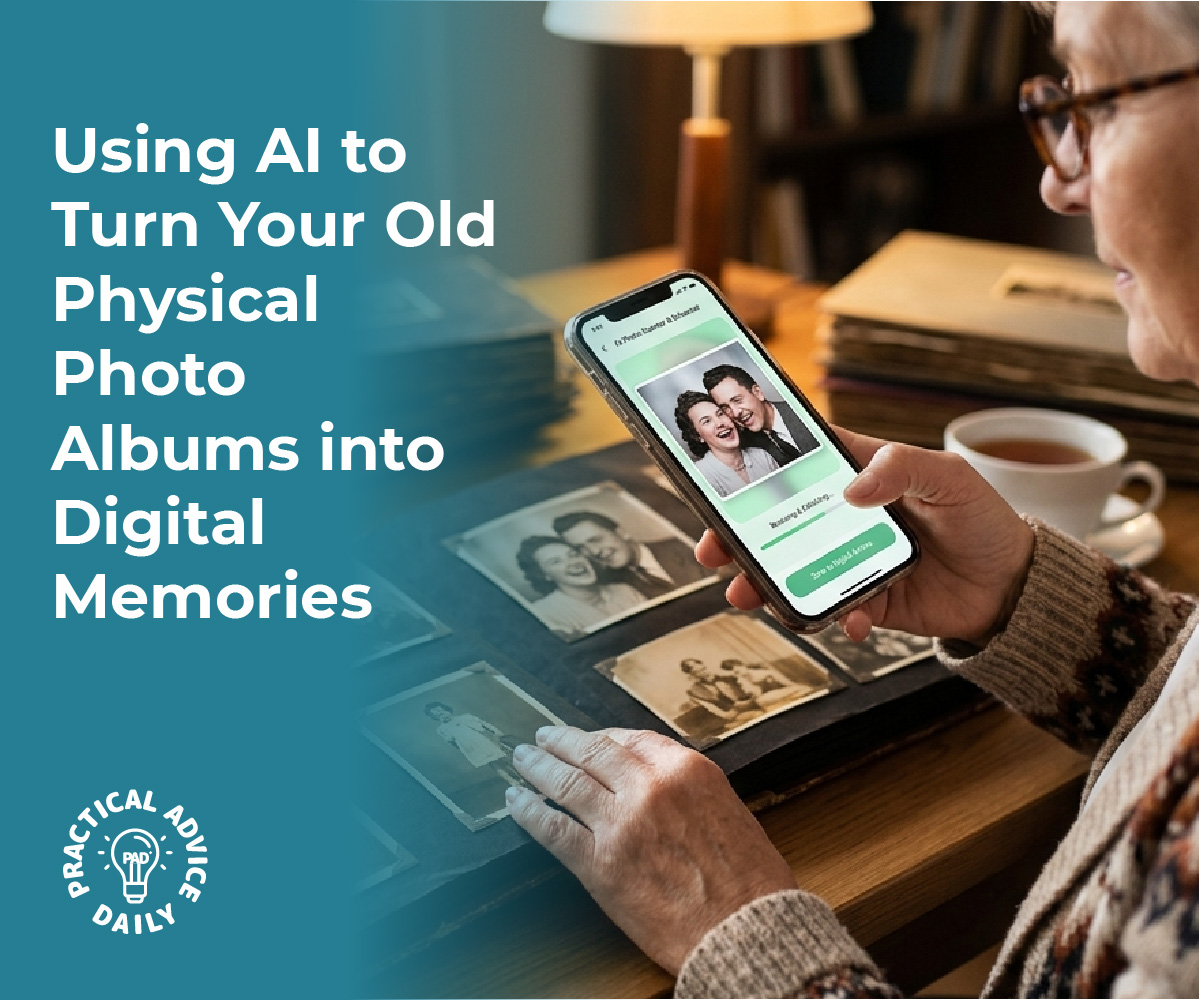
Transforming cherished paper photos into digital treasures has never been easier, thanks to AI-powered scanning apps. These innovative tools not only digitize old images but also breathe new life into them by improving quality and preserving precious details. AI technology automatically enhances faded colors and expertly removes glares, offering clearer and more vibrant photos that can be enjoyed for generations.
This guide explores the capabilities of AI-driven scanning applications, demonstrating how they eliminate imperfections and streamline the digitization process. With photos instantly revamped, users can effortlessly create digital archives or share memories online, ensuring they remain accessible and vibrant across multiple platforms. For anyone looking to preserve their family history effectively, understanding these modern techniques is essential.
Table of Contents
Key Takeaways
- AI apps enhance colors and remove glares in photos.
- Digitization preserves images for future access.
- Choose AI tools that best suit personal needs.
How AI-Powered Scanning Apps Transform Old Paper Photos

AI-powered scanning apps have revolutionized the way old paper photos are preserved and enhanced. These tools utilize sophisticated algorithms to breathe new life into faded and damaged photographs by automatically enhancing colors, removing glare, and even colorizing black-and-white images.
Automatic Enhancement of Faded Colors
AI algorithms adeptly tackle the challenge of faded colors in aged photographs. They analyze the color spectrum within the image, identify areas where color has diminished, and intelligently restore vibrancy. The technology adjusts tones to achieve a balanced appearance, resembling the original hues more closely. The process involves intricate contrast adjustment, highlighting subtly lost details that may no longer be visible. Enhanced color reproduction not only improves aesthetics but also helps in preserving the sentimental value of precious memories. By restoring these details, AI scanning apps enhance the viewing experience, bringing once-faded memories into sharp, colorful focus.
AI-Based Glare Removal and Edge Detection
AI-powered tools efficiently remove glare from photographs, which is often caused by reflections from glossy surfaces. Algorithms identify and differentiate between glare and the actual image content, selectively rectifying problematic areas without losing detail. The same technology aids in precise edge detection, sharpening the objects’ outlines within photos. This dual capability ensures that images retain clarity without the distracting effects of light interference. Moreover, the edge detection capabilities support the overall quality of the photo by providing clean, polished borders that enhance the overall image composition. This functionality is crucial for maintaining the integrity of older prints, contributing to a clearer, glare-free digital record.
Restoring Damaged and Scratched Prints
Over time, physical photos can suffer from various types of damage, including scratches, tears, and creases. AI technology is proficient in repairing these imperfections by analyzing the patterns and textures in photographs. Algorithms systematically detect and infer missing or damaged regions, using surrounding areas to reconstruct and blend seamlessly. This careful restoration process revives the photo’s original look without manually touching the photograph. Enhanced algorithms ensure that even severely damaged prints can be digitized with impressive results, maintaining the artistic and emotional worth of the images. Users benefit from having pristine digital versions of their damaged photos that can be enjoyed and shared.
Colorizing Black-and-White Photos with AI
The transformation of black-and-white photos through AI colorization adds a contemporary dimension to historical images. Utilizing vast datasets and deep learning, AI models predict and apply suitable colors to grayscale photographs, based on content and context. This involves intricate mapping of different elements within a photo to determine natural colors, considering factors such as time period, objects, and scenery. Post-colorization, images appear enriched, offering a fresh perspective on the past. Colorizing these photos not only enhances their visual appeal but also aids viewers in connecting with history in an entirely new way. Through AI, a monochrome glimpse into the past becomes a vibrant and engaging representation of bygone eras.
Step-By-Step Guide: Digitizing Photos with AI Apps

AI-powered scanning apps simplify the digitization process, automatically enhancing photos by correcting faded colors and removing artifacts like glares. The following steps provide insights on properly preparing, capturing, and organizing digital images using these innovative applications.
Preparing and Cleaning Photos for Scanning
Before digitizing, it is crucial to ensure that physical photographs are in optimal condition. Begin by gently removing dust and fingerprints using a soft, lint-free cloth. This reduces chances of capturing unwanted blemishes during the scanning process. For well-organized results, categorize photos by date, event, or theme. Stubborn curled photos can be flattened by placing them under a heavy book for a few days. This preparation enhances the quality of the scanned image and facilitates smooth scanning and enhancement by AI tools.
Capturing High-Quality Digital Images
Selecting the right app is essential for achieving high-quality digital reproductions. Google PhotoScan and Adobe Scan are popular choices due to their ability to minimize glare and enhance image quality. Position the photo on a flat surface in ample lighting, avoiding direct sunlight to prevent strong shadows. Align the camera directly above the photo. Most AI apps guide users in framing correctly. Initiate the scan as per the app’s directions. AI enhancements, such as automatic color correction, kick in instantly, offering a restored version that maximizes clarity and vibrancy.
Batch Scanning and Organizing Collections
For large photo archives, AI apps offer batch scanning capabilities that significantly save time. Photomyne and Scanbot enable users to scan multiple photos swiftly, capturing details across various image sizes. Once scanned, organization begins. Name files using a consistent pattern, like “YYYY-MM-DD_Event,” to easily identify specific moments later. Create folders based on timeline or occasion. As an extra step, add metadata to enrich photos with context like locations or people tagged. These practices simplify future searches and enable seamless sharing across digital platforms.
Choosing and Using the Best AI Photo Digitization Tools
When selecting AI-powered tools for photo digitization, it’s vital to assess their specific features, like the ability to automatically improve color and remove glare. Equally crucial is considering the difference between mobile scanning apps and traditional flatbed scanners. Security and privacy are also important aspects when using these applications.
Comparing Top AI Scanning Apps and Features
AI photo digitization apps come with diverse capabilities, making it important to choose one that meets their specific requirements. Some prominent options include Magic AI, known for enhancing old photos, and Adobe Scan, which excels at editing and photo enhancement. Google PhotoScan is free and offers high-quality scans, while Photomyne specializes in scanning multiple photos simultaneously. Each tool has unique attributes, such as automatic enhancement of faded colors and removal of glare, which improve the quality of the digitized images. Assessing features like resolution settings and user interface simplicity can help narrow down the best choice, ensuring that the selected app supports seamless digitization and high-quality output.
Mobile Scanning vs. Flatbed Scanners
Mobile scanning apps have gained popularity due to their convenience and portability. They allow users to digitize photos directly from their smartphone cameras, often using AI to enhance color, fix imperfections, and manage glare. This option is perfect for on-the-go use and creating digital copies without additional hardware. On the other hand, flatbed scanners, such as the Epson Perfection V850 Pro or Canon CanoScan LiDE 400, often deliver higher resolution scans suitable for archival purposes. They can handle more extensive collections and provide superior detail. Each method has its strengths; users should consider factors like portability, resolution needs, and user preferences when deciding between mobile apps and traditional scanners.
Ensuring Privacy and Security When Using Apps
Protecting personal data should be a priority when using AI-powered photo digitization apps. These tools often require permissions to access cloud storage, cameras, and photo libraries, raising privacy concerns. Users should select apps with a strong reputation for data protection and encrypted storage. Reading privacy policies and understanding how personal data is managed can provide additional peace of mind. It’s beneficial to review user settings and adjust permissions to restrict unnecessary data sharing. Vigilance in selecting secure applications helps ensure that digitized memories remain private and protected against unauthorized access.
Preserving, Storing, and Sharing Your Digital Memories
Proper handling of digitized memories ensures they withstand the test of time. This involves archiving them against potential data loss, effectively organizing them for easy access, and sharing them with loved ones through both digital and physical formats.
Archiving and Backing Up Digitized Photos
Storing your digital files safely is crucial. Using multiple backup solutions reduces the risk of data loss. Cloud storage services, like Google Photos or Dropbox, provide a reliable online backup option, allowing for easy access from anywhere. External hard drives or SSD drives are excellent for offline backups. It’s wise to maintain at least two copies stored in different locations. Implementing automatic backups ensures your memory archive is consistently updated without manual intervention. Consider encryption for sensitive files to protect against unauthorized access.
Organizing and Tagging Family Albums
Efficient organization of digital albums facilitates easy retrieval and sharing. Photo management software offers tools to categorize images based on dates, locations, and events. Utilizing tags and facial recognition features helps in identifying individuals and themes across albums. Consistent naming conventions for your files and folders can greatly enhance searchability. AI advancements within photo apps can also group similar photos, suggesting albums or categorizations based on content, making the management process seamless. Regularly reviewing and updating tags ensures the organization reflects any new memories added over time.
Sharing and Printing Restored Images
Once archived and organized, sharing those memories becomes a joy. Digital platforms like email and social media make sharing photos with distant family members instantaneous. For tangible keepsakes, consider photo printing services such as FreePrints, which offer affordable and often personalized printing options. Services like Mixbook allow creation of custom photo books, combining digitally restored images into elegant collections. Digital photo frames are also a popular way to display multiple photos dynamically. These frames can receive updates wirelessly, showcasing the latest additions to your collection effortlessly.
Final Thoughts
Preserving your family’s history is a journey of love, and AI-powered scanning apps are the perfect companions for that mission. By turning faded, dusty paper photos into vibrant digital treasures, you aren’t just saving an image; you are safeguarding the stories, smiles, and milestones that define your heritage. These tools take the technical struggle out of the process, allowing you to focus on the joy of rediscovery as colors are restored and imperfections vanish with a single tap.
As you build your digital archive, remember that these photos are meant to be lived with and shared. Whether you are creating a digital album to send to grandchildren across the country or printing a restored portrait for your hallway, technology ensures these memories remain a present part of your life rather than a forgotten box in the attic. We encourage you to start small—perhaps with one cherished photo today—and experience the peace of mind that comes from knowing your family’s legacy is secure, vibrant, and ready to be enjoyed for generations to come.