
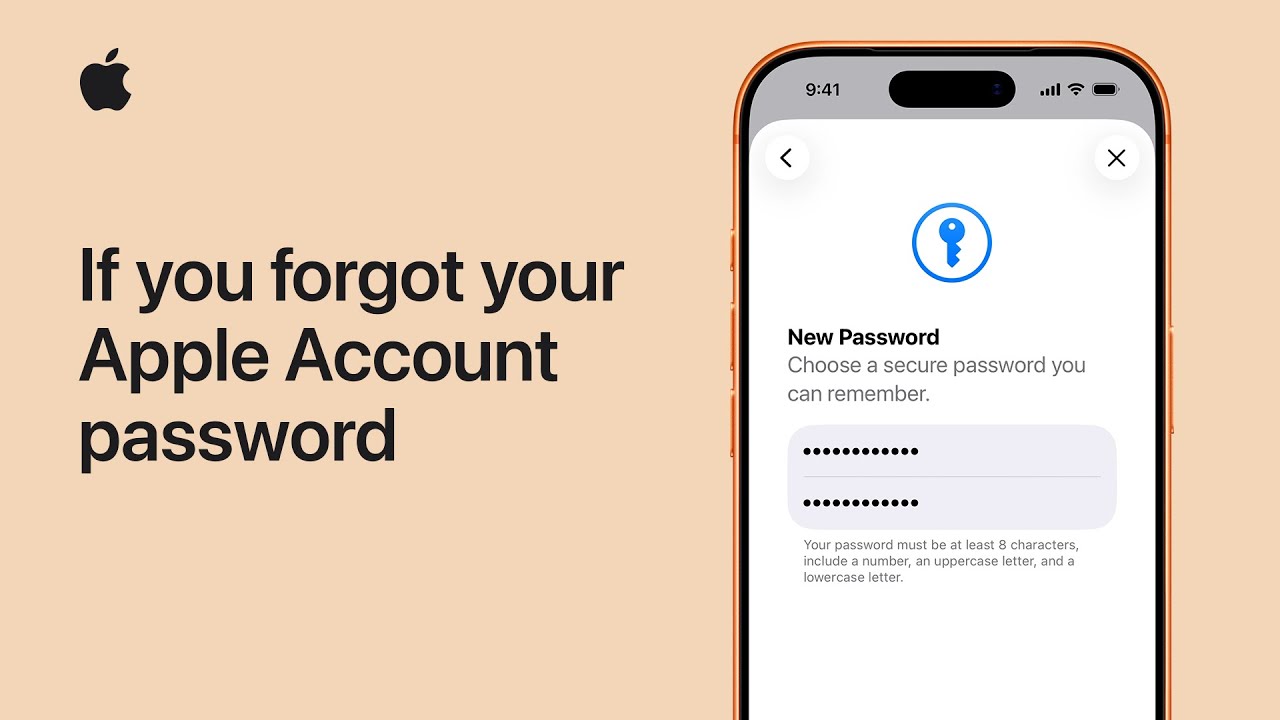
If you have forgotten your Apple Account password, do not worry because I can show you how to reset it easily using your trusted iPhone that is already signed in.
First, open your Settings and tap on your name at the very top, then select Sign-In & Security and tap Change Password. Please note that if you have Stolen Device Protection enabled, you may need to wait for one hour before using Face ID to proceed.
Once ready, enter your device passcode, type your new password into both fields, and tap Continue.
Finally, choose whether to sign out of your other devices when prompted, and you are all set; if you need further assistance, you can always visit iforgot.apple.com.

- Open Settings on your trusted iPhone and tap your name to access account options.
- Select Sign-In & Security and then tap Change Password to begin the reset process.
- Be prepared for a one-hour security delay if Stolen Device Protection is currently active on your phone.
- Enter your device passcode and then input your new chosen password into both required fields.
- Confirm the change by tapping Continue and decide if you want to sign out of other connected devices.