

In today’s digital age, assisting seniors in establishing a gentle daily check-in with an AI assistant can significantly enhance their well-being and independence. By incorporating gentle reminders about the weather, daily schedules, and necessary tasks, these AI companions provide a convenient and reassuring presence in their daily lives. Empowering seniors to maintain their daily routines seamlessly not only supports their autonomy but also provides peace of mind to their families.
The journey to setting up an AI assistant for seniors involves selecting a tool that aligns with their specific needs and preferences. The convenience of having AI seamlessly integrated into daily routines offers a myriad of benefits, from health monitoring to simple yet important interactions. With a blend of practical functionality and personalized engagement, AI check-ins become an essential part of life for many seniors, transforming how they interact with technology.
Table of Contents
Key Takeaways
- AI assistants enhance daily routines and independence.
- Choosing an assistant tailored to specific needs is essential.
- Gentle check-ins boost engagement and provide reassurance.
Choosing the Right AI Assistant

Selecting an AI assistant involves comparing popular options, ensuring they offer accessibility features tailored for seniors, and evaluating their privacy and security measures. The right choice can greatly enhance daily routines and offer peace of mind.
Comparing Popular AI Assistants
When evaluating popular AI assistants like Alexa, Google Assistant, and Siri, it is crucial to look at their compatibility with various devices and platforms. Alexa and Google Assistant excel with smart home integration, offering seamless connections to devices like smart speakers, lights, and thermostats. Siri, mainly for Apple users, offers robust integration with Apple devices.
Feature sets vary. Alexa offers skills and routines for customized interactions, while Google Assistant provides accurate search responses and proactive suggestions. Siri’s smooth iOS integration reinforces its position for Apple users. Evaluating these aspects helps identify an assistant that caters best to personal preferences and technological ecosystems.
Accessibility Features for Seniors
Accessibility features ensure that seniors can use AI assistants without difficulty. Voice recognition is pivotal; Google Assistant and Alexa offer superior voice recognition, even in noisy environments, ensuring ease of interaction. Large, easy-to-read display options are vital, especially for users with visual impairments. Devices featuring displays for visual feedback, like smart speakers with screens, cater well to this need.
Simple setup processes and intuitive interfaces are essential to avoid frustration. Assistants with user-friendly apps like Alexa’s simplified setup guide enable seniors to start using the technology quickly. Additionally, exploring settings like increased response times and voice output adjustments can personalize the experience to cater to different abilities.
Privacy and Security Considerations
Privacy and security must not be overlooked when choosing an AI assistant. Ensuring the assistant offers robust data protection mechanisms is paramount. Alexa, Google Assistant, and Siri have options to manage data retention, such as deleting stored voice recordings. Users should frequently review and adjust these settings to protect their information.
Security features like two-factor authentication increase protection against unauthorized access. Verifying that the chosen assistant complies with recognized privacy standards reassures users concerned about data misuse. Notably, understanding the privacy policies and user agreements associated with each assistant helps in making an informed decision, allowing seniors to use the technology confidently and securely.
Setting Up Gentle Daily Check-Ins
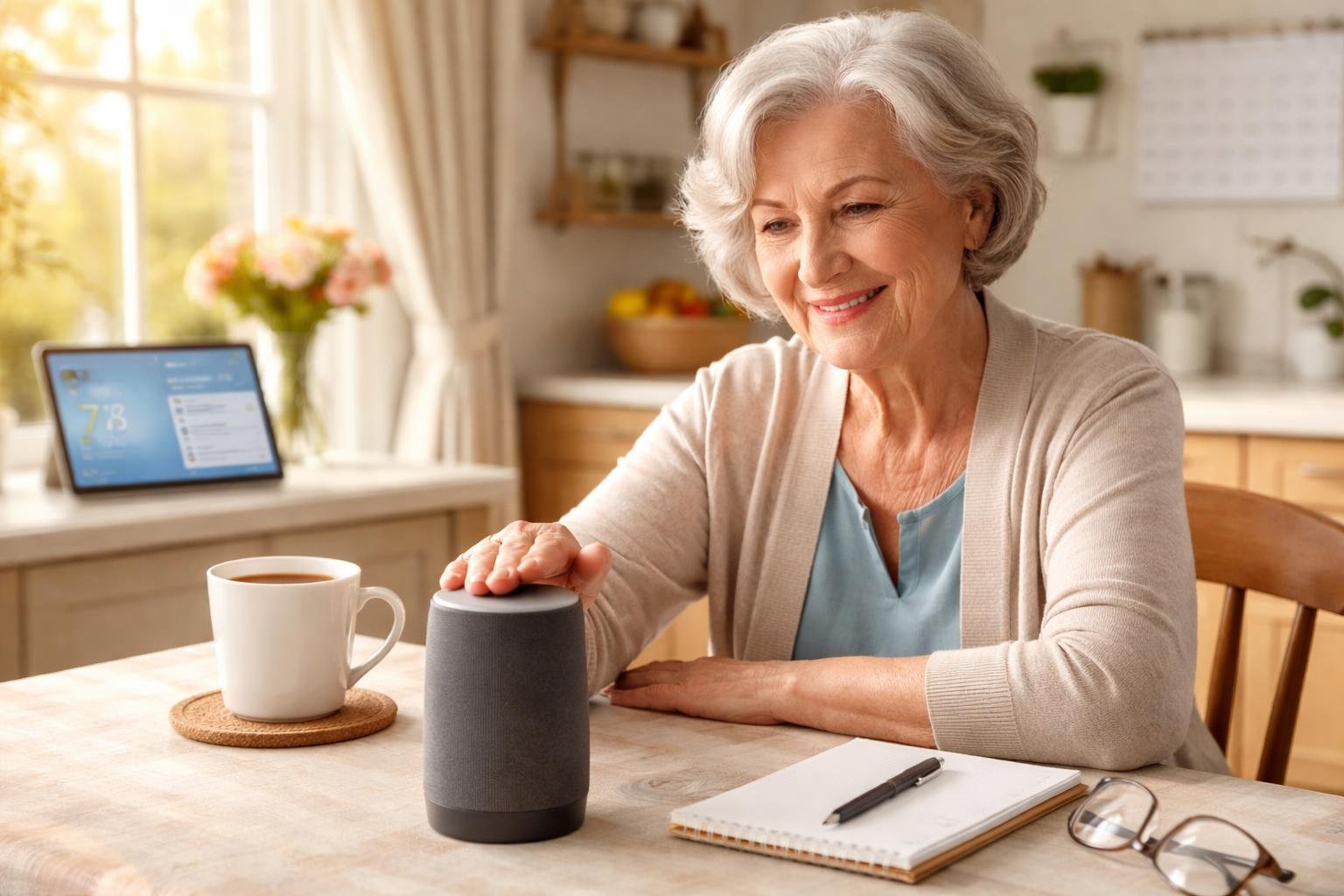
For seniors, setting up a gentle daily check-in with an AI assistant can provide comfort and support through personalized weather updates, reminders, and friendly conversations. This system is designed to ensure senior individuals stay informed, organized, and involved in a reliable and reassuring manner.
Customizing Weather Updates
Ensuring the AI assistant is configured to provide weather updates tailored to the senior’s location and preferences is the first step. To start, the assistant’s settings should be adjusted to deliver local weather forecasts at convenient times, such as in the morning and evening.
Seniors can also choose which details are most important to them, like temperature, precipitation, or severe weather alerts. Accessing settings via the assistant’s app or control interface often enables customization, and prompts can guide them through the process.
Personalization offers several benefits, including peace of mind, as seniors are better prepared to plan their day around weather conditions. Additionally, a simple daily statement about expected weather can help in engaging the senior and providing an easy conversation starter with their assistant.
Scheduling Reminders and Appointments
Setting reminders and appointments is crucial for maintaining independence and keeping daily routines on track. Firstly, seniors can use voice commands or a user-friendly app interface to schedule reminders for medication, meals, or medical appointments.
These reminders can be programmed to provide notifications well in advance, allowing ample time for preparation. Moreover, specific instructions can be included, such as taking medication with food, providing another layer of helpful guidance.
AI assistants often offer visual and auditory notifications, making them accessible for individuals with varying preferences and needs. Scheduling regular check-ins to ensure all reminders are functioning as intended can further enhance reliability and trust in the system.
Configuring Morning Greetings and Conversations
Personalized greetings and conversations with an AI assistant can deliver companionship and mental stimulation. The assistant can be set to initiate a friendly greeting each morning, which can include an overview of the day’s schedule and activities.
Adjusting the tone and content of these conversations to suit the preferences of the senior enhances the experience, as does incorporating light-hearted questions or facts to encourage engagement. By doing this, seniors may feel more connected and less isolated, as the assistant can simulate aspects of social interaction. They can also update conversation settings as preferences change over time, ensuring the interaction remains both relevant and comforting.
Maintaining Engagement and Comfort
Integrating AI assistants into daily routines can enhance seniors’ engagement and comfort by offering weather updates, scheduling assistance, reminders, and brief conversations. To maximize the benefits, it is crucial to focus on fostering positive routines, customizing interactions, and addressing technical challenges.
Encouraging Positive Daily Routines
Establishing positive daily routines is vital for seniors using AI assistants. These routines offer structure and predictability, which can be reassuring. AI can help by setting consistent reminders for daily activities such as meals, exercise, and medication. Seniors might also receive reminders for hydration and regular breaks throughout the day.
Regular check-ins on weather can prepare them for outdoor activities or indoor adjustments. By automating routine tasks through an assistant, seniors may feel more in control and less stressed, allowing space for meaningful activities that foster joy and satisfaction.
Adjusting Interaction Preferences
To ensure that seniors receive the most out of their AI assistant, adjusting interaction preferences is necessary. This can include volume settings, speech speed, and preferred languages to accommodate hearing or language needs.
Customizable interaction levels can help tailor responses from minimal notification style to more engaging dialogues, depending on individual preferences. Some may benefit from additional conversational elements for mental stimulation, while others may opt for concise interactions. AI assistants can also be programmed to offer varying types of engagement, such as trivia, storytelling, or music, to match the senior’s interests.
Troubleshooting Common Issues
Addressing common issues is essential for the smooth operation of AI assistants. Connectivity problems, voice recognition errors, or syncing issues can disrupt the experience. Seniors and caregivers should have access to straightforward guides for common troubleshooting steps, which might include ensuring the device is correctly connected to Wi-Fi or adjusting microphone settings for better voice recognition.
It’s beneficial to have regular updates and check the device’s software to ensure optimal functionality. In cases where problems persist, reaching out to support services for detailed assistance can help maintain the seamless operation needed for effective daily engagement.
Final Thoughts
Setting up a gentle daily check-in with an AI assistant can make everyday life feel more organized, reassuring, and connected. With just a few simple adjustments, seniors can receive helpful reminders, friendly updates, and even a bit of companionship throughout the day.
The key is to keep things simple, choose features that feel comfortable, and adjust settings over time as needs change. With the right setup, AI becomes less about technology and more about support—helping seniors stay independent, confident, and engaged while giving loved ones added peace of mind.