
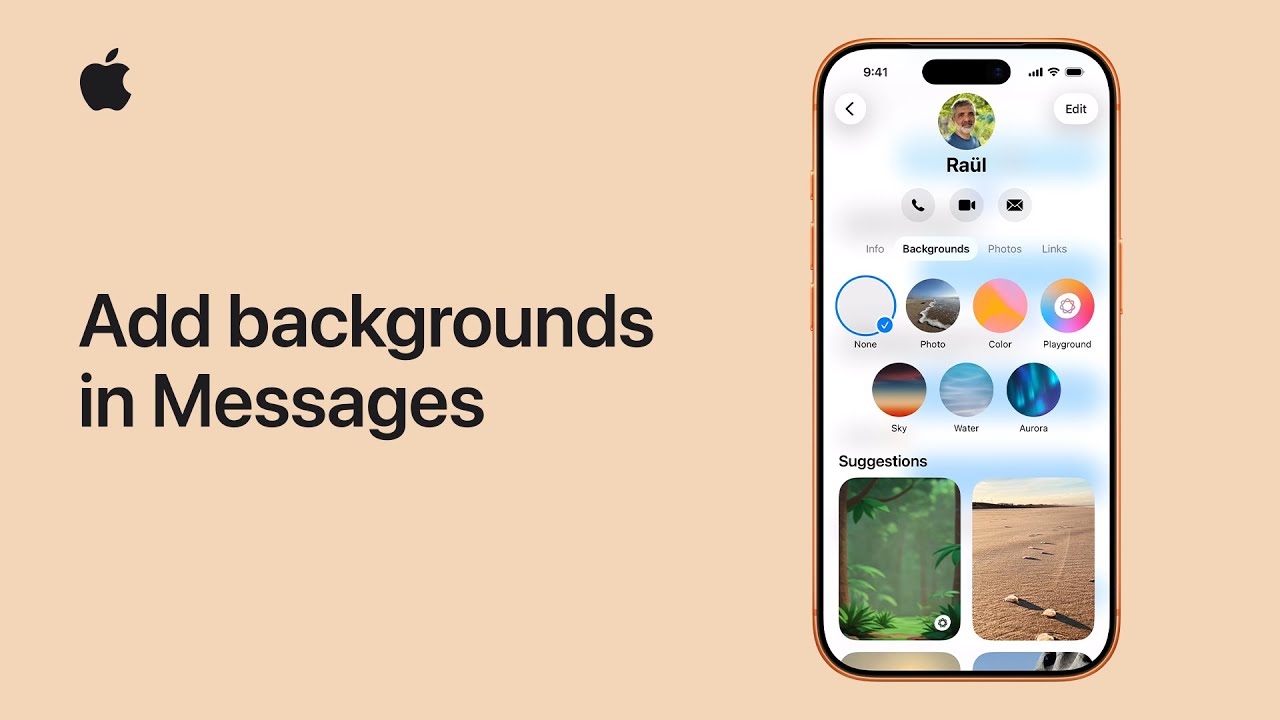
I’ll walk you through how to personalize your iMessage conversations by adding a background. First, open a conversation and tap the name of your friend or group at the top of the screen, then select “Backgrounds.”
You’ll see several options to choose from. You can pick a suggested background, browse categories, use a photo from your library, or even create one using Image Playground. You can also select built-in styles like Color, Sky, Water, or Aurora.
After choosing your preferred design, swipe to explore variations, select one, tap “Done,” and go back to your chat to see the updated background applied.
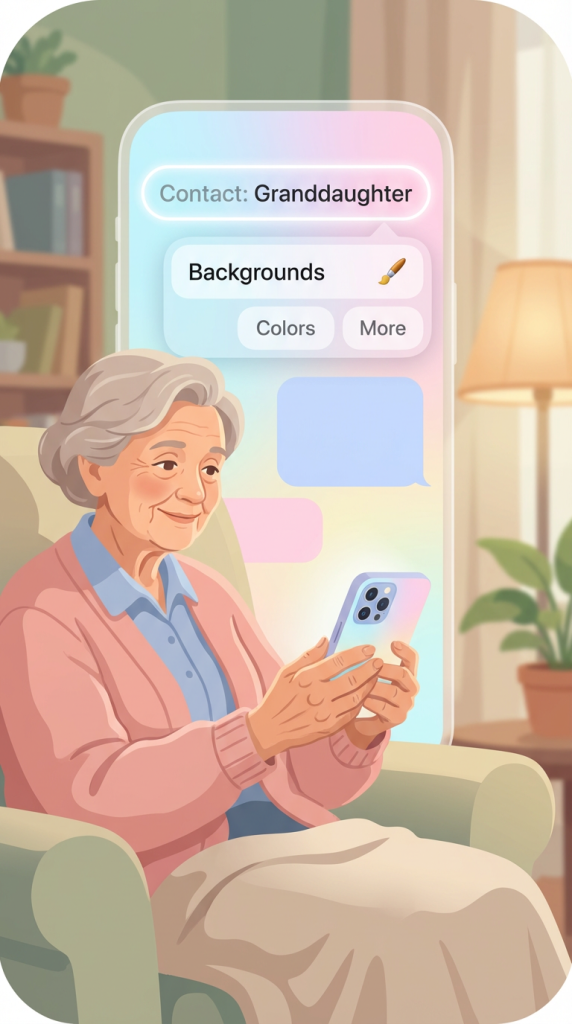
- Open an iMessage conversation and tap the contact or group name at the top
- Select Backgrounds to view available options
- Choose from suggestions, categories, photos, or built-in styles like Sky or Water
- Swipe to preview and pick your preferred background
- Tap Done to apply it to the conversation