
As our families grow and we meet new people in our communities, keeping track of everyone can sometimes feel like a bit of a puzzle. We might remember a face but forget a name, or remember a name but forget how they are related to a cousin or a friend.
Thankfully, the “Contacts” app on your smartphone now uses clever AI to help you stay organized. It can automatically suggest photos for your friends, group family members together, and even let you add little notes so you always know exactly who is who.
In this guide, we will show you how to let your phone do the heavy lifting so you can focus on staying in touch.
Table of Contents
Key Takeaways
- AI can automatically find and suggest photos for the people in your contact list.
- You can add “Relationship” labels like “Grandson” or “Daughter-in-law” to names.
- Notes sections allow you to write down birthdays or how you met someone.
- Your phone can help you find and merge duplicate entries to keep things tidy.
Turning a List of Names into a Digital Photo Album
Your address book doesn’t have to be a boring list of text.
With a few simple taps, it can become a visual guide to the people you care about.
Putting a Face to the Name
One of the most helpful AI features is “Photo Suggestions.” If you have pictures of your family in your phone’s gallery, the AI can recognize their faces.
When you open a contact, your phone might ask, “Is this a photo of Mary?” If you say yes, it will add that photo to her contact card. This way, when Mary calls you, her smiling face appears on the screen, making it instantly clear who is on the other end of the line.
Defining Family Relationships
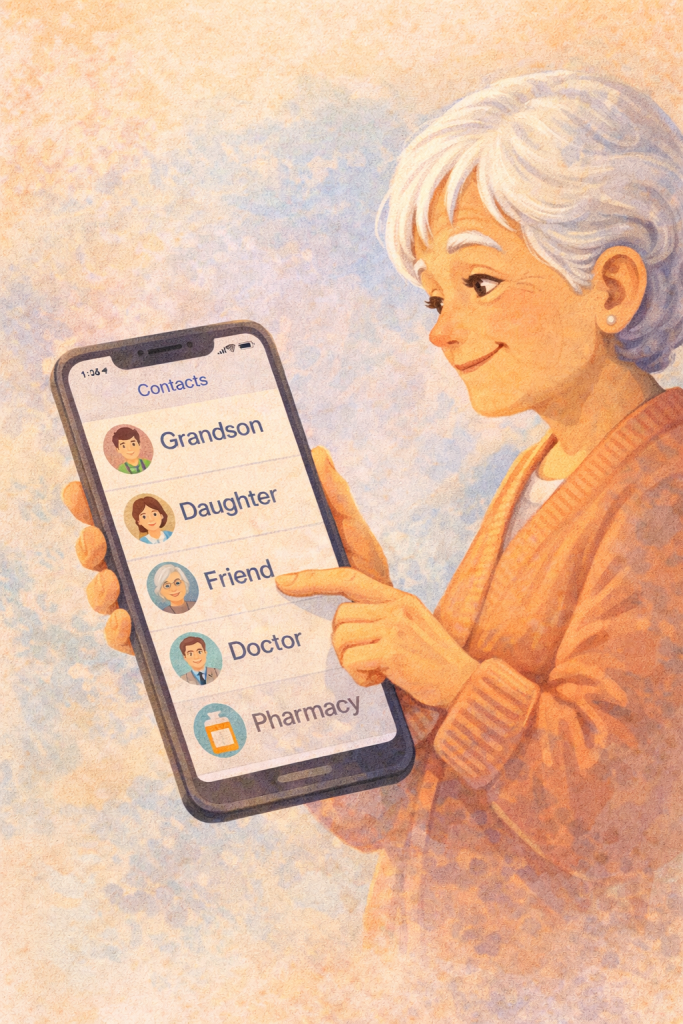
Sometimes it’s helpful to have a reminder of how someone fits into the family tree. Most modern phones allow you to add a “Relationship” field.
You can tell the AI that “John Smith” is your “Nephew.” Once you do this, you can even use your voice assistant and say, “Call my nephew,” and the AI will know exactly who you mean.
It’s a wonderful way to make your phone feel more like a personal assistant who knows your family as well as you do.
Using the “Notes” Feature for Little Reminders
Every contact card has a space for “Notes,” and this is a perfect place to use AI dictation. Instead of typing, you can tap the little microphone icon and say, “Met at the garden club, loves lilies, has a dog named Buster.” The AI turns your voice into text instantly.
The next time that person calls, you can quickly glance at your notes and ask how Buster is doing. It makes every conversation feel more personal and thoughtful.
Cleaning Up the Clutter
Over time, we often end up with two or three entries for the same person—maybe one with an old email and one with a new phone number. AI is excellent at spotting these “Duplicates.”
Your phone will often show a small notification saying, “Found 2 duplicates.” With one tap, the AI will merge them into a single, clean contact card, keeping the most up-to-date information and throwing away the old stuff.
Final Thoughts
Technology is at its best when it helps us feel more connected to the people we love. By using these simple AI tools to organize your contacts, you aren’t just managing a list of numbers—you are building a digital bridge to your family and friends. Don’t worry about getting everything perfect all at once.
Try adding a photo to just one contact today, or add a relationship label to a grandchild’s name. You’ll quickly see how much easier and more enjoyable it is to stay in touch when your phone helps you remember the details.