
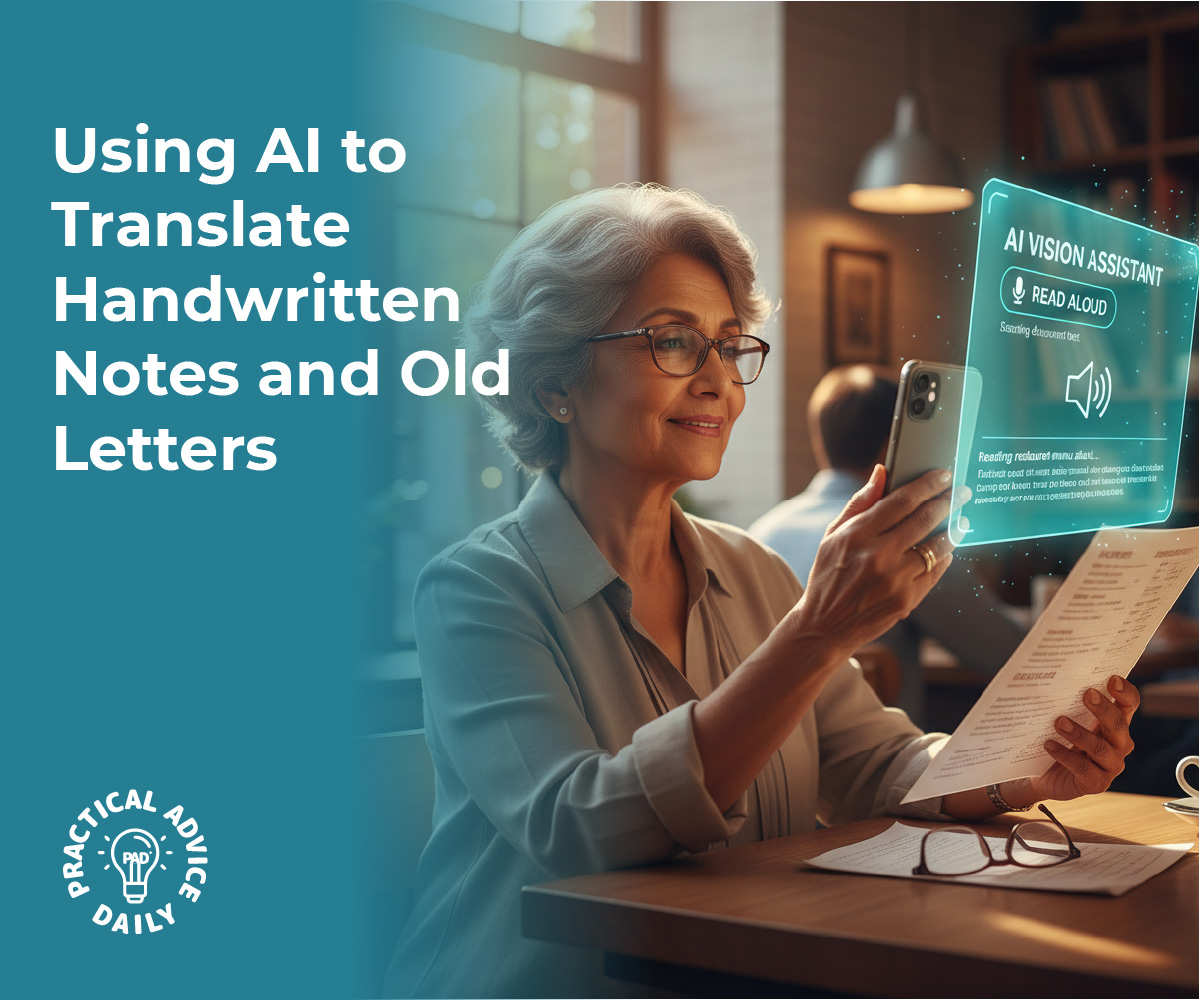
Many of us have boxes filled with precious memories—handwritten recipes from a grandmother, letters from old friends, or personal journals from years ago. While these papers are sentimental, they can be difficult to read as ink fades or handwriting becomes hard to decipher.
In this guide, we will show you how simple AI tools can act like a digital magnifying glass, turning those handwritten notes into clear, typed text that you can save on your computer or share with your family instantly. It is a wonderful way to ensure your family stories are never lost.
Table of Contents
Key Takeaways
- AI can “read” messy handwriting and convert it into typed digital text.
- You can use your smartphone camera to scan old letters and recipes.
- Once digitized, you can easily share these memories via email or text.
- This process helps preserve fragile papers that might be fading or damaged.
Turning Memories into Digital Text
Preserving your history doesn’t require expert tech skills. Most of the tools you need are already on your phone or available through a simple website. Here is how you can get started.
Use Your Smartphone as a Scanner
The easiest way to begin is by using a “Lens” or “Scan” feature on your phone. Apps like Google Lens (available on both iPhone and Android) or the built-in Notes app on an iPhone allow you to point your camera at a piece of paper.
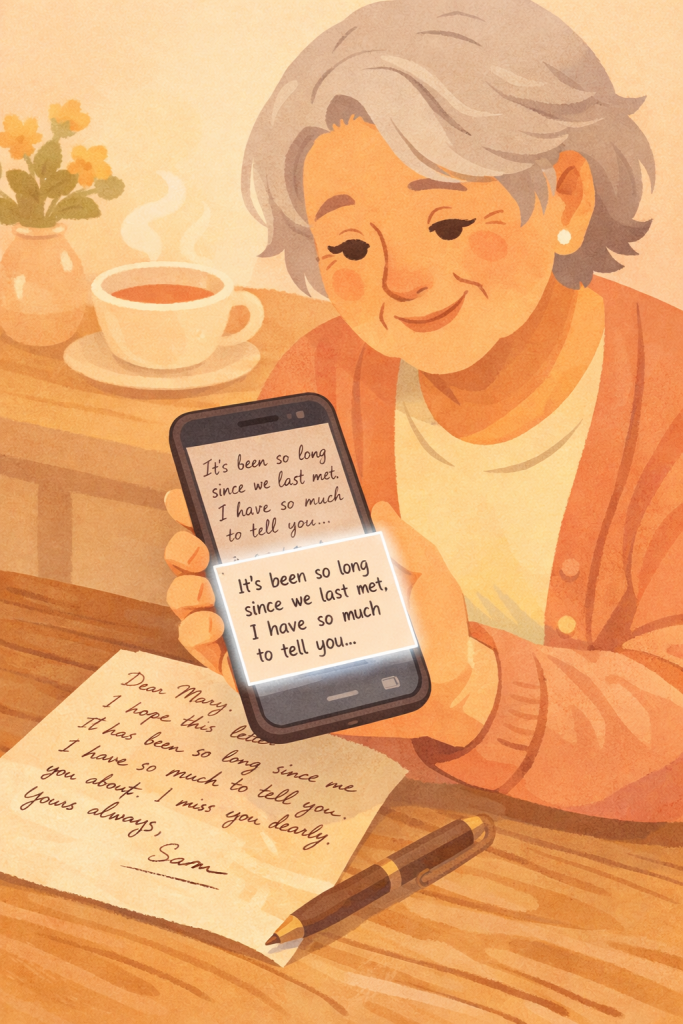
The AI inside the app recognizes the shapes of the letters and highlights the text. You can then tap a button to “Copy Text,” which allows you to paste that handwriting into a digital document as if you had typed it yourself.
Dealing with Faded Ink and Cursive
One of the most impressive things about modern AI is its ability to understand cursive. Even if the handwriting is a bit loopy or the ink has faded over time, the AI compares the shapes to millions of other examples to “guess” the correct word with high accuracy.
If it makes a small mistake, you can easily click on the word and fix it manually. This is much faster than trying to type out a ten-page letter from scratch!
Organizing Your Digital Library
Once you have converted a handwritten recipe or letter into text, you can organize it into folders on your device. For example, you could have a folder named “Grandma’s Kitchen” for all those old index card recipes.
Because the text is now digital, you can use the “Search” function on your computer to find a specific word, like “Apple Pie,” and the document will pop up immediately. No more digging through physical boxes!
Sharing with the Next Generation
The best part of this technology is how it brings families together. Once a letter is digitized, you can email it to your children or grandchildren.
You can even add a photo of the original handwritten note alongside the typed version so they can see the original penmanship while still being able to read the content clearly. It turns a private keepsake into a shared family treasure.
Final Thoughts
Technology is often seen as something that moves us away from the past, but in this case, AI is a bridge that helps us hold onto it. By turning your handwritten notes into digital text, you are making sure that your voice and the voices of those you love are preserved for years to come.
Don’t feel overwhelmed by the “AI” label—think of it as a helpful assistant that is here to make your memories clearer and easier to share.
Give it a try with one short note today, and you’ll see how rewarding it can be to see those old words come to life on your screen.