
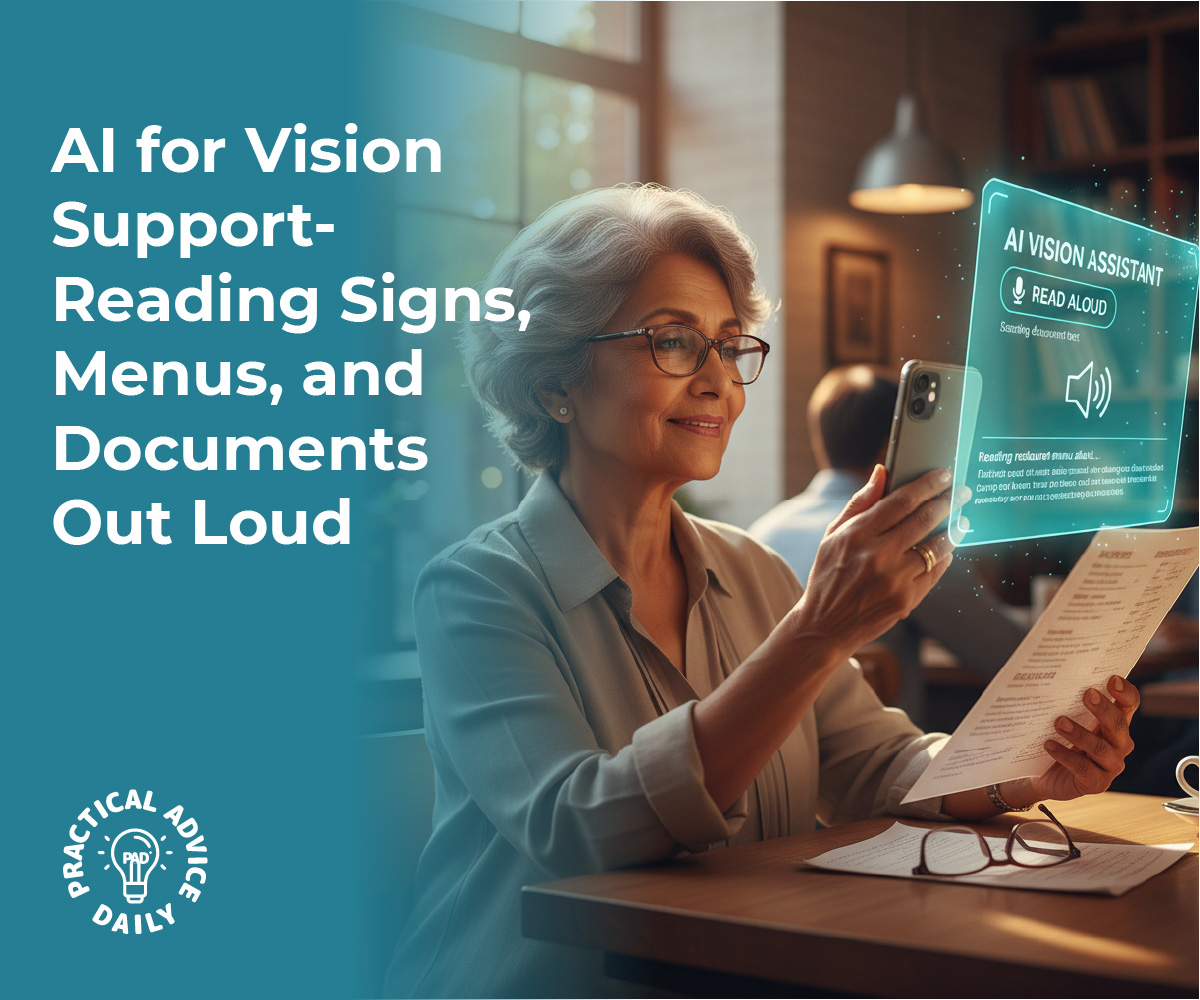
For many of us, the text on a restaurant menu seems to get smaller every year, and the instructions on a medicine bottle can feel nearly impossible to decipher. If you or a loved one struggles with low vision, these everyday tasks can become a source of frustration.
However, a remarkable new tool is already in your pocket. Artificial Intelligence (AI) has made it possible for your smartphone to act as a set of “digital eyes.” By using simple, free apps, you can have almost any printed word read directly to you. This technology isn’t about complicated computer programming; it’s about giving you the freedom to navigate your world with confidence and ease.
Table of Contents
Key Takeaways
- Instant Reading: Point your phone at any text—like a greeting card or a sign—and hear it read aloud immediately.
- Dining Independence: Use AI to read restaurant menus without needing a magnifying glass or extra lighting.
- Safety First: Easily verify labels on food packaging or instructions on prescription bottles.
- Portable Support: These tools work wherever you go, from the grocery store to the doctor’s office.
The Power of the Camera in Your Pocket
Most of us think of our phone cameras as tools for taking photos of grandchildren or beautiful sunsets. But for someone with vision challenges, the camera is actually a high-tech sensor. When you open a vision-support app, the AI “looks” through the camera lens and recognizes the shapes of letters and numbers. In a split second, it converts those shapes into spoken words.
It’s like having a helpful friend standing over your shoulder, ready to read anything you point to.
Reading Menus and Signs on the Go
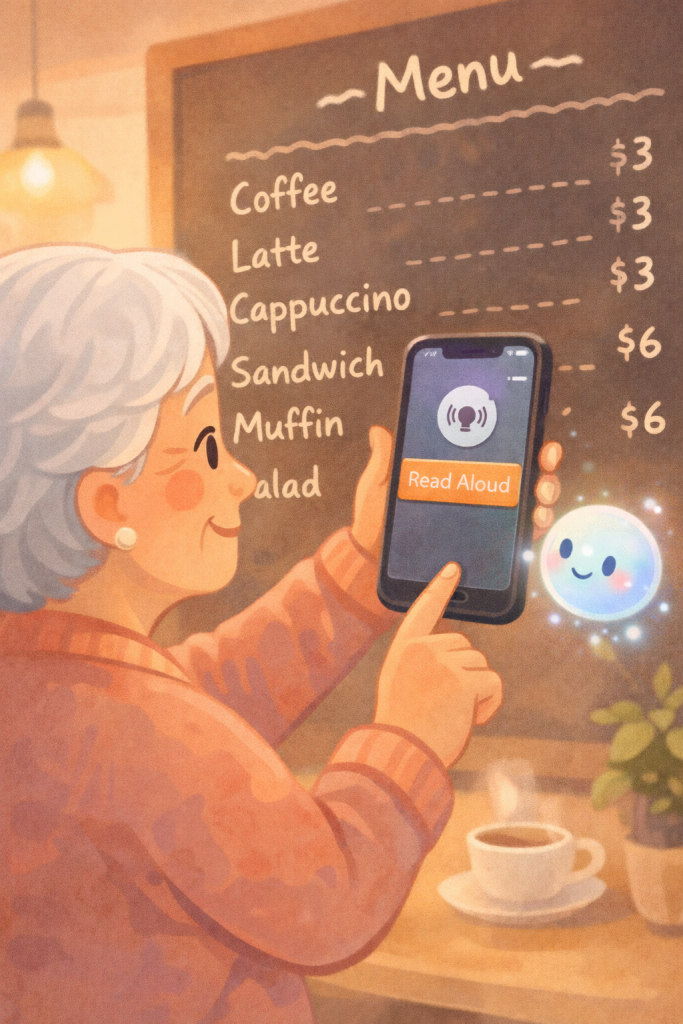
One of the most common hurdles for those with low vision is dining out. Dim lighting and stylized fonts can make menus very difficult to read. With an AI app, you can simply hold your phone over the menu. The AI will detect the text and read the options to you through your phone’s speaker or your hearing aids.
This same technology works for signs in a museum, labels in a grocery aisle, or even the numbers on a hotel room door. It removes the guesswork and allows you to move through public spaces more independently.
Managing Documents and Mail at Home
At home, the mail can pile up quickly, and sorting through bills or letters can be exhausting if you have to strain your eyes. AI apps often have a “Document Mode.” When you place a letter on the table and hold your phone over it, the AI will scan the entire page.
It doesn’t just read the words; it understands the layout. It can tell the difference between a headline and a paragraph, allowing you to listen to your mail as if it were an audiobook. This is also incredibly helpful for reading recipes in a cookbook or instructions for a new household appliance.
Safety and Medication Labels
Perhaps the most vital use for this technology is health safety. Prescription bottles are notoriously small, and mistaking one medication for another can be dangerous. AI vision tools are now smart enough to recognize the curved surface of a pill bottle.
By slowly rotating the bottle in front of the camera, the AI can read the dosage instructions and the name of the medication out loud. This provides an extra layer of security and peace of mind for anyone managing multiple prescriptions.
Getting Started: Simple and Friendly Apps
You might be wondering if these apps are hard to use. The most popular ones, like “Seeing AI” (from Microsoft) or “Google Lookout,” are designed specifically for people with low vision. They have very large buttons, high-contrast colors, and voice prompts that tell you how to hold your phone.
For example, the app might say, “Move the phone slightly to the right,” to help you get the text in focus. Once the text is visible, the reading starts automatically. There is no need to type or navigate complex menus.
Privacy and Ease of Use
A common concern is whether the AI is “watching” you. These apps are built with privacy in mind. Most of the “reading” happens right on your device, and the AI is only looking for text to translate into speech. Furthermore, these tools are often free to download.
They are designed to be accessible to everyone, ensuring that vision loss doesn’t have to mean a loss of information or independence.
Final Thoughts
Technology is at its best when it solves real-world problems, and there is perhaps no better example than AI for vision support. By turning a smartphone into a talking reader, AI is helping seniors stay engaged with the world around them.
Whether it’s reading a heartfelt card from a friend or checking the price of an item at the store, these tools offer a sense of empowerment. You don’t need to be a “techie” to benefit—you just need a little curiosity and the willingness to let AI help you see the world in a whole new way.