
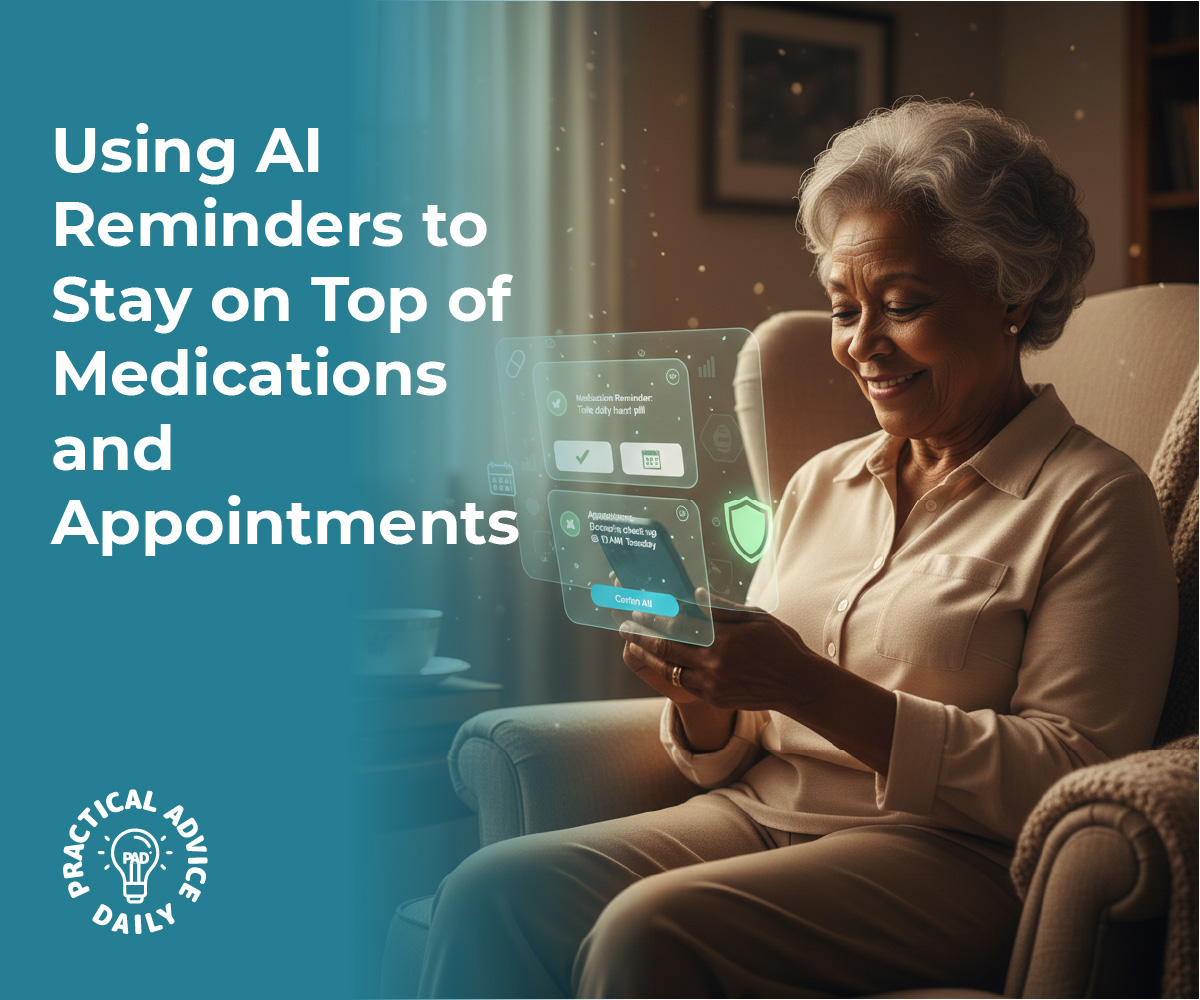
We all have those days where our schedules feel a bit crowded. Between managing different medications, keeping track of doctor appointments, and remembering daily chores, it’s easy to feel a little overwhelmed. The good news is that your smartphone or tablet has built-in “AI” (Artificial Intelligence) that can act like a gentle personal assistant.
These tools aren’t just for tech experts; they are designed to help you stay independent and in control. In this guide, we’ll show you how to set up simple reminders that “nudge” you at the right time, so you can spend less time worrying about the clock and more time enjoying your day.
Table of Contents
Key Takeaways
- Voice Commands — Use your voice to set reminders instantly without typing.
- Medication Tracking — Built-in health apps can give you specific alerts for pills.
- Recurring Reminders — Set it once for daily tasks and let the phone do the rest.
- Location Alerts — Get a reminder when you arrive at or leave a specific place.
- Calendar Sync — Keep all your appointments in one easy-to-see digital book.
Using Your Voice: The Easiest Way to Set a Reminder
You don’t need to navigate through confusing menus to set a reminder. You can simply talk to your phone. Whether you use Siri (Apple) or Google Assistant (Android), it’s as easy as having a conversation.
What to do:
- Hold the side button on your phone or say, “Hey Siri” or “Hey Google.”
- Say clearly: “Remind me to take my heart medication at 9:00 AM every day.”
- The phone will confirm the time and add it to your list automatically.
Why it matters: It removes the need for typing or looking for small icons, making it perfect for a quick thought.
Setting Up a “Digital Pillbox”
Both iPhones and Android phones now have dedicated sections for health. Instead of a simple alarm, these features allow you to log exactly what you took and when.
What to do:
- On iPhone: Open the Health App, tap Browse, and select Medications. Follow the prompts to add your pills and schedules.
- On Android: Use the Google Tasks app or a dedicated app like Medisafe.
- You can even take a photo of the pill bottle so the reminder shows you exactly what the pill looks like.
Why it matters: It provides a visual record, helping you avoid the “Did I already take that?” second-guessing.
Managing Appointments with the Calendar
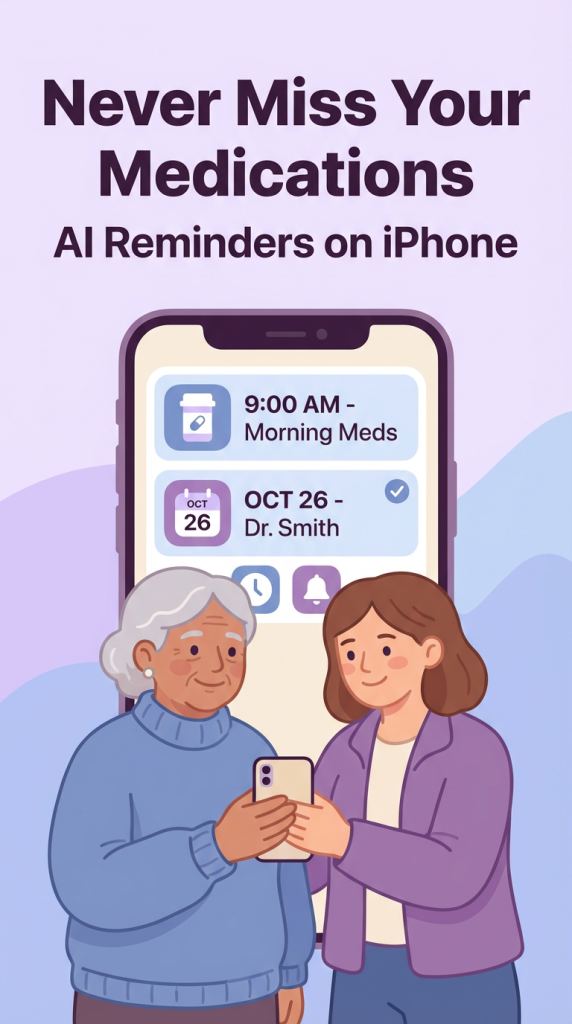
Paper calendars are great, but they don’t “beep” when it’s time to leave! Using your digital calendar ensures you get a notification before your appointment starts.
What to do:
- Open your Calendar App.
- Tap the “+” symbol to add a new event (e.g., “Dr. Smith Appointment”).
- Look for the “Alert” or “Reminder” section. Set it for “1 hour before” or even “1 day before.”
- You can also add the office address so your phone can tell you exactly when you need to leave based on traffic.
Why it matters: It gives you plenty of time to get ready and travel without feeling rushed.
Location-Based Reminders: Smart Help on the Go
This is one of the most “magical” parts of AI. Your phone can remind you to do something based on where you are, rather than just the time.
What to do:
- Tell your voice assistant: “Remind me to buy milk when I get to the grocery store.”
- Or: “Remind me to check the mail when I get home.”
- Your phone uses its GPS to sense when you’ve arrived and will pop up the reminder right then.
Why it matters: It helps you remember those “while I’m out” tasks that often slip our minds.
Daily “Check-In” Reminders for Peace of Mind
AI can also help with the small things that keep a home running smoothly—like watering plants, locking the front door at night, or charging your hearing aids.
What to do:
- Create a “Daily Routine” in your Reminders App.
- Set tasks like “Lock the back door” for 9:00 PM every night.
- These will appear on your screen every single day until you check them off.
Why it matters: It creates a digital safety net for your daily habits, reducing mental clutter.
Final Thoughts
Technology is at its best when it makes our lives quieter and more organized. By letting your phone handle the “remembering,” you free up your mind for the things that truly matter—like a phone call with a grandchild or a quiet afternoon in the garden.
Don’t feel like you have to set up everything at once. Start with your most important medication or your next doctor’s visit. Once you see how helpful that one little “beep” can be, you’ll feel much more confident adding more. You are in control, and your phone is simply there to support you.