
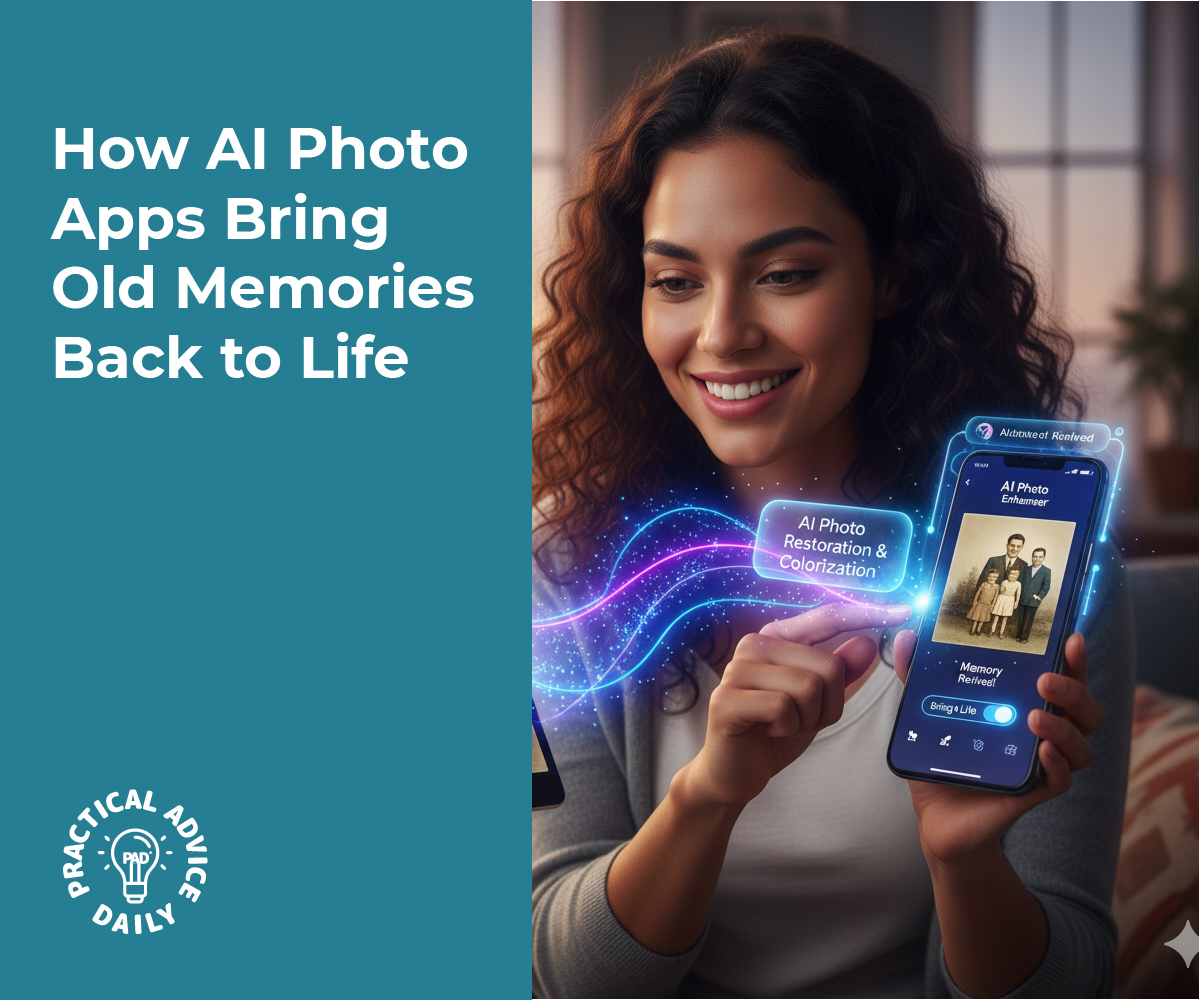
Old family photos hold special memories, but time can leave them faded, torn, or disorganized. The good news is that modern AI photo apps can help bring those memories back to life — no photo editing skills needed. With just a few taps, you can fix scratches, add color, and neatly organize your photo albums, all while keeping your memories safe.
This guide will show you how to use these beginner-friendly tools and what to look out for to protect your precious pictures.
Table of Contents
Key Takeaways
- AI photo apps can repair faded or damaged photos automatically.
- You can colorize old black-and-white pictures in seconds.
- Tools like Google Photos and Apple Photos help you organize albums by faces or dates.
- Always save backups before editing to keep your originals safe.
- Most trusted apps process photos securely on your device or cloud, protecting your privacy.
Reviving Old Photos Made Simple
1. Restoring Faded or Damaged Photos
AI-powered restoration tools can repair tears, remove stains, and sharpen blurry faces automatically. Apps like Remini, Fotor, and Vivid-Pix Restore are popular choices.
Here’s how it works:
- Open the app and upload a scanned or digital photo.
- Choose a “Restore” or “Enhance” option.
- Wait a few seconds as the AI fixes imperfections.
- Save the new image — and always keep your original version, too.
These tools are great for bringing clarity back to photos from old albums or family archives, without the need for expensive software.
2. Adding Natural Color to Black-and-White Photos
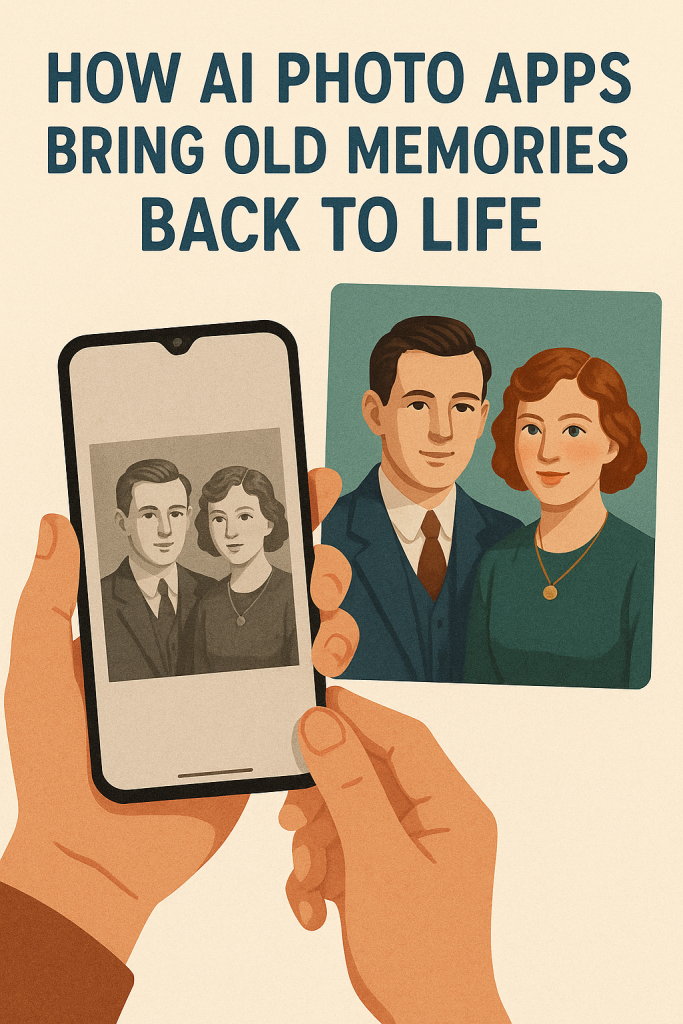
Colorizing old photos can make family history feel more real. AI tools like MyHeritage In Color, Palette.fm, or Colorize by Photomyne automatically add soft, realistic colors to vintage images.
For example, you might see your grandparents’ wedding photo suddenly come to life with warm tones and gentle skin colors. It feels like stepping back in time.
To try it:
- Upload your black-and-white photo to one of these apps.
- Tap “Colorize.”
- Review the result — you can fine-tune brightness or contrast if you’d like.
You can even print the colorized photo as a gift or include it in a digital slideshow for family gatherings.
3. Organizing Your Memories Automatically
Once your photos look their best, you can use AI to sort and label them.
- Apple Photos and Google Photos automatically group images by faces, locations, and dates.
- You can tag relatives’ names so that the app recognizes them later.
- Some tools even suggest albums like “Family Trips” or “Weddings.”
This makes it easy to find pictures of specific family members or events without scrolling endlessly through your camera roll.
Tip: If you use iCloud or Google Drive, your organized albums stay safely backed up, so you’ll never lose your digital memories.
4. Keeping Your Photos Safe and Private
When dealing with family photos, privacy matters. Always choose trusted apps with clear privacy policies. Look for ones that:
- Store your photos securely on your device or in a private cloud.
- Do not share images with third parties without permission.
- Offer a “delete” or “remove data” option if you stop using the app.
Apple Photos, Google Photos, and MyHeritage are among the most reliable for keeping personal content secure.
Avoid using unknown websites that offer “free restorations” without clear details — they may save or share your photos.
5. Simple Ways to Get Started
If you’re new to AI photo tools, start small.
- Pick one photo to experiment with — perhaps an old family portrait.
- Try an app like Remini for sharpening or MyHeritage In Color for colorizing.
- Compare the results with your original.
You might be surprised at how quickly AI can make an old picture look like it was taken yesterday.
Once you get comfortable, you can try scanning and restoring entire albums. Many apps even create short slideshows or memory videos, complete with music and captions.
Final Thoughts
Bringing old memories back to life doesn’t have to be complicated. With today’s AI photo tools, anyone can refresh faded pictures, add color, and organize decades of family history — all from a phone or tablet.
By taking a few simple precautions and saving backups, you can enjoy the magic of seeing loved ones and special moments come alive again, safely and beautifully.
So go ahead — pick a favorite old photo, try one of these apps, and rediscover the joy of reliving your family’s story in full color.