

Keeping track of your health can feel overwhelming, especially with so many apps, devices, and numbers to sort through. The good news is that Apple’s Health app now uses artificial intelligence (AI) to make it simpler and safer. Whether you’re monitoring your heart rate, remembering your medications, or checking your daily activity, AI quietly works in the background to help you understand your health data—without exposing your privacy.
In this guide, we’ll walk through how AI supports your health tracking, how it protects your information, and a few easy ways to make the most of these tools. You don’t need to be tech-savvy—just curious and ready to make your iPhone work a little smarter for your wellbeing.
Table of Contents
Key Takeaways
- AI in Apple Health helps organize and understand your health data automatically.
- You can track exercise, heart rate, sleep, and medication all in one place.
- Your health data stays private and secure, stored on your device.
- AI gives friendly insights and reminders to help you stay consistent.
- You control what data is shared—and with whom.
How AI Helps You Track and Understand Your Health
1. Keeping All Your Health Information in One Place
Apple’s Health app gathers data from your iPhone, Apple Watch, and other connected apps or devices. For example:
- Your steps and activity come from your iPhone or Apple Watch.
- Your heart rate and sleep come from wearable sensors.
- Your medications can be added manually or through reminders.
AI then organizes this information into easy-to-read summaries. You don’t need to open several apps—everything you need appears in one secure dashboard.
2. Smart Insights Without Confusing Charts
AI can spot patterns that might go unnoticed. For example:
- It can show when your heart rate is higher than usual after certain meals or workouts.
- It can remind you if you’ve missed a dose of medication or skipped your daily walk.
- It can suggest gentle improvements, like getting more sleep or adding short stretches during the day.
These insights are presented in plain language, so you don’t need to be a doctor or data expert to understand them.
3. Helping You Stay on Track with Medication and Activity
If you use the Medications feature, AI can remind you when to take your pills and log them automatically. It even notices if you often forget doses and gently nudges you to stay consistent.
Similarly, AI tracks your exercise trends—not just steps or calories, but overall patterns. For instance, it may notice you’re more active on weekends and encourage weekday movement to balance things out.
These small reminders can make a big difference, especially if you’re managing ongoing health goals or conditions.
4. Protecting Your Privacy and Security
One of Apple’s biggest advantages is its commitment to privacy. Here’s how your data stays safe:
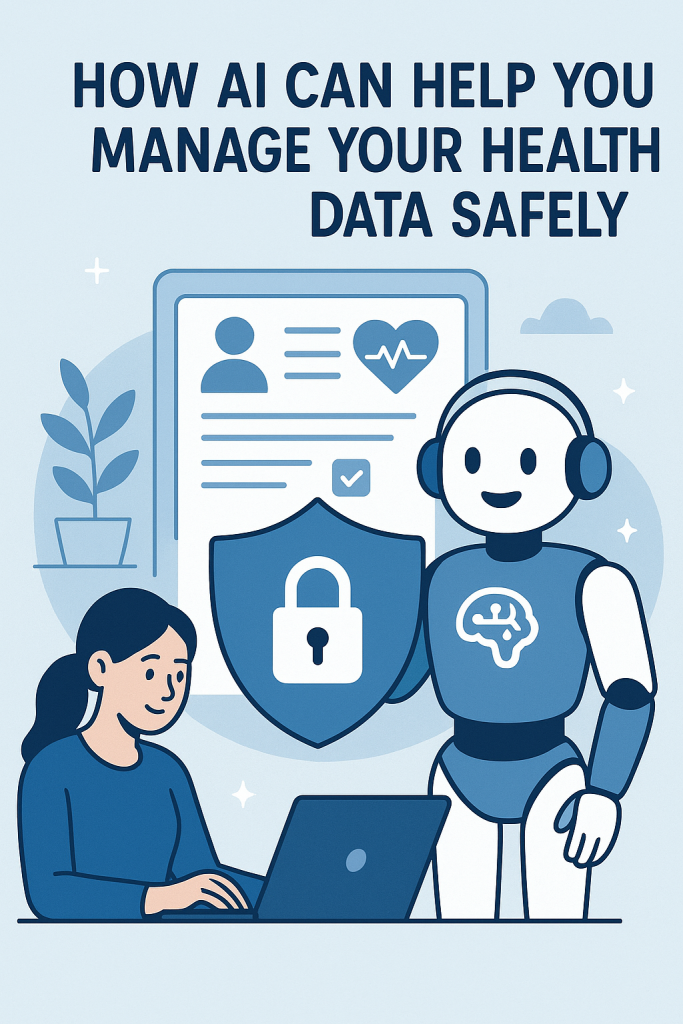
- On-device processing: Most AI features work directly on your iPhone, not in the cloud. This means your health information never leaves your device unless you choose to share it.
- Encryption: Your health records and history are locked with your passcode, Face ID, or Touch ID.
- Full control: You can decide which apps or doctors can access your data—and change those settings anytime.
So, when Apple’s AI analyzes your heart rate or sleep patterns, it’s doing so privately, on your phone, with no one else watching.
5. Easy Ways to Get Started
If you haven’t explored the Health app’s AI features yet, here’s how to begin:
- Open the Health app on your iPhone.
- Tap the Summary tab to see your most important information.
- Choose Favorites for things you want to monitor daily, like steps or heart rate.
- Tap Medications to add your prescriptions and set up reminders.
- Review the Trends section—this is where AI highlights changes or progress over time.
Even if you start with one simple goal, such as tracking your walking or sleep, AI will quietly help you build better habits and awareness.
Why AI Matters for Everyday Health
For many people, tracking health used to mean notebooks, guesswork, or complicated apps. AI changes that by translating raw numbers into something meaningful. You might see that your heart rate improves as you exercise more or that certain habits improve your sleep.
Over time, this kind of feedback helps you understand your body better. It’s not about replacing medical advice—it’s about giving you clearer information to share with your doctor or to use for small, daily improvements.
AI doesn’t have to be intimidating. In Apple’s Health app, it’s like having a gentle assistant who remembers, reminds, and organizes so you can focus on feeling your best.
Final Thoughts
Managing your health data doesn’t need to be complicated. With Apple’s built-in AI tools, you can keep your information organized, secure, and useful—all from your iPhone.
Start small: track your steps, log your medication, or check your heart rate once a day. Over time, AI will help you spot patterns and celebrate progress, making health tracking feel less like a chore and more like a personal wellness companion.
You’re in control, and AI is there to make the journey a little easier and safer.