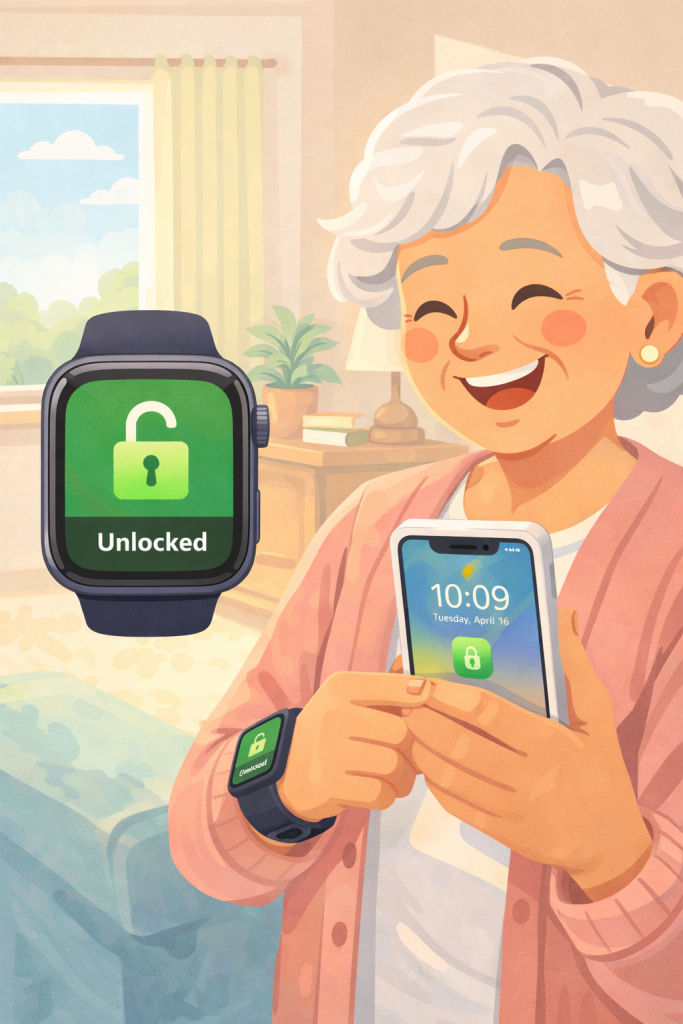
Starting with iOS 14.5 and watchOS 7.4, you can unlock your iPhone with Face ID while wearing a face mask using your Apple Watch. Ensure both your iPhone and Apple Watch are updated, Face ID is enabled, and your watch has a passcode and wrist detection turned on.
To activate, go to Settings on your iPhone, tap Face ID & Passcode, and turn on Unlock with Apple Watch. When wearing a mask, raise your iPhone, and it will unlock via your Apple Watch, which will notify you.
This feature doesn’t work for Apple Pay, app sign-ins, or other Face ID uses.
Summary:
– Unlock iPhone with Face ID while wearing a mask using Apple Watch.
– Requires iOS 14.5, watchOS 7.4, Apple Watch Series 3 or later.
– Ensure Face ID, passcode, and wrist detection are enabled.
– Activate in iPhone settings under Face ID & Passcode.
– Works for unlocking iPhone, but not for Apple Pay or app sign-ins.