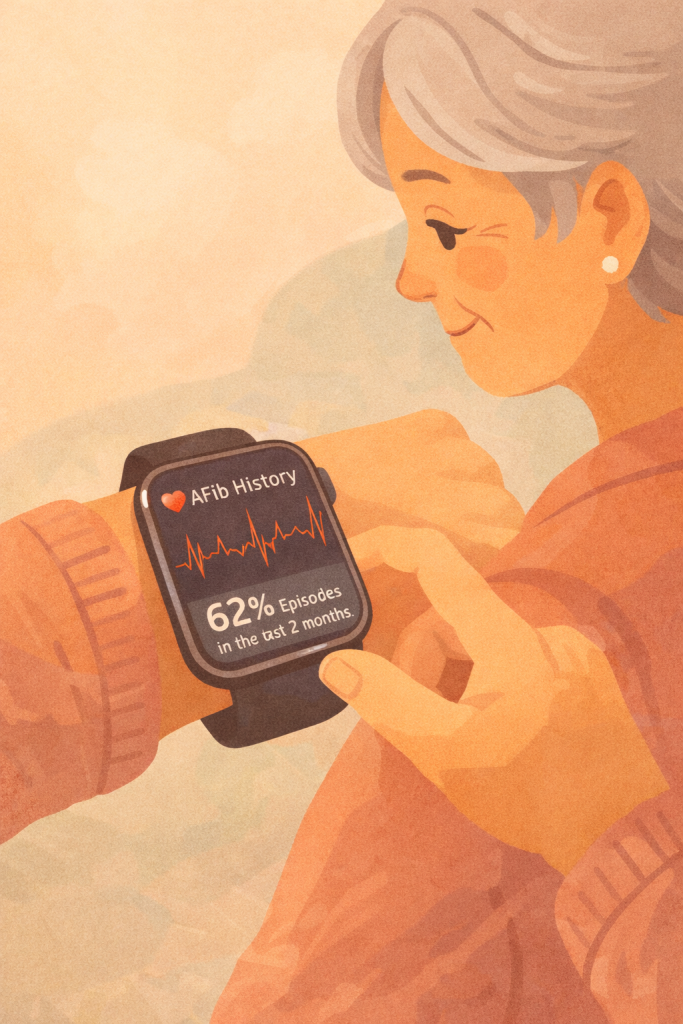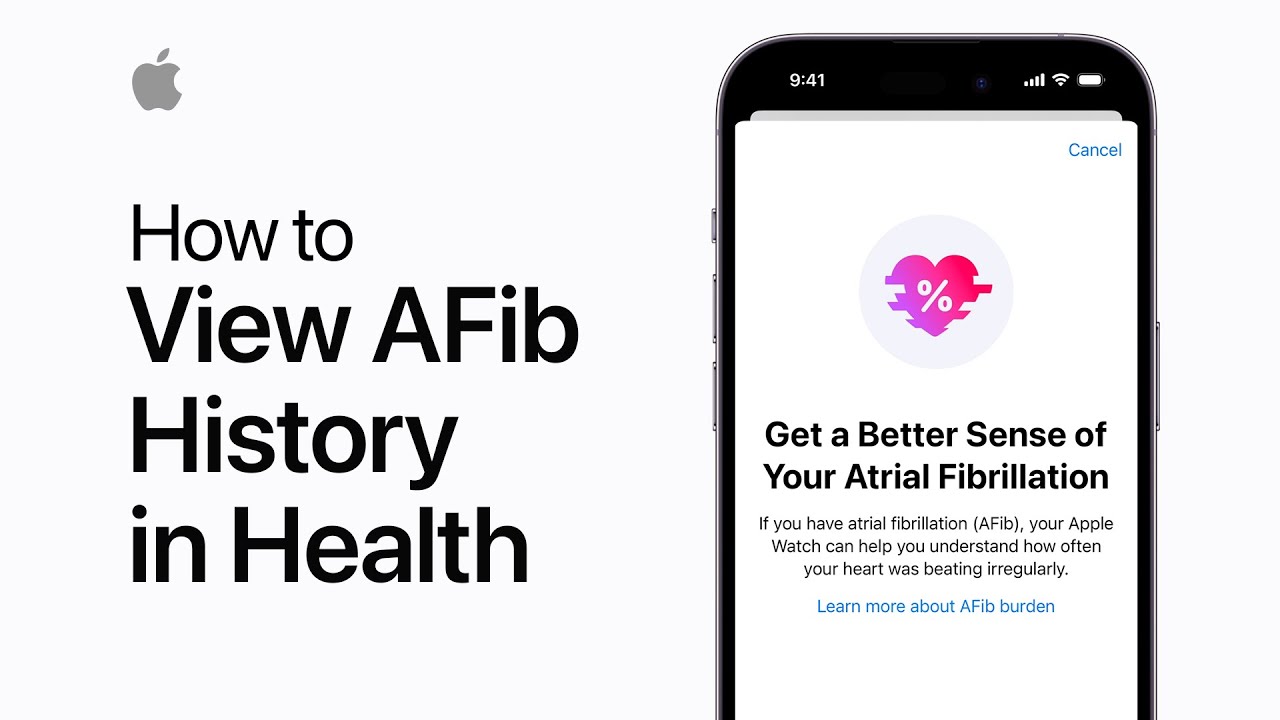
If you’ve been diagnosed with atrial fibrillation by a doctor, you can enable AFib History on your Apple Watch Series 4 or later (with watchOS 9 or later) and iPhone with iOS 16. To set it up, go to the Health app, tap “Browse,” then “Heart,” and under AFib History, select “Set Up.”
Confirm your diagnosis, birth date, and read through the information provided. AFib History is added to your Favorites, and after a week of wearing your watch for 12 hours daily, you’ll start seeing results. You can also track life factors that may affect your condition.
Summary:
– Enable AFib History if diagnosed with atrial fibrillation by a doctor.
– Requires Apple Watch Series 4 or later, watchOS 9, and iPhone with iOS 16.
– Set up through the Health app by confirming your diagnosis and birth date.
– Results appear after wearing the watch for 12 hours daily for a week.
– Track life factors that may influence your AFib condition.