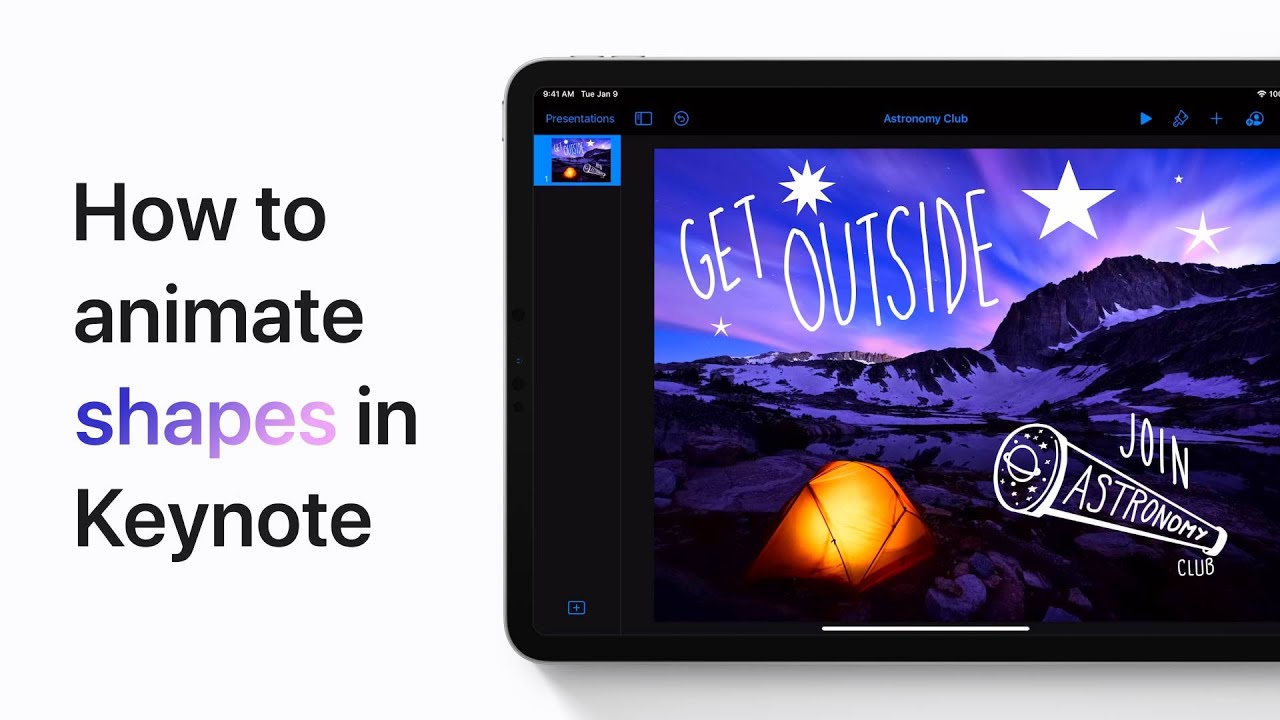
Animating shapes in Keynote is simple. First, in your presentation, tap on the object you want to animate. Next, tap the Animate option and then select Add Action.
Choose the desired action for your object. You can continue adding more actions to customize the animation. Once you’ve set up all your animations, tap Done to finalize your changes.
This process allows you to create dynamic presentations with animated shapes that enhance your visual storytelling.
Summary:
– Tap on the object you want to animate in your Keynote presentation.
– Select the Animate option.
– Tap Add Action and choose the desired animation action.
– Continue adding actions as needed.
– Tap Done to apply and finalize the animations.