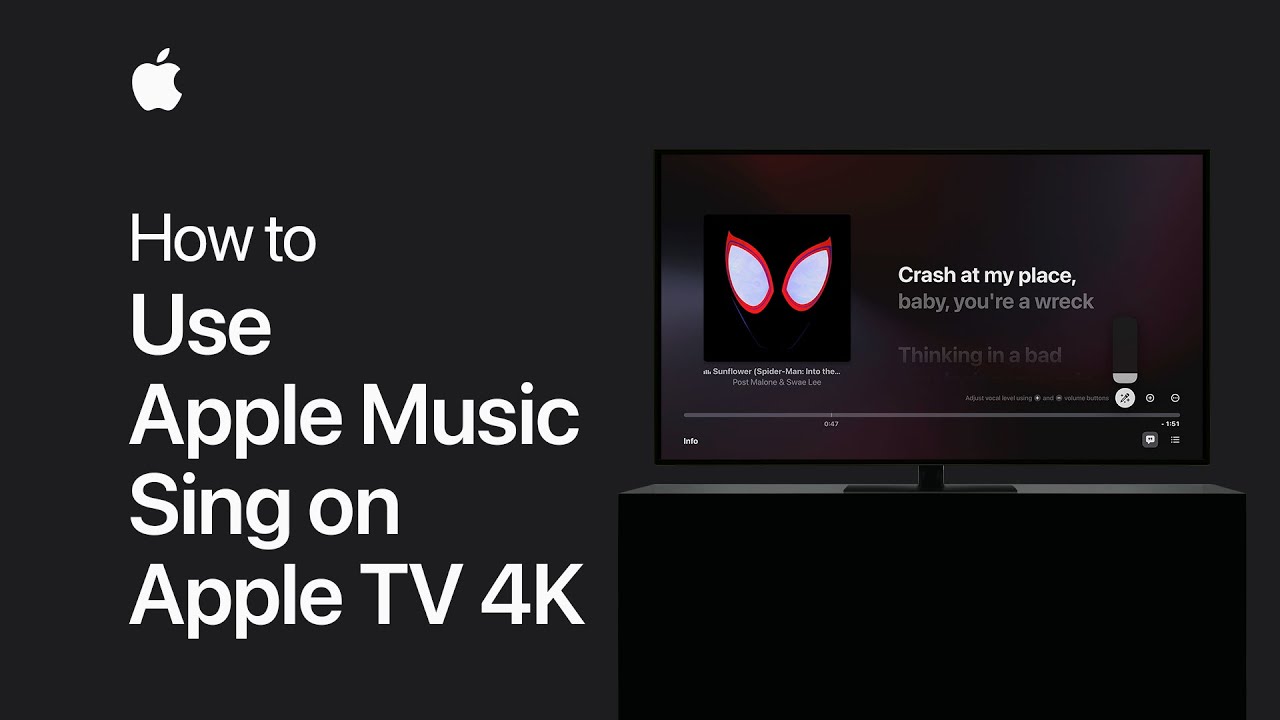
With Apple Music Sing, you can adjust vocals in supported songs, letting you take the lead. To use it, you’ll need a third-generation Apple TV 4K with the latest tvOS and an Apple Music subscription. While a song from the Apple Music catalog is playing, press the menu button on your Apple TV remote.
Select the Lyrics button at the bottom of the screen to watch the lyrics appear line by line, synced to the beat, making it easy for you to sing along.
Summary:
– Adjust vocals in supported songs with Apple Music Sing.
– Requires a third-generation Apple TV 4K, latest tvOS, and Apple Music subscription.
– Play a song from the Apple Music catalog.
– Press the menu button on the Apple TV remote.
– Select the Lyrics button to display synced lyrics line by line.