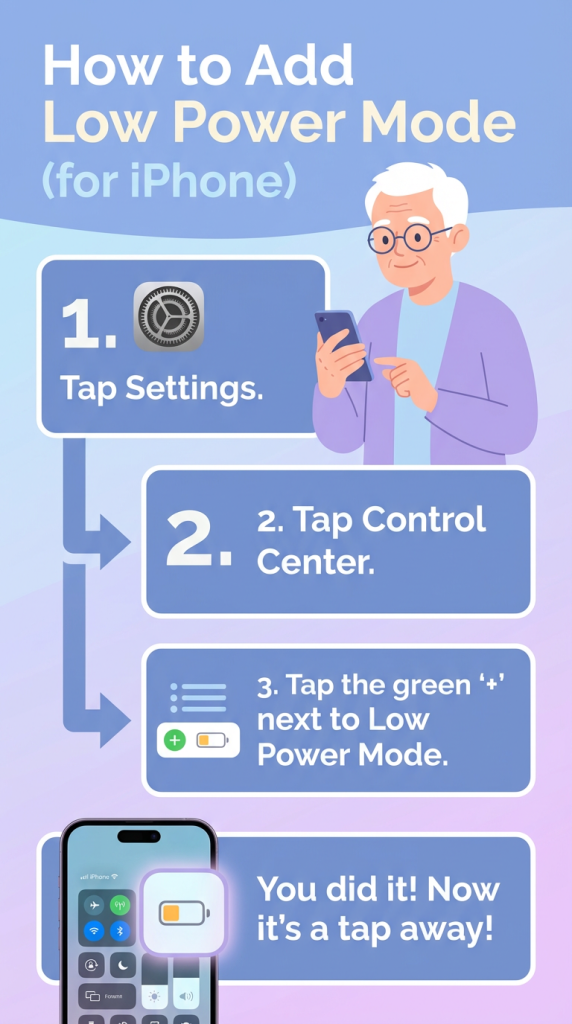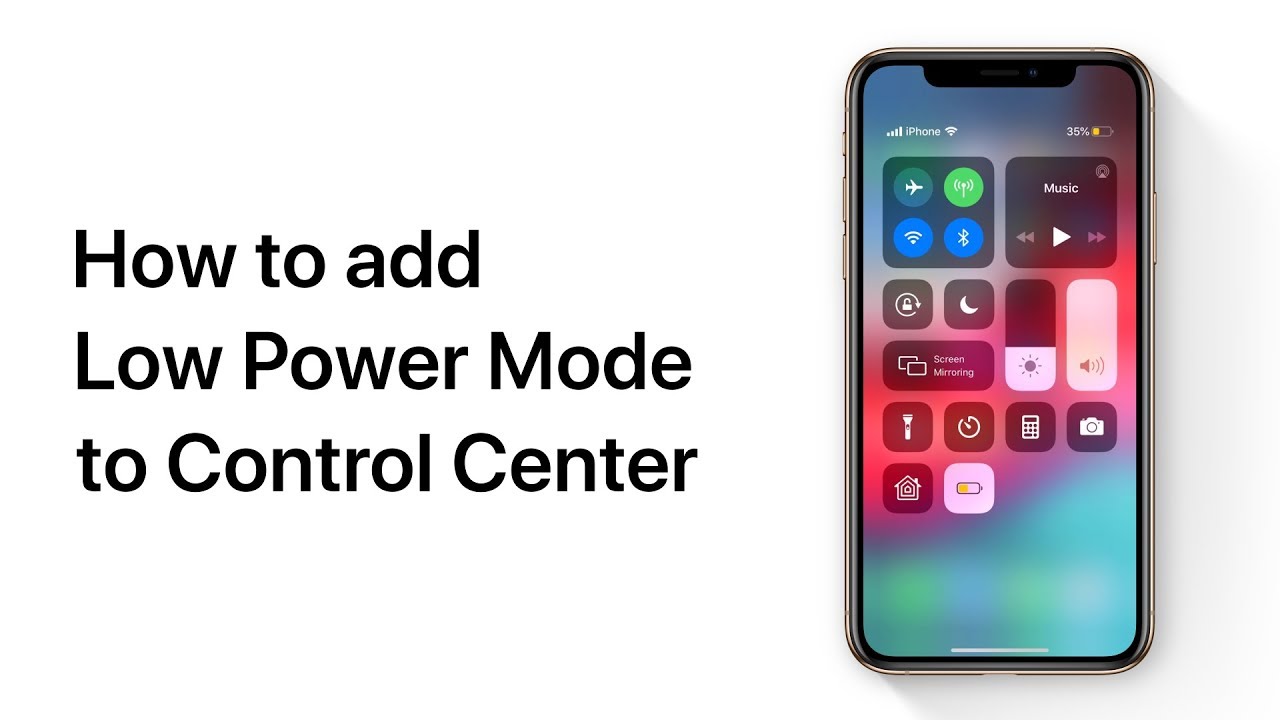
To quickly save battery life, add Low Power Mode to Control Center. In Settings, tap Control Center, then Customize Controls, and select Low Power Mode to add it.
Now, whenever you want to save battery, just swipe down from the top-right corner of your screen and tap Low Power Mode to turn it on.
It’s a simple way to extend your battery life whenever you need it.
Summary:
– Add Low Power Mode to Control Center in Settings.
– Go to Control Center, tap Customize Controls.
– Select Low Power Mode to add it.
– Swipe down from the top-right corner to access Control Center.
– Tap Low Power Mode to activate it and save battery life.