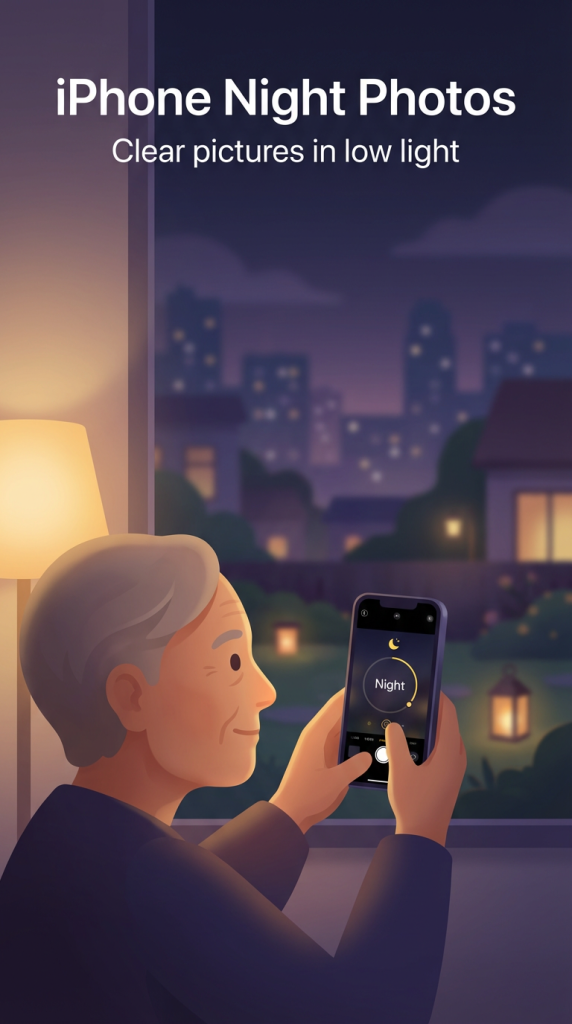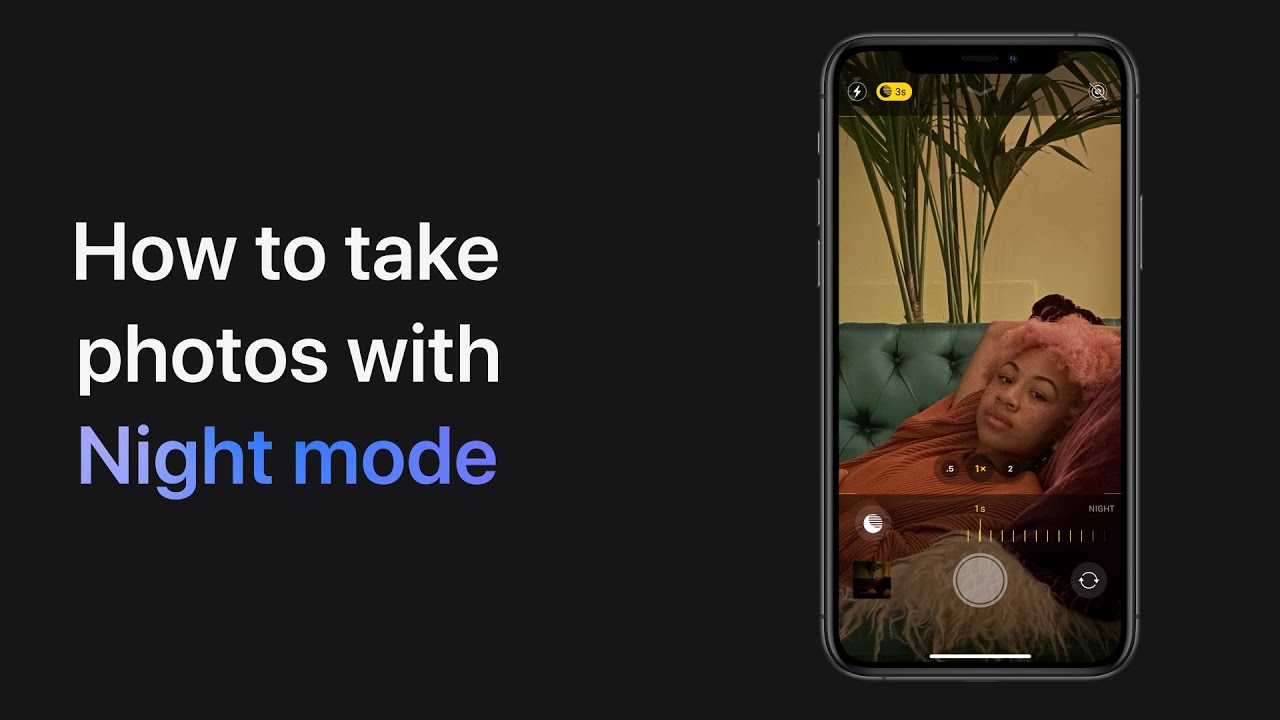
To take better low-light photos with Night mode, start by letting Night mode activate automatically in low light conditions. If you want to adjust the exposure time, tap the Night mode icon on your screen.
Once you’re ready, take the photo, but hold your phone still until the capture is complete. This will ensure a clearer image in low light settings.
Night mode helps to brighten your photos and improve their quality, making your night shots look much better.
Summary:
– Night mode activates automatically in low light.
– Tap the Night mode icon to adjust the exposure time.
– Take the photo while holding the phone still.
– Wait for the capture to complete.
– Night mode improves photo quality in low light.