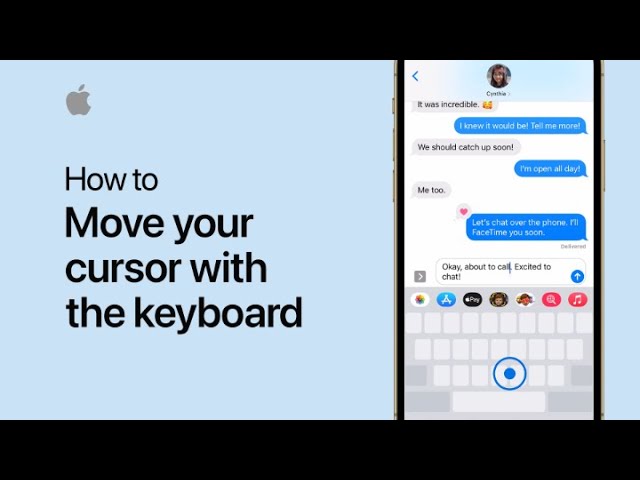
To move the cursor on your iPhone keyboard, simply touch and hold the Space bar. While holding, drag your finger around the keyboard to move the cursor to the desired position.
Once it’s where you want it, release your finger and continue typing. This makes precise text editing quick and easy.
Summary:
– Touch and hold the Space bar on your iPhone keyboard.
– Drag your finger to move the cursor.
– Position the cursor where needed.
– Release your finger to set the cursor.
– Continue typing with the cursor in place.