
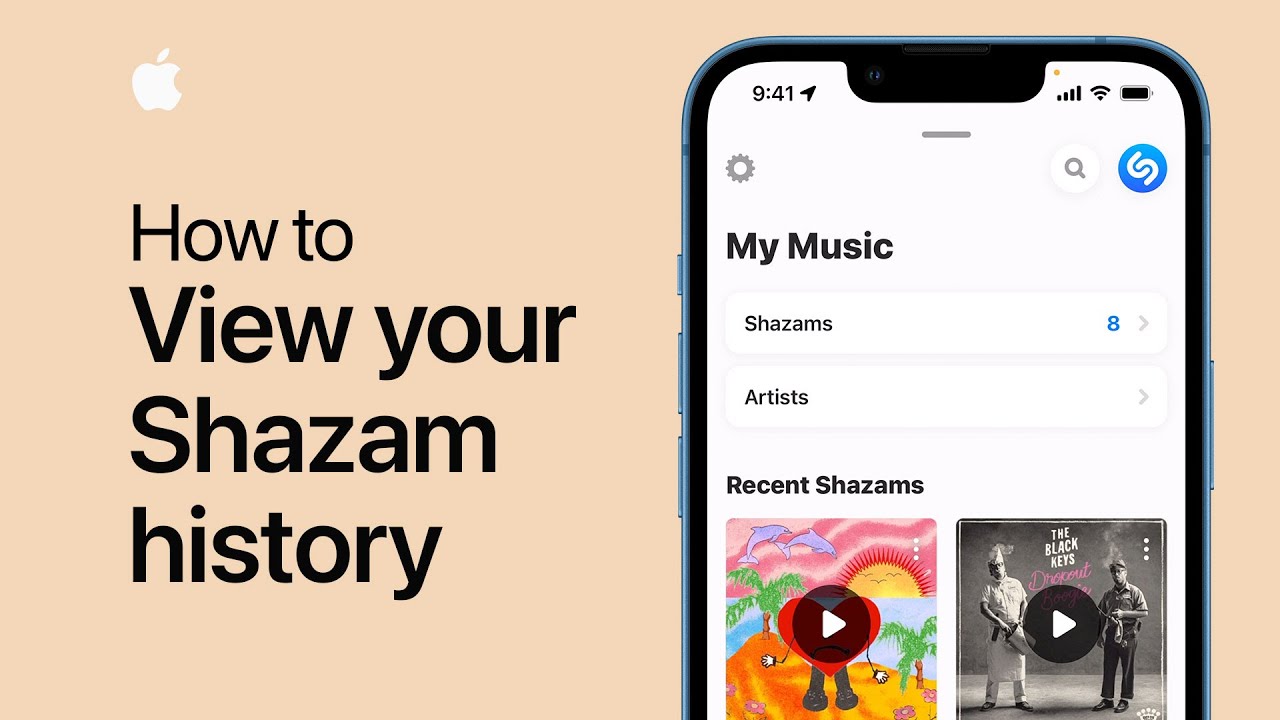
To sync your Shazam history from Control Center to the Shazam app, ensure you have the latest Shazam version and two-factor authentication enabled for your iCloud account.
In your iCloud settings, make sure Music Recognition and Shazam are activated. Then, in Control Center, touch and hold the Shazam button to view your history. Tap any song to open it in the Shazam app. To access all your Shazamed songs, tap the X in the upper-left corner and swipe up to see your recent Shazams.
This process allows you to easily find and keep track of your music discoveries.
Summary:
– Ensure you have the latest Shazam version and two-factor authentication on iCloud.
– In iCloud settings, turn on Music Recognition and Shazam.
– In Control Center, touch and hold the Shazam button to view your Shazam history..
– Tap a song to open it in the Shazam app.
– Tap the X in the upper-left corner and swipe up to see all your recent Shazams.