
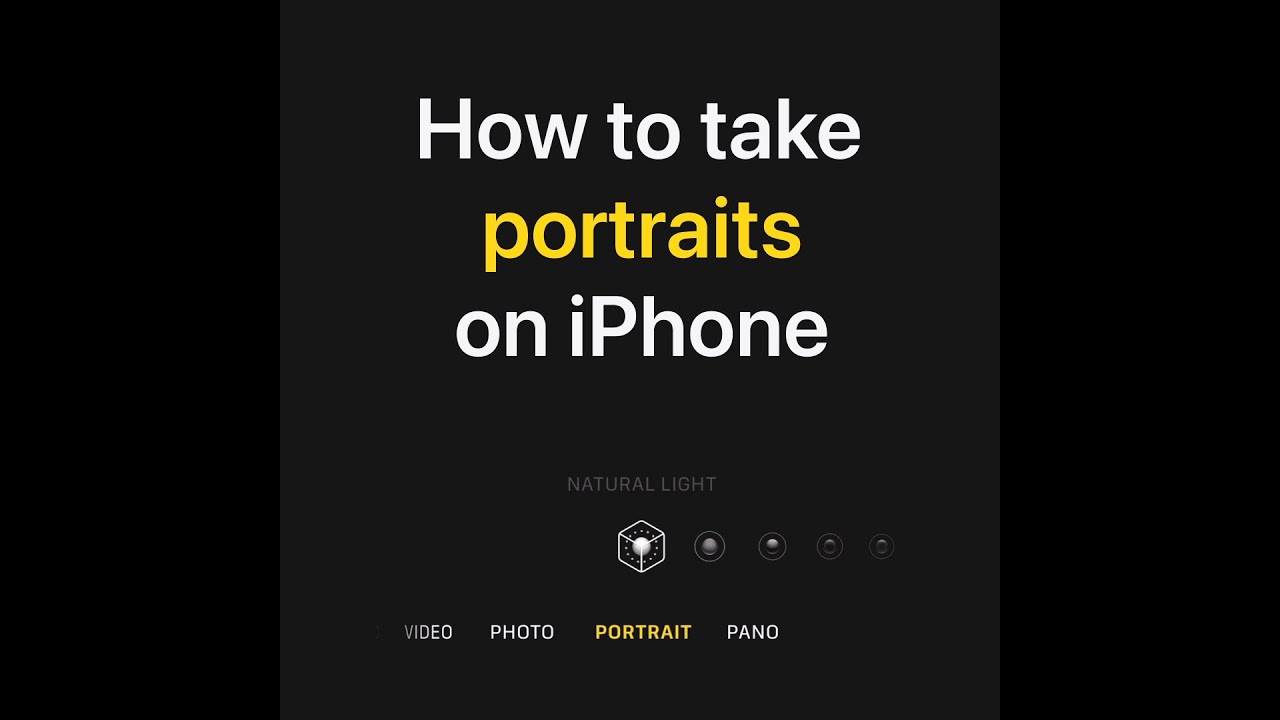
To use Portrait mode on your iPhone, open the Camera app and swipe to select Portrait. Tap the number in the bottom-left to choose the best zoom level for your subject.
You can also swipe through the lighting effect options to select one. If you change your mind later, you can edit the photo to try different effects. To adjust the background blur, tap the Depth Control button in the top-right corner and use the slider above the shutter to make changes. Once you’re ready, tap the shutter to take the photo.
This enhances your photography experience with Portrait mode.
Summary:
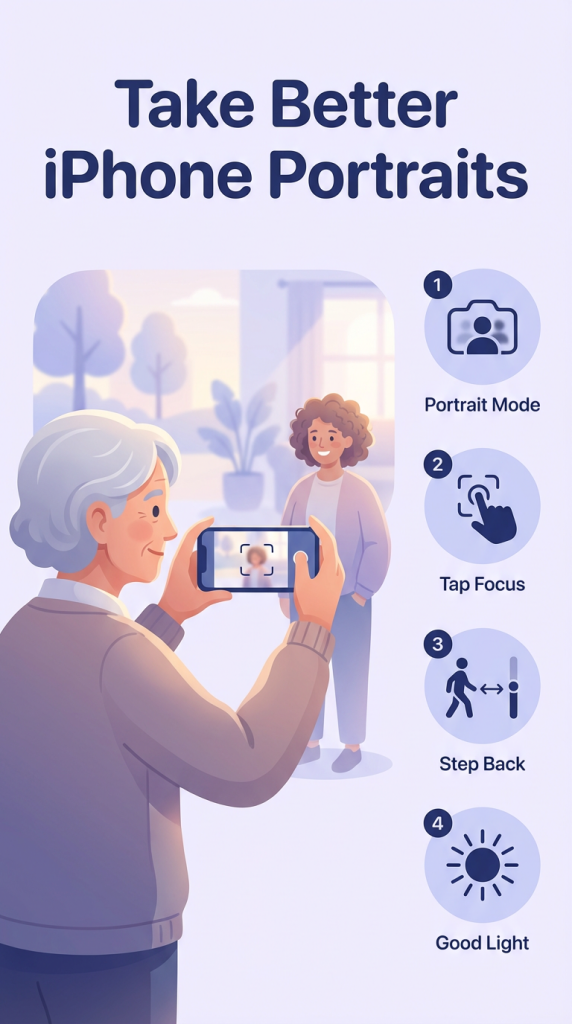
– Open the Camera app and swipe to Portrait mode.
– Tap the number in the bottom-left to choose the best zoom level.
– Swipe through lighting effect options to select one, which can be changed later in editing.
– Adjust background blur by tapping Depth Control and using the slider above the shutter.
– Tap the shutter to take the photo with enhanced depth and lighting effects.