
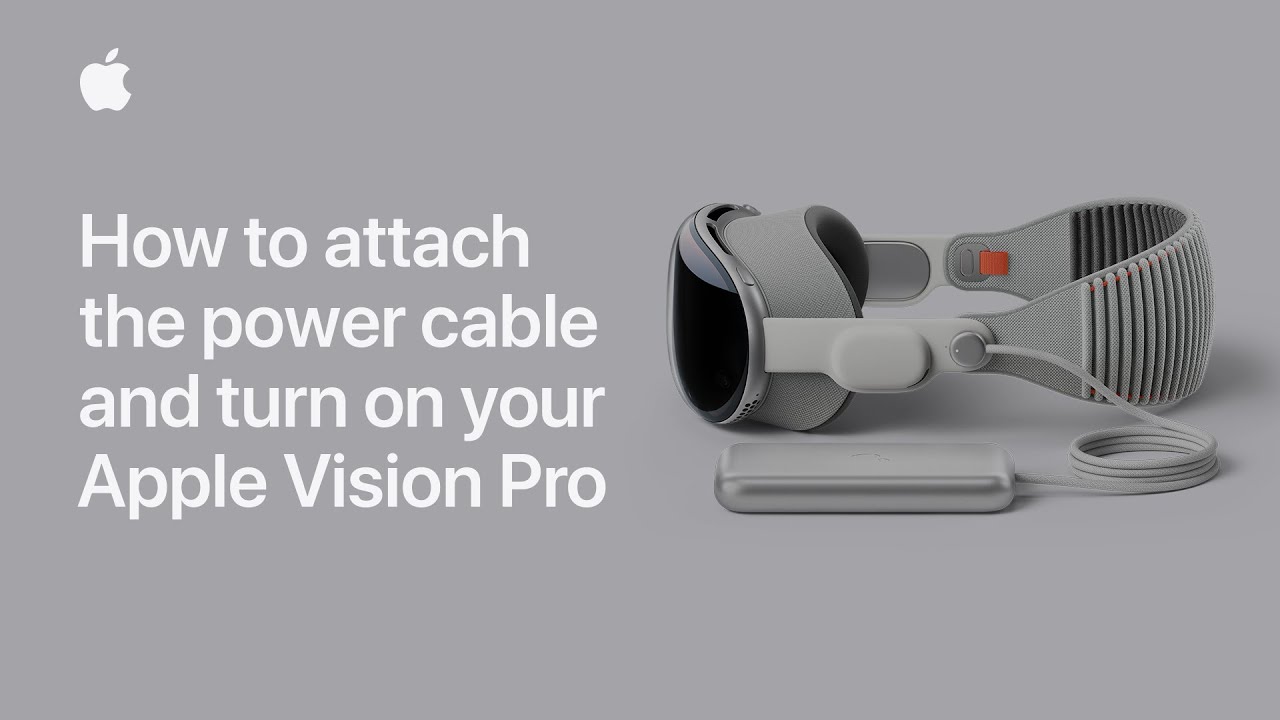
To attach and power on your Apple Vision Pro, first place the device on a stable surface like a table. Align the dot on the power cable with the circle next to the power connector on your device, ensuring the cord is angled slightly upward. Press the cable onto the connector until it latches and the grooves align. Rotate the cable clockwise until the dot on the cable matches the dot next to the connector. You will hear a click as the cable locks in place and the LED will pulse. Once you hear the startup tone, your Apple Vision Pro is ready to use.
Summary:
– Place the Apple Vision Pro on a stable surface like a table.
– Align the dot on the power cable with the circle next to the power connector.
– Press and rotate the power cable until it clicks into place and the LED pulses.
– Wait for the startup tone to indicate that the device is ready to use.
– For more information, check the Apple Support YouTube channel or Apple Vision Pro playlist.