
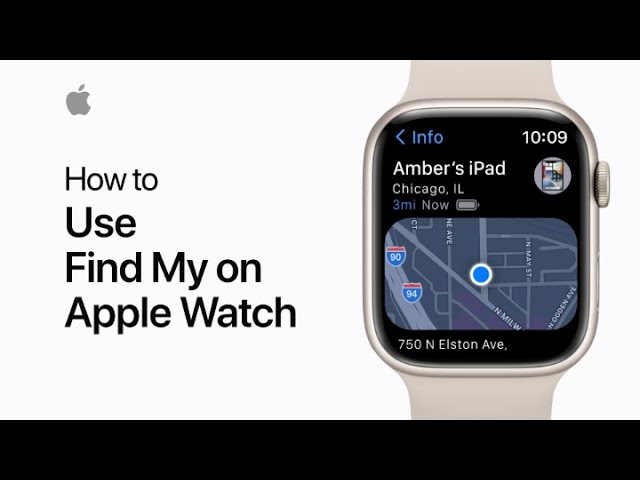
With the Find My app on your Apple Watch, you can locate lost devices, items, and share your location with friends and family. Once you’re signed into your Apple ID, Find My is automatically set up. Use the Find Devices app to locate missing Apple devices, such as iPhones or iPads, and the Find Items app for AirTagged belongings. If nearby, you can play a sound, or use the map to track its location. You can also turn on Lost Mode to lock the device and display a contact message. Additionally, the Find People app lets you easily share your location with others.
Summary:
– Use Find My on Apple Watch to locate lost devices or items with AirTags.
– Automatically set up when signed into your Apple ID.
– Play a sound, view on a map, or enable Lost Mode to lock missing devices.
– Use the Find People app to share your location with friends and family.
– Stay connected and track important items directly from your wrist.