
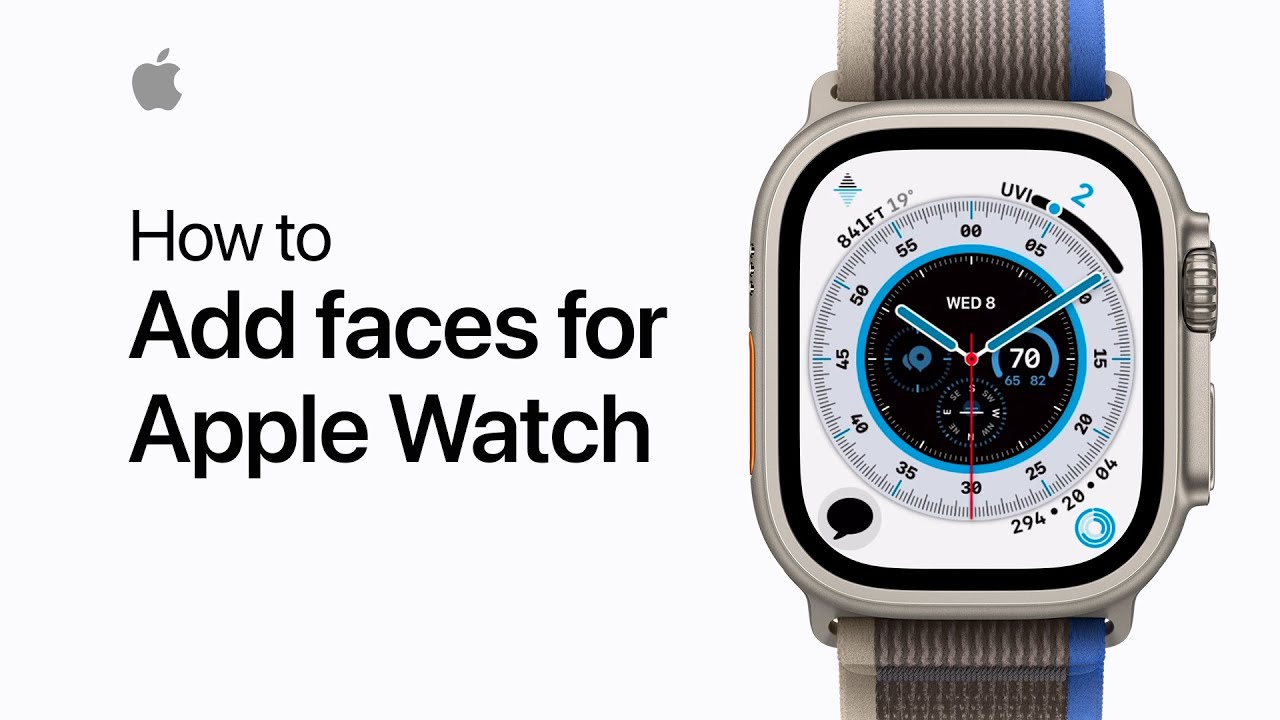
To customize your Apple Watch face using your iPhone, open the Watch app and tap Face Gallery. Select a watch face from the gallery, then personalize it by adjusting options like color, style, and complications. To modify a complication, scroll down, tap on the one you want to change, and choose a new one from the list. Once you’ve made your adjustments, tap Add to save the customized face to My Faces. Keep in mind that some watch faces may not be available on all Apple Watch models or in all regions.
Summary:
– Open the Watch app on your iPhone and tap Face Gallery.
– Choose a watch face and customize options like color, style, and complications.
– To change a complication, scroll, tap it, and select a new one from the list.
– Tap Add to save the customized face to My Faces.
– Note that some watch faces may not be available on all models or in all regions.