
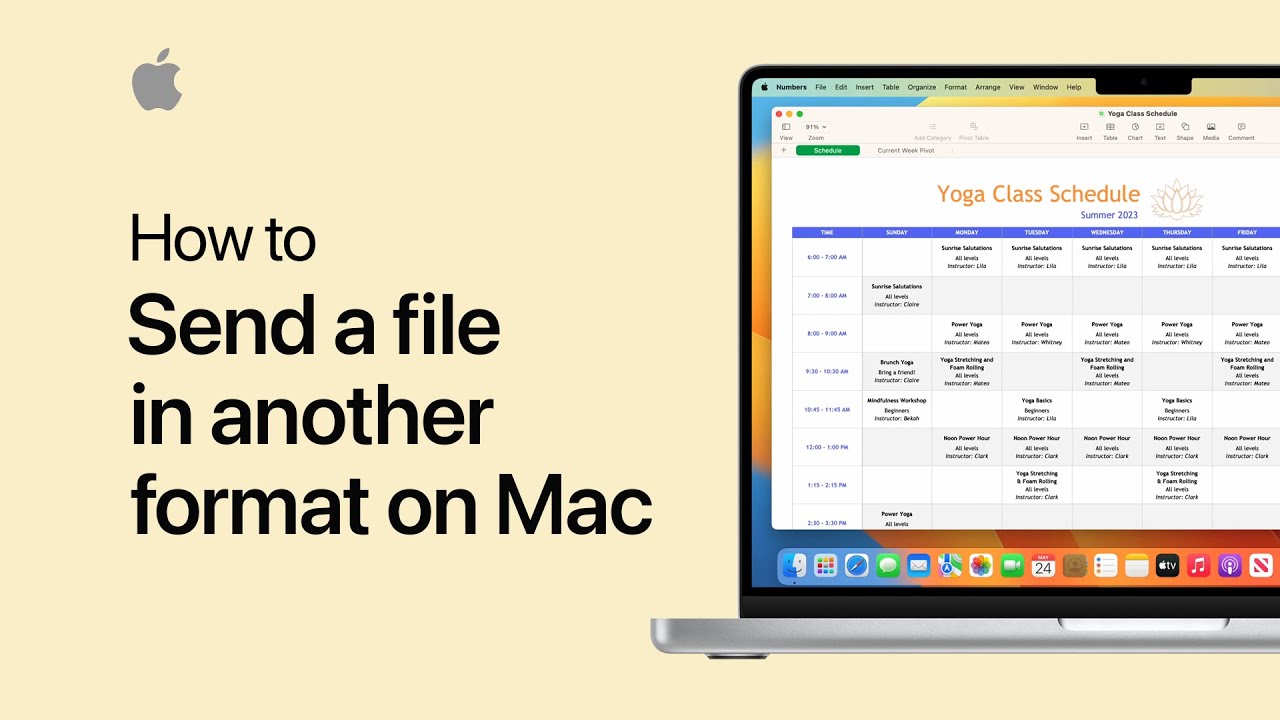
To export your Numbers, Pages, and Keynote files in different formats for easy sharing, first open the file on your Mac. Click “Share” in the toolbar and select “Export and Send.” You’ll be able to choose a file format, such as PDF, by clicking on an option. After selecting the format, click “Send a Copy” to decide how you want to send the file. You can choose from various options, such as Mail. Once you’ve made your selection, your document will be ready to send. This process allows you to easily share your work with others in the desired format.
Summary:
– To export Numbers, Pages, and Keynote files in various formats, open the file on your Mac.
– Click “Share” in the toolbar, then choose “Export and Send.”
– Select your preferred file format, such as PDF.
– Click “Send a Copy” and choose how you want to send it, such as via Mail.
– Your document will be ready to send in the selected format.