
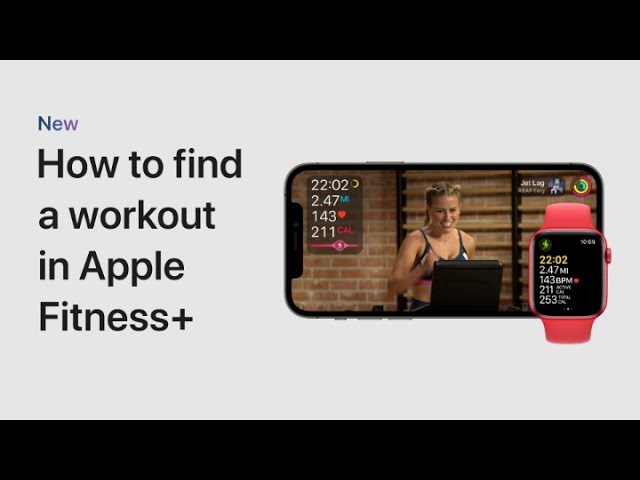
To find the perfect workout with an Apple Fitness+ subscription, start by opening the Fitness app and tapping the Fitness+ tab to browse various workouts and programs. Scroll through the list at the top to select a workout type, such as Dance. To narrow your search, tap Filter and choose options like trainer, workout duration, or music style, such as 20 minutes and Hip-Hop/R&B. Tap Done to view the filtered results, then select a workout and tap Preview for a sneak peek. When you’re ready, tap Let’s Go, and then play the workout on your iPhone or Apple Watch to start exercising.
Summary:
– Open the Fitness app and go to the Fitness+ tab.
– Browse or filter workouts by type, trainer, duration, or music style.
– Tap a workout and select Preview for a sneak peek.
– Tap Let’s Go to prepare for the workout.
– Start the workout by tapping play on your iPhone or Apple Watch.