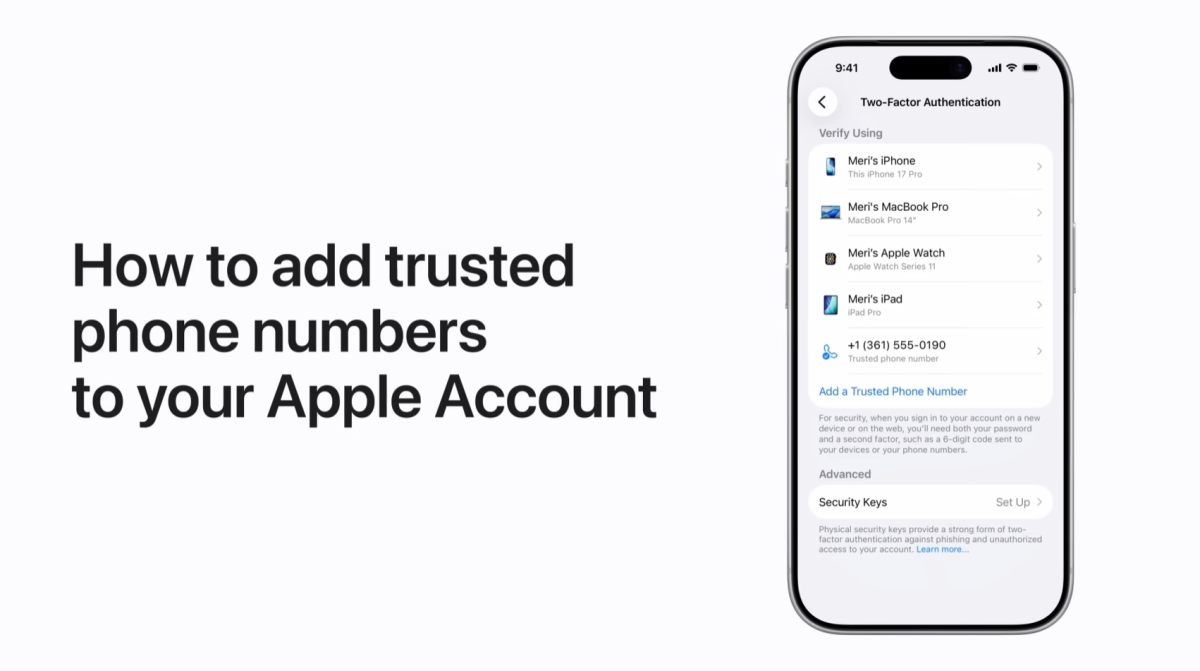
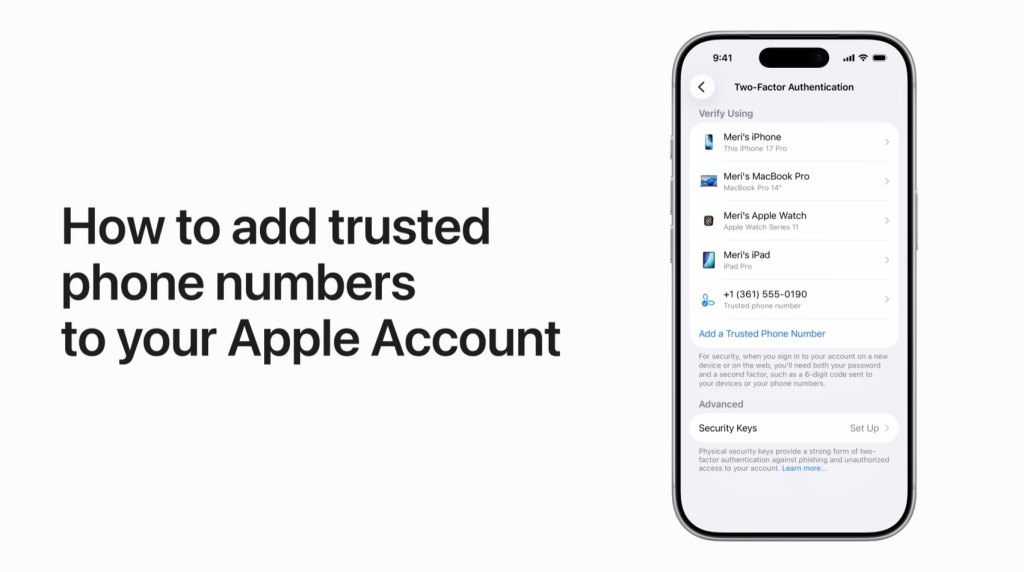
I will show you how to add an extra trusted phone number to your Apple Account on iPhone. First, understand that a trusted phone number helps verify your identity when you sign in on a new device or browser, and you can add more than one as backup. Next, open Settings and tap your name. Then tap Sign In & Security, choose Two Factor Authentication, and under the list of devices and phone numbers tap Add a Trusted Phone Number. Verify with Face ID, Touch ID, or device passcode, follow the prompts to confirm the number, and you are finished.
- Purpose: Add a backup trusted phone number to help verify your identity on new devices or browsers.
- Open Settings → tap your name → Sign In & Security → Two Factor Authentication.
- Under devices and phone numbers, select Add a Trusted Phone Number.
- Verify with Face ID, Touch ID, or passcode and follow on‑screen prompts to confirm.
- Done: the new number will receive verification codes if needed.